6.1 Transfer Methods
6-1
6
Transfer with V8
6 Transfer with V8
This chapter explains the procedure for transferring the screen data between MONITOUCH and the
editor.
6.1 Transfer Methods
Data can be transferred between MONITOUCH and the computer installed with the editor via a card or
while these two are connected with a cable.
List of Transfer Methods
*1 Available only when the communication I/F unit “CU-03-3” is mounted.
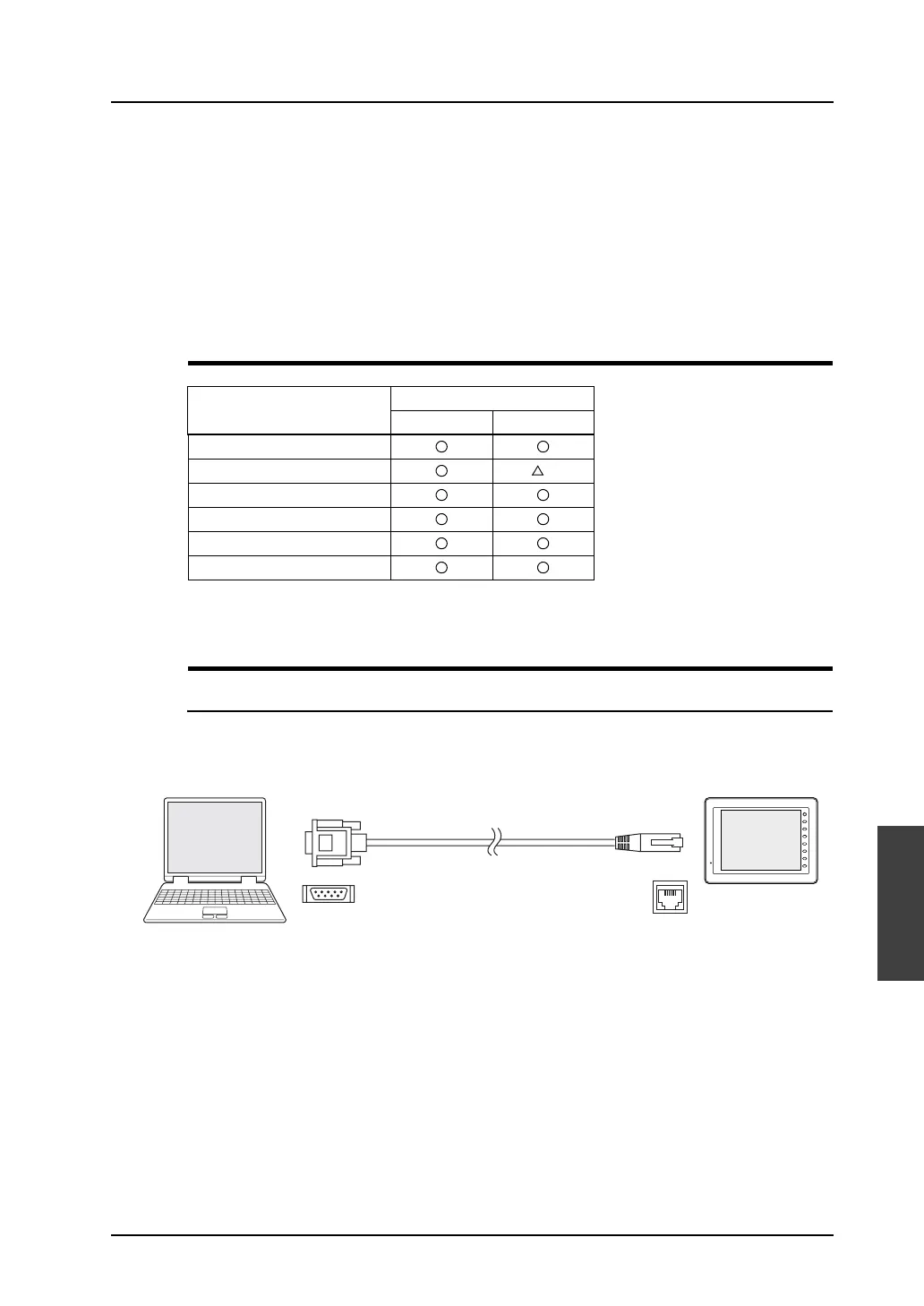
Using a Communication Cable
V-CP (Serial Port)
Connect MJ1 (modular jack for transfer) of MONITOUCH and the computer using Hakko Electronics’
data transfer cable “V-CP.”
When the USB port is provided on the computer instead of the D-sub 9-pin serial interface, use a USB
→ D-sub 9-pin serial converter which is commercially available.
For transfer procedure, refer to page 6-10.
Transfer Method
Model
V8i V8
V-CP
Ethernet
*1
USB
CF card
Memory card (CREC)
Modem
D-sub 9pin
V-CP
F 1
F 2
F 3
F 4
F 5
F 6
F 7
SYSTEM
8pin
MJ1
V8 series
Computer
Modular



 To Next Page