7.1 Overview
7-4
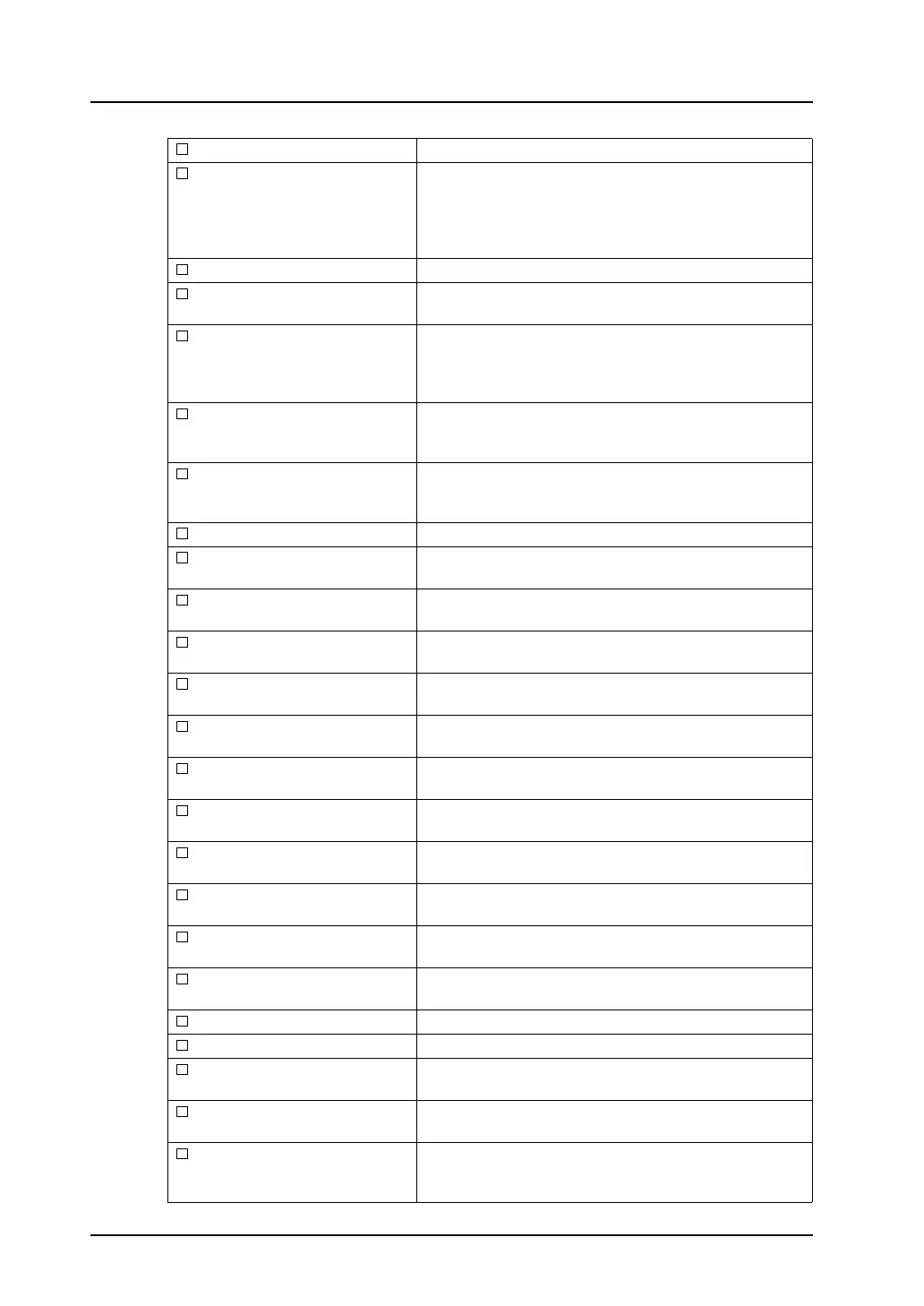
System Setting Check this option to print the system setting data.
Net Table (PLC) This option becomes active when [Mitsubishi: Net10],
[Omron: SYSMACCS1/CJ1DNA] or [Omron:
SYSMACCS1/CJ1 DNA (Ethernet)] is selected for the PLC
model. Check this option to print the registered network
table.
Net Table (Ethernet) Check this option to print the network table for Ethernet.
Device Memory Map Check this option to print the contents of the device memory
map, selected through the [Output Setting] button.
Modbus Slave Table
(0 to 255)
This option becomes active when Modbus slave
communication is used. Check this option to print out the
memory table (Modbus table) used for Modbus slave
communication.
MR400 Format (Call) (0 to 128) This option becomes active when Sato’s barcode printer
MR-400 is connected. Check this option to print the
contents registered in [MR400 Format (Call)].
MR400 Format (Register)
(1 to 128)
This option becomes active when Sato’s barcode printer
MR-400 is connected. Check this option to print the
contents registered in [MR400 Format (Register)].
Screen (0 to 1023) Check this option to print the screen.
Message (0 to 127) Check this option to print the contents registered in
[Message] selected from the [Registration Item] menu.
Macro Block (0 to 1023) Check this option to print the contents registered in [Macro
Block] selected from the [Registration Item] menu.
Graphic Library
(0: 0 to 9: 255)
Check this option to print the contents registered in [Graphic
Library] selected from the [Registration Item] menu.
Overlap Library
(0 to 1023)
Check this option to print the contents registered in [Overlap
Library] selected from the [Registration Item] menu.
Screen Library
(0 to 1023)
Check this option to print the contents registered in [Screen
Library] selected from the [Registration Item] menu.
Data Block (0 to 1023) Check this option to print the contents registered in [Data
Block] selected from the [Registration Item] menu.
Pattern (0 to 1023) Check this option to print the contents registered in [Pattern]
selected from the [Registration Item] menu.
Data Sheet (0 to 1023) Check this option to print the contents registered in [Data
Sheet] selected from the [Registration Item] menu.
Page Block (0 to 1023) Check this option to print the contents registered in [Page
Block] selected from the [Registration Item] menu.
Direct Block (0 to 1023) Check this option to print the contents registered in [Direct
Block] selected from the [Registration Item] menu.
Screen Block (0 to 1023) Check this option to print the contents registered in [Screen
Block] selected from the [Registration Item] menu.
Tile Check this option to print the tile pattern.
Ex. Character Check this option to print external characters.
Animation (0 to 1023) Check this option to print the contents registered in
[Animation] selected from the [Registration Item] menu.
Comment (Group) (0 to 255) Check when printing the contents registered in [Comment]
selected from the [Registration Item] menu.
Multi-Language This option becomes active when [2] or more is specified for
[Interface Languages] in the [Font Setting] menu.
Check this option to print the multi-language editing window.



 To Next Page