8.4 Item List
8-52
Display of the Item Dialog
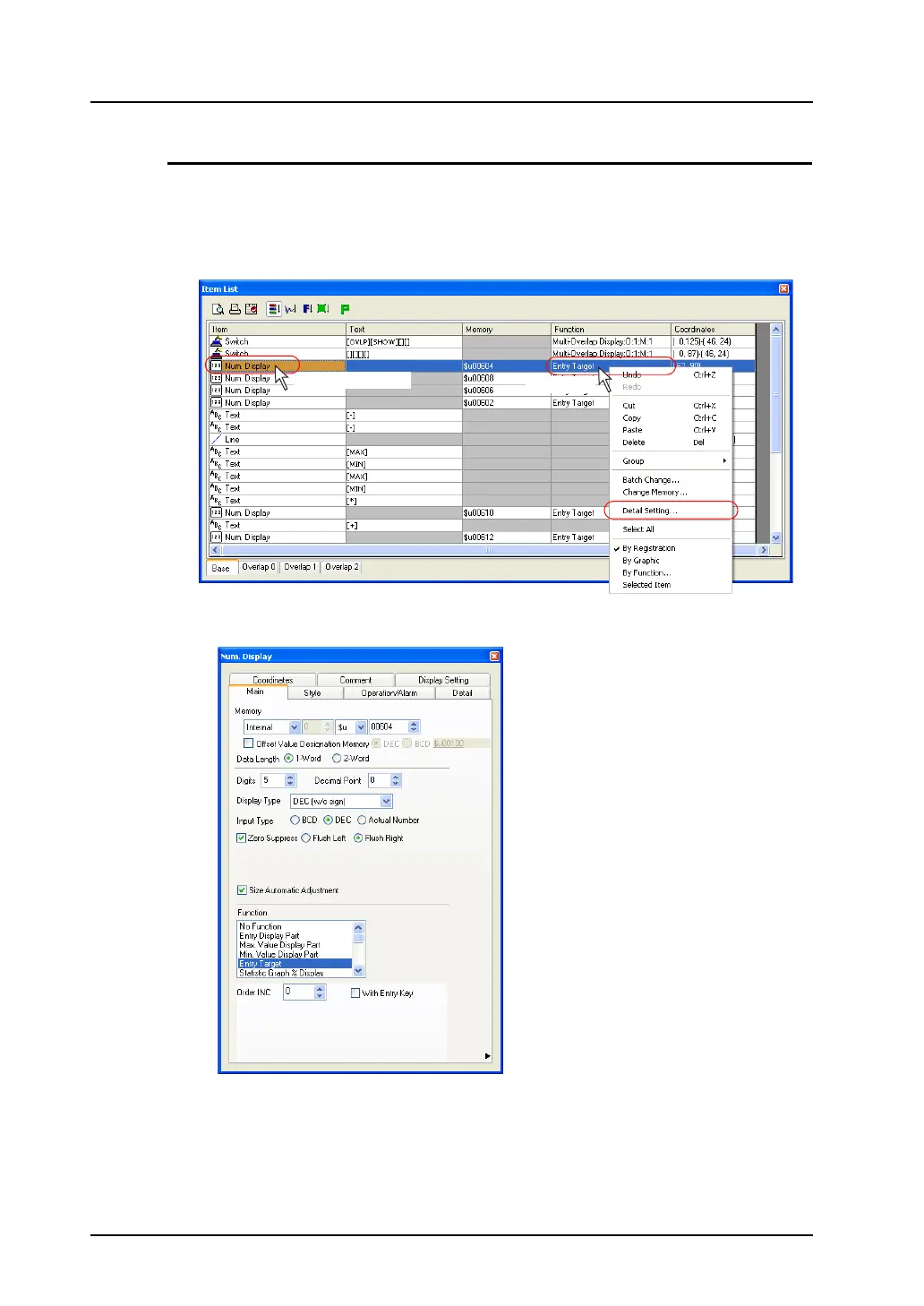
Changes to item settings, except for [Text], [Memory], and [Coordinates], can be made from the item
dialog.
1. Double-click the [Item] or [Function] cell of your desired item or click [Detail Setting] in the
right-click menu of the item.
2. The item dialog is displayed. Make necessary changes in the dialog.
Double-click.
Right-click.



 To Next Page