4.3 Drawing Methods
4-48
Pattern
This command is used to place a pattern registered in the pattern edit area on the screen.
For multi-language screens, pattern numbers are selectable on a language-by-language basis.
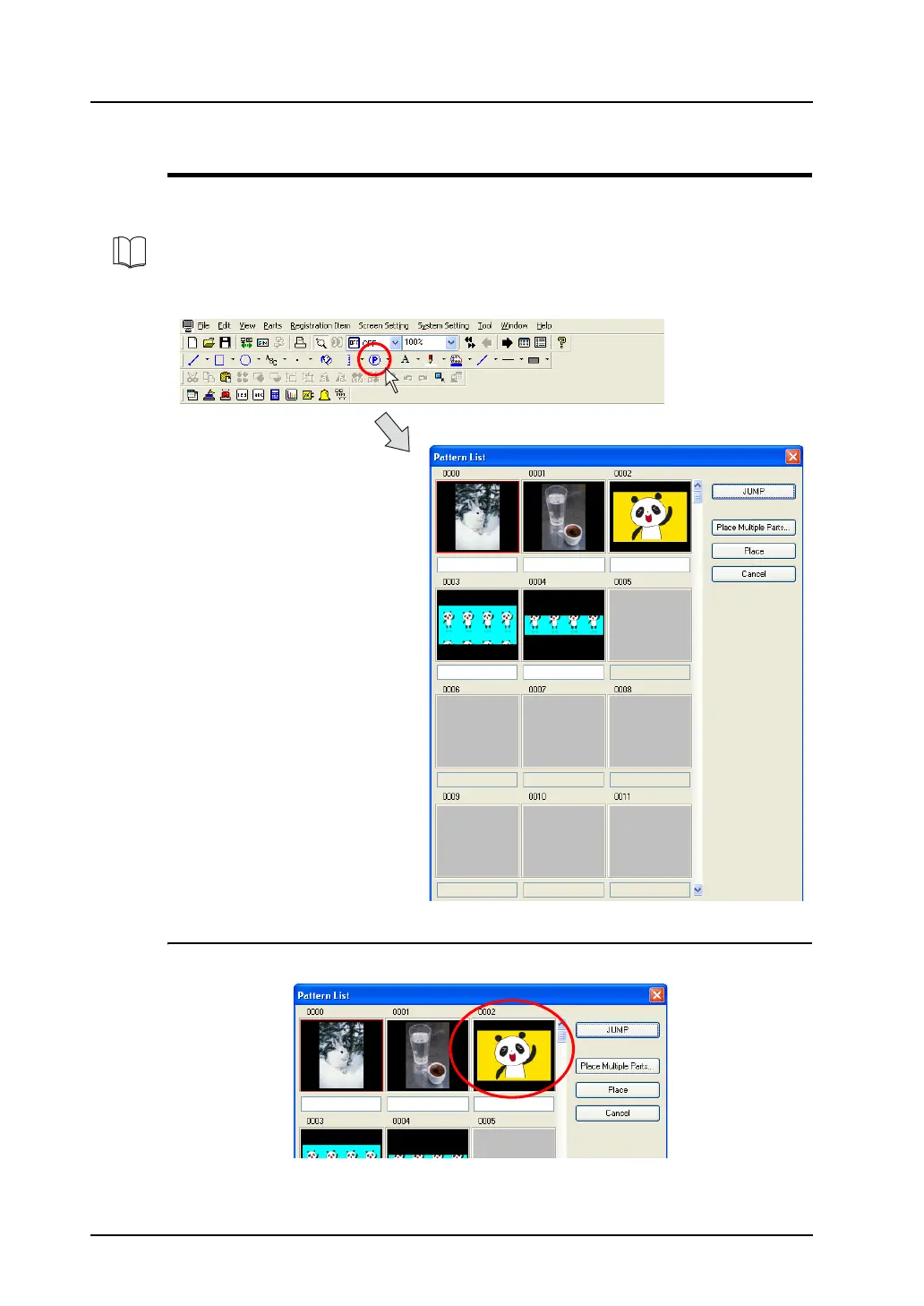
Clicking the [Pattern] icon brings up the following pattern list window.
Placing Patterns
1. In the [Pattern List] window, click the desired pattern.
For pattern registration and pattern edit area, refer to “5.10 Pattern” (page 5-39).



 To Next Page