4.4 Graphic Properties Setting
4-58
4.4 Graphic Properties Setting
Graphic properties can be set in each item dialog.
How to Display the Item Dialog
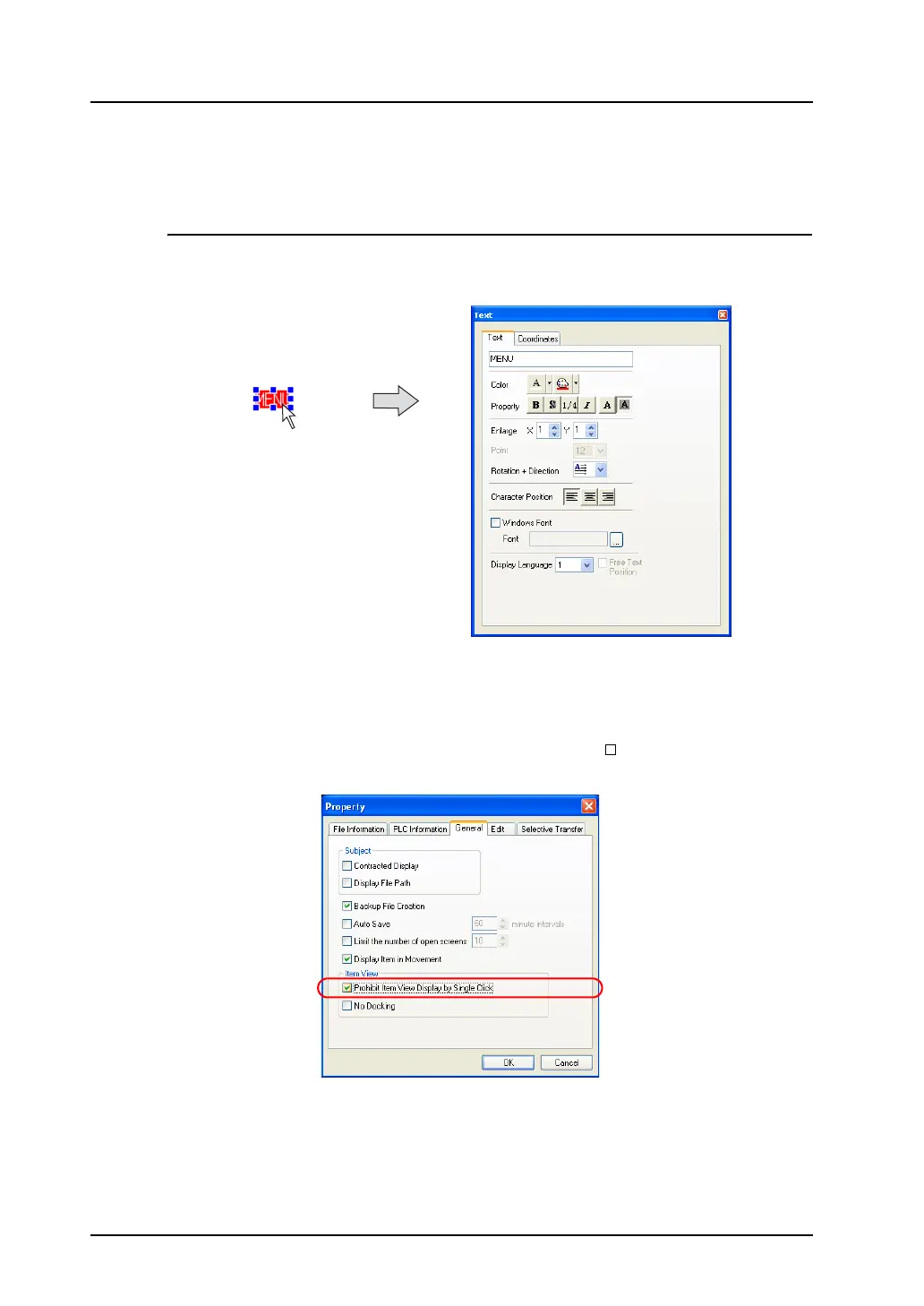
Display by clicking
As default, clicking on the item brings up the corresponding item dialog.
For more information on operating the item dialog, refer to “2.3 Menu Item [View]” (page 2-11).
Display by double-clicking
It is also possible to display the item dialog by double-clicking on the item.
Click [File] → [Property] and open the [General] tab window. Check [ Prohibit Item View Display by
Single Click].
The item dialog is displayed by double-clicking the mouse instead of single clicking.
Click.



 To Next Page