8.7 Other Functions in the [Tool] Menu
8-72
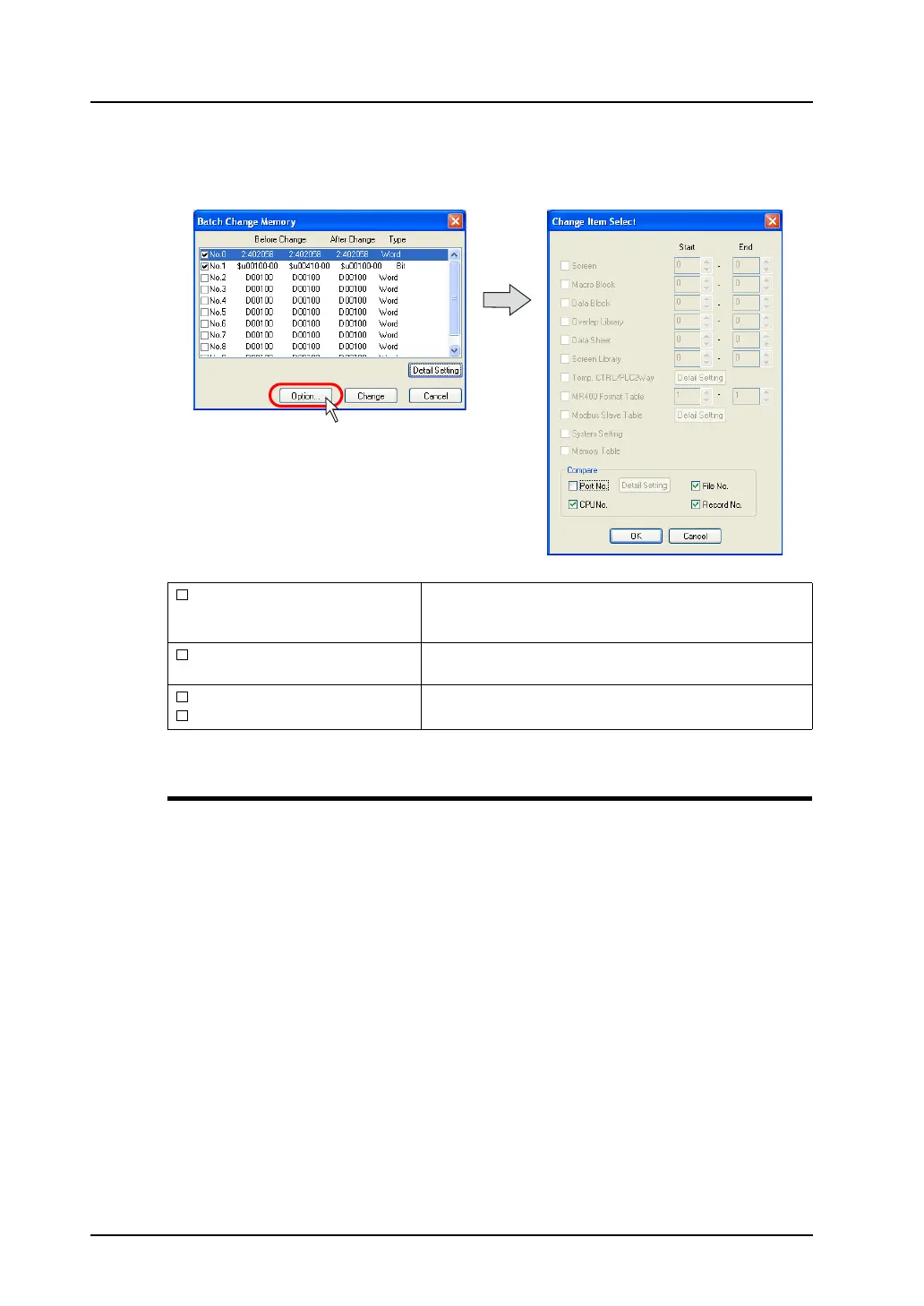
Option setting
Clicking the [Option] button in the [Batch Memory Change] dialog brings up the following [Change Item
Select] dialog.
Windows Font Change All/List/Registration
These menus are available when Windows fonts are used.
For more information, refer to “Windows Font” (page A1-29) in “Appendix 1 Font”.
Port No.
This option is valid when [1:n] (multi-drop) is selected for
[Connection Mode]. Check this option to include the port
numbers of PLC1 - PLC8 in targets for memory change.
CPU No.
Check this option when a CPU number is set for the
connected device.
File No.
Record No.
Check these options to include memory card addresses in
targets for memory change.



 To Next Page