Parts Editing
A3-10
Data Display
Data display parts include numerical data display, character display, and message display parts.
Structure
Procedure
This section explains the procedure for editing a numerical data display part. The same explanation
applies to character and message display parts.
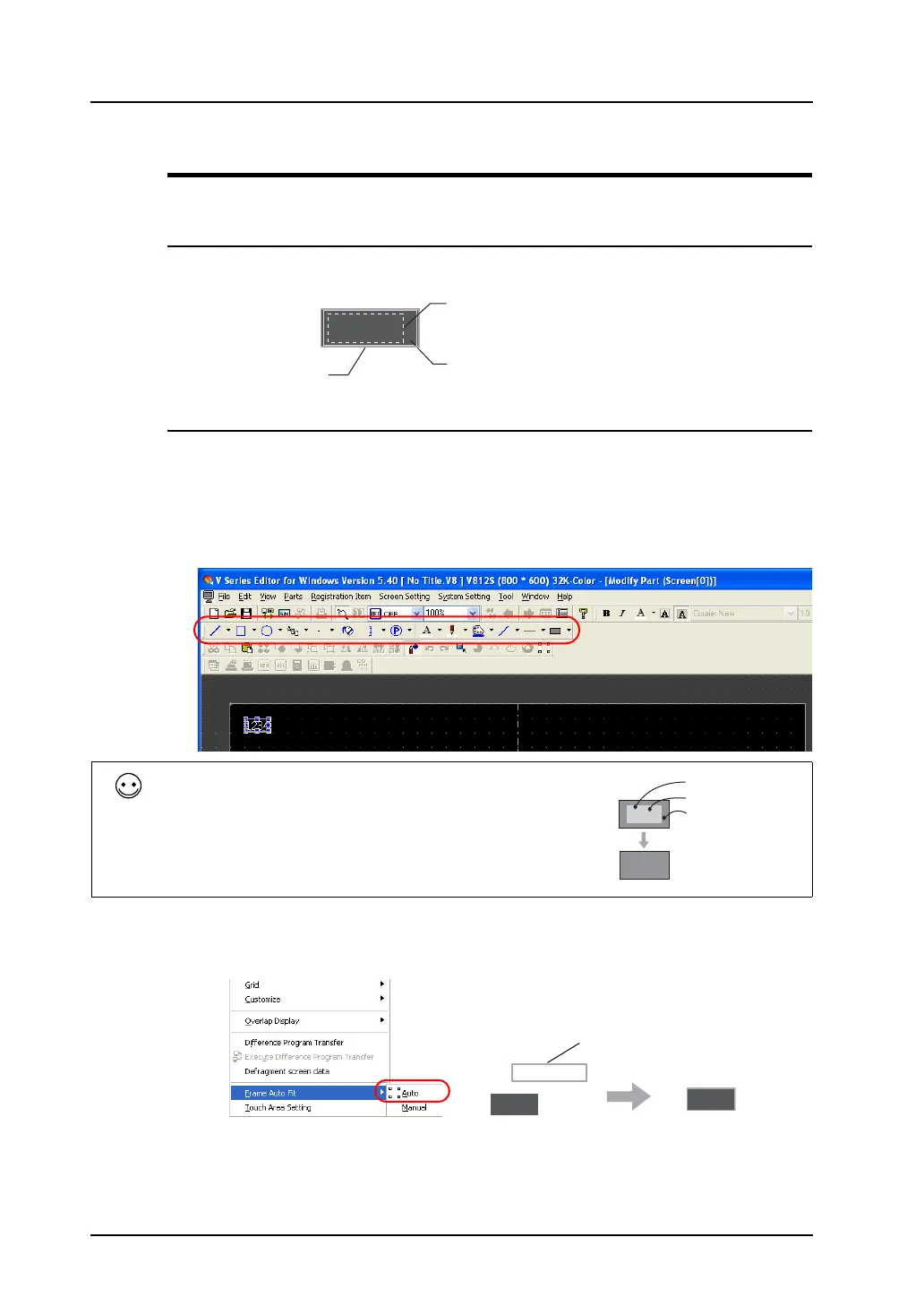
1. Select the numerical data display you wish to edit, and open the [Modify Part] window.
2. Using drawing icons, etc., edit its design as desired.
For editing procedure with icons, refer to “4 Drawing” page 4-1.
3. On completion of editing, click [Frame Auto Fit] in the right-click menu.
For more information on the frame and its setting method, refer to “Re-setting the frame” (page
A3-9).
4. Go back to the base screen.
1234
Frame (part area)
Graphic data
Part basic area
Ex.) Numerical data display
For a numerical data display part with a painted box as its
background, taking steps as the following is recommended: in the
[Style] tab window in the [Num. Display] dialog, select [Not
Transparent] and set [Background color] at [Color] to the color of the
painted box. If [Transparent] is checked, the numerical data display
part displayed on MONITOUCH will flicker at the time of display
value switching and will decrease in display speed.
1234
1234
Background color
Foreground color
Painted box
1234
1234
Frame



 To Next Page