Parts Editing
A3-17
A3
Parts Editing
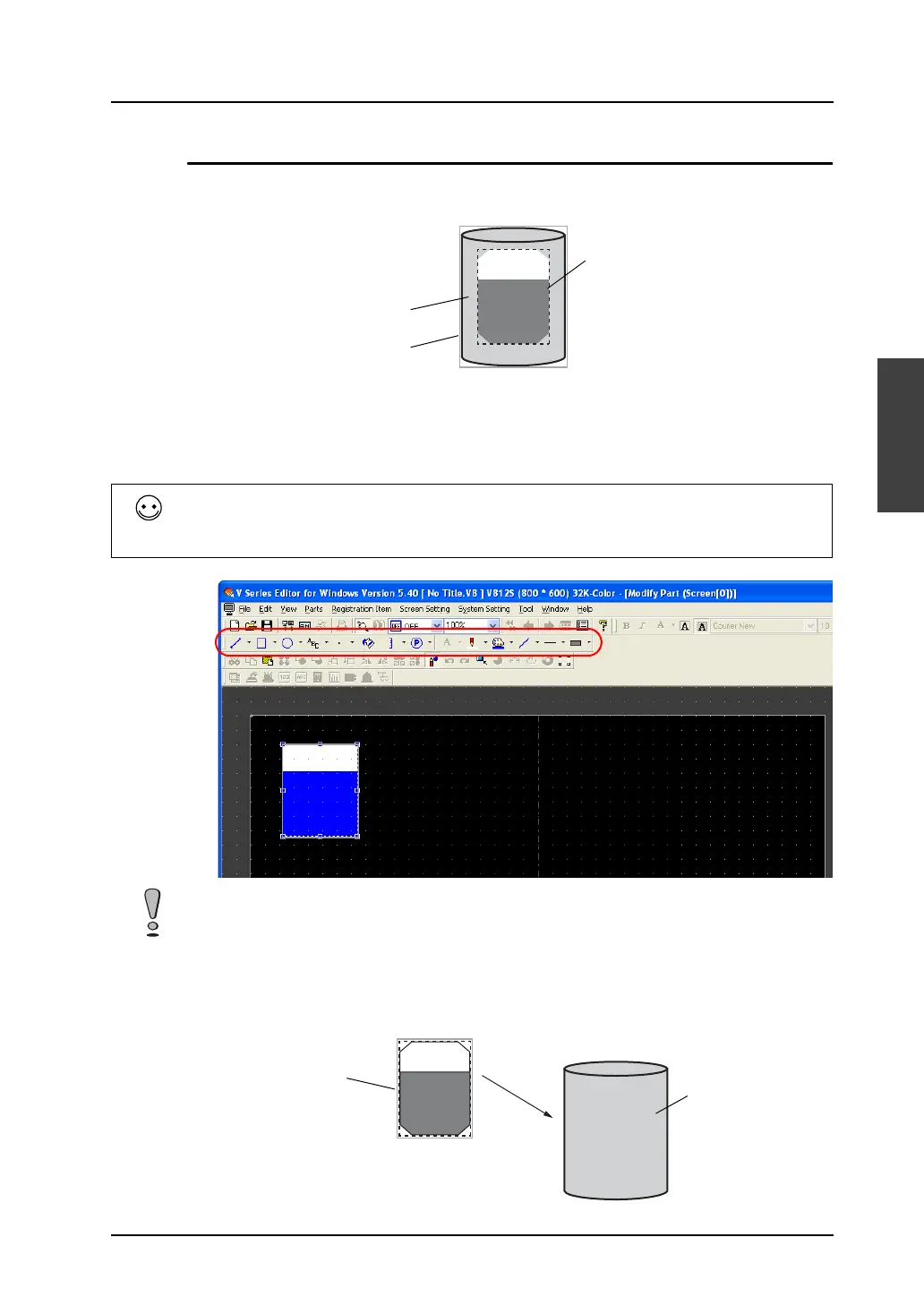
Closed Area Graph
Structure
Procedure
1. Select the closed area graph part you wish to edit, and open the [Modify Part] window.
2. Using drawing icons etc., edit its design as desired.
For editing procedure with icons, refer to “4 Drawing” page 4-1.
3. Proceed to the setting of the graph area in the dotted frame (= part basic area). The graph area
serves as a graph identifying area. Move the graph area (dotted frame) to the graphic you drew.
Adjust the graph area appropriately while dragging the handle.
Graphic data
Part basic area
Frame (part area)
Tools useful for drawing
• “Grid Setting” page 3-4
• “Item List Window” page 8-46
The maximum size of a closed area graph is 65,536 bytes (height x width).
(32,768 bytes for the models V806i and V806)
Graph area
(Part basic area)
Graphic
Move.
The perimeter is drawn
with continuous lines.



 To Next Page