3.8 Useful Functions for Screen Editing
3-112
Selection Environment Setting
Mouse-selectable items can be designated.
Setting Method
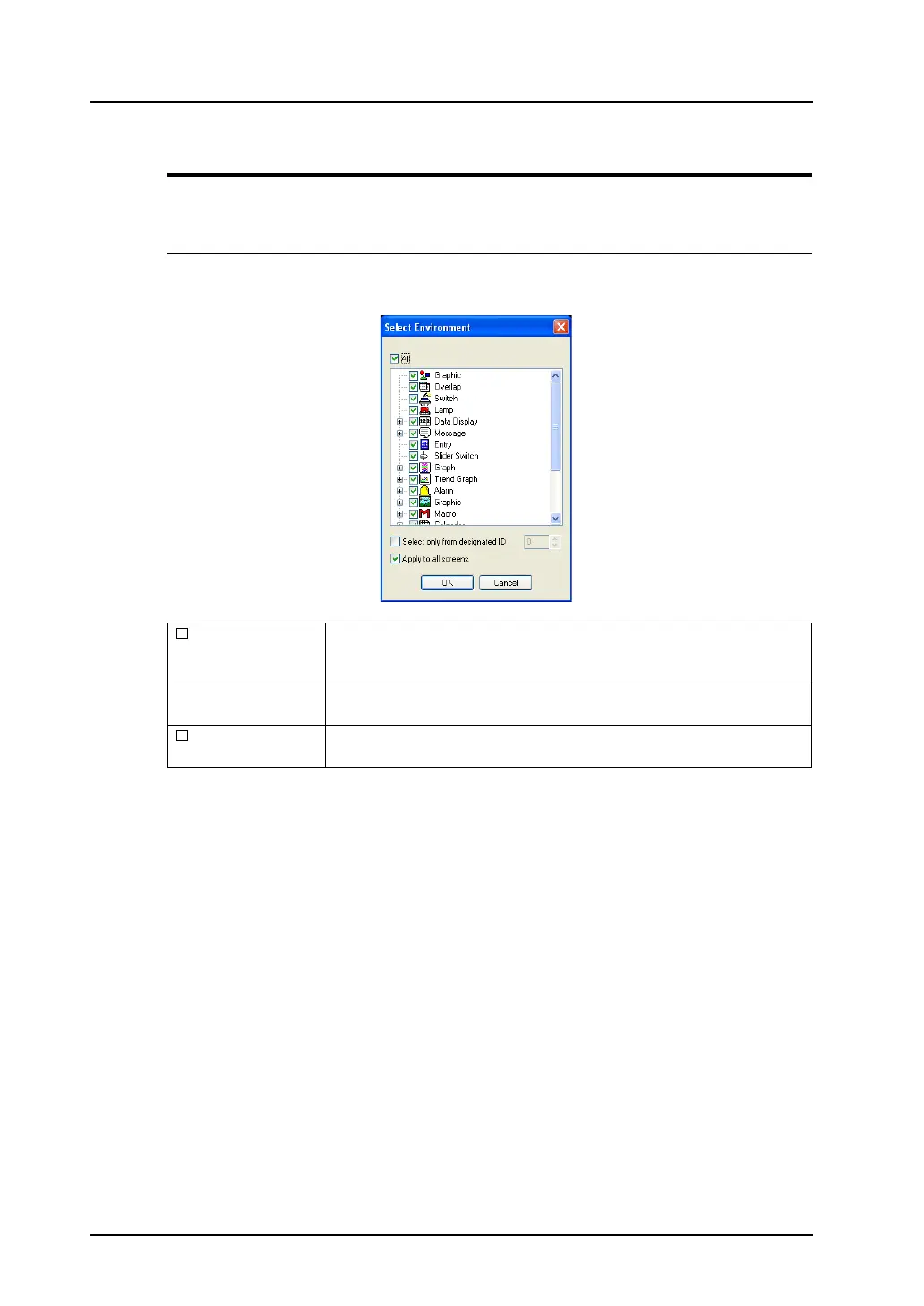
Click [Edit] → [Selection Environment Setting].
The [Select Environment] dialog is displayed.
All When this option is checked, all options are checked as selectable with the
mouse.
When this option is unchecked, you can check only the desired options.
(Individual check
boxes)
When any box is checked, the item becomes selectable with the mouse.
You may check two or more boxes.
Select only from
designated ID
When this option is checked, ID setting is enabled.
Only the specified ID becomes selectable with the mouse.



 To Next Page