8.1 Simulator
8-12
Quitting
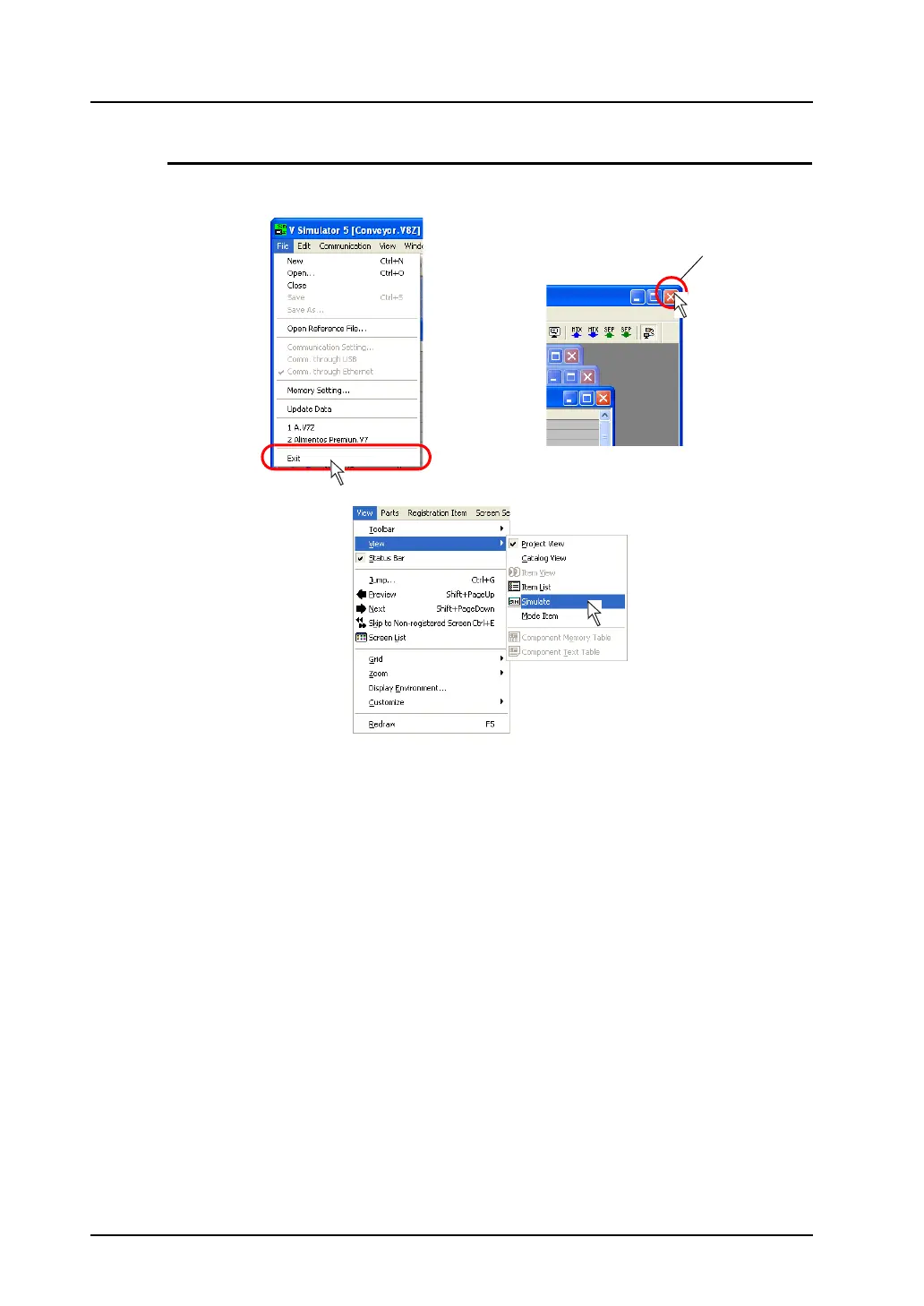
1. On Simulator, click [File] → [Exit], or click the close button. On V-SFT alternatively, click [View] →
[View] → [Simulate]. The menu item [Simulate] being depressed is reset.
2. Exit from Simulator.
Simulator terminates the communication with MONITOUCH. MONITOUCH is then brought to a
state of “SIM Communication Error Simulator Not Connected”.
[Close] button
OR
OR



 To Next Page