3.6 Parts
3-53
3
Screen Editing
3. Click the mouse in an arbitrary position on the screen. The alarm logging part selected in step 2. is
displayed.
From Catalog View
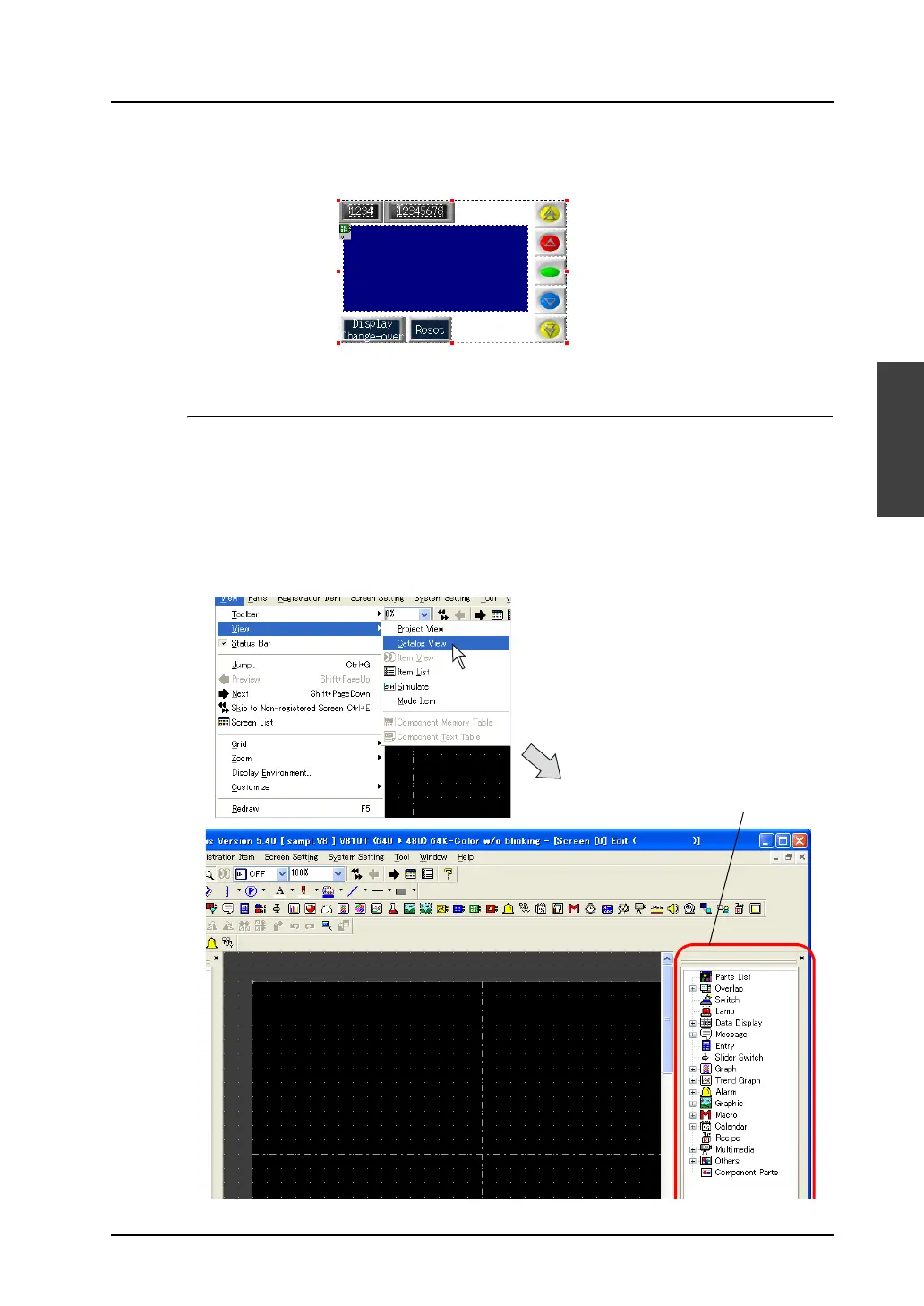
What is “Catalog View”?
This is the window which displays each part in a tree-structured form.
The window can be displayed as a part of the editor because it is a list-view window style.
Placement procedure (e.g. numerical data display)
1. Bring up Catalog View on the screen.
Click [View] → [View] → [Catalog View].
Catalog View is displayed.
Catalog View



 To Next Page