8.4 Item List
8-46
Item List Window
Configuration
1. 2. 3. 4. 5.
7.
6.
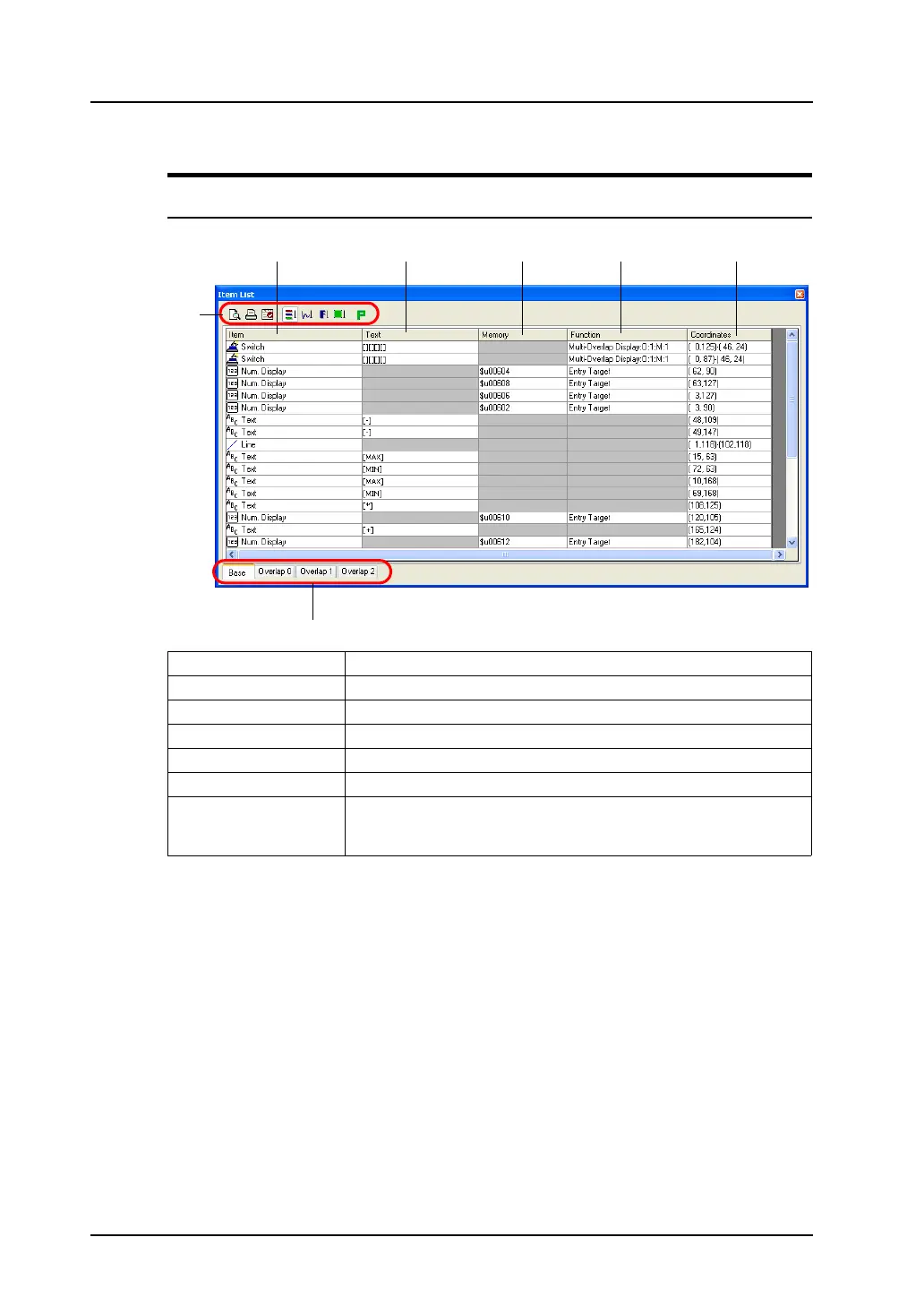
1. Item Displays item name.
2. Text Displays the text given to switch, lamp, or text items.
3. Memory Displays the memory address assigned to the item.
4. Function Displays the function of the item.
5. Coordinates Displays the coordinates of the item placed.
6. Icon menu Refer to the next page.
7. Tab window There are four tab windows; [Base], [Overlap 0], [Overlap 1] and
[Overlap 2].
Displays items registered in each area.



 To Next Page