2.2 Menu Bar
2-4
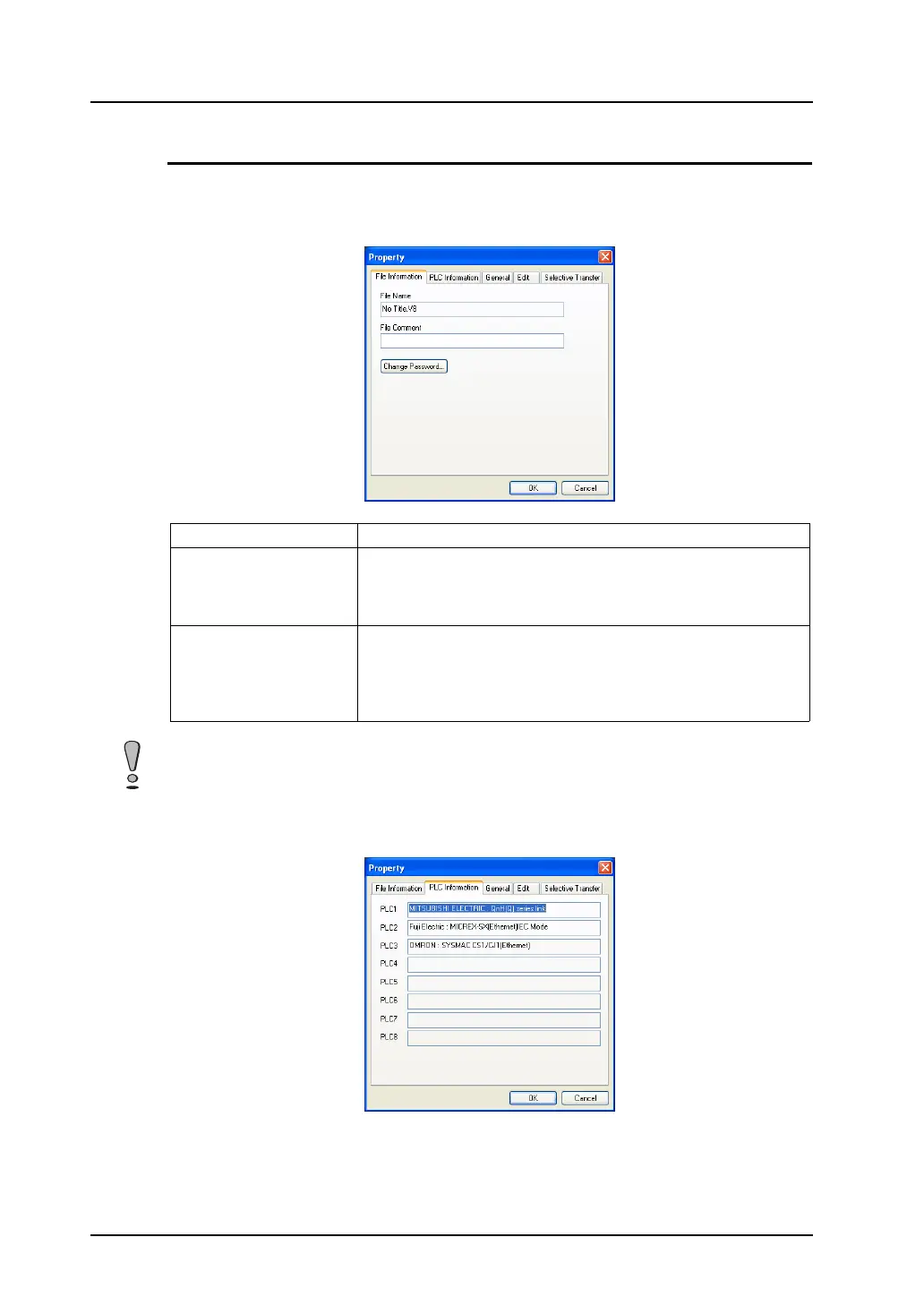
[Property] Dialog
Select [Property] from the [File] menu. The [Property] dialog is displayed.
[File Information] tab window
[PLC Information] tab window
This dialog shows the device names designated as PLC1 to PLC8 in the [Device Connection Setting]
dialog.
File Name Displays the screen data file name.
File Comment
(16 one-byte characters/8
two-byte characters max.)
The comment for the current screen data file can be entered.
The comment entered will be transferred together with the screen
data file to MONITOUCH, and will be displayed on the Main Menu
screen.
Change Password
(6 one-byte alphanumeric
characters max.)
It is possible to prohibit the screen data from opening. Once the
password is set here, you are requested to give the password
anytime when opening the file or displaying the data loaded from
MONITOUCH. A password ensures security against unauthorized
access.
Manage the password on your own. Note that Hakko Electronics is not liable for any damages
resulting from lost or unknown passwords.



 To Next Page