2.2 Menu Bar
2-5
2
Editor
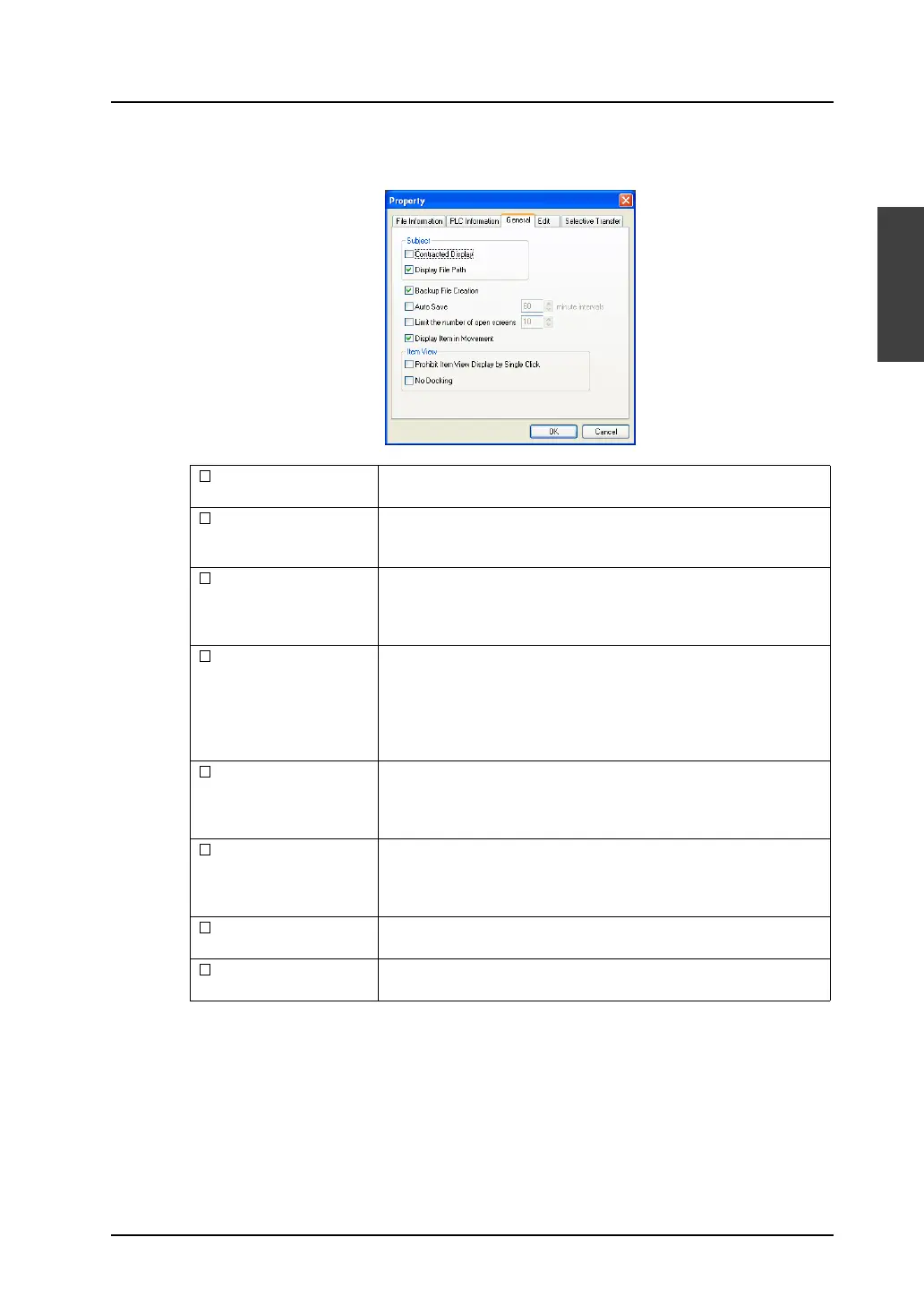
[General] tab window
Set the editing environment.
Contracted Display * Check this box when you prefer short window title displayed on top of
the editor.
Display File Path * Check this box to display the path of the screen data file on the title
displayed on top of the editor.
When this box is unchecked, the path is not displayed.
Backup File Creation Check this box to create a backup file (with extension “*.bak”) when
saving a screen data file. (Data previously saved is saved as a
backup file, which is separate from the saved data.) If not necessary,
remove the check mark.
Auto Save Check this box to save the screen data file automatically at regular
intervals (setting range: 10 to 60 minutes).
For a new file, a name should be given when the file is auto-saved for
the first time.
* The auto-save function does not work when the macro editing
window or the message window is opened.
Limit the number of
open screens
Check this box to set the number of windows to be opened during the
editor is running.
When this box is unchecked, you can open as many windows as
possible.
Display Item in
Movement
Check this box to display parts graphically on the editor during
movement.
When this box is unchecked, a dotted box showing the part size is
displayed instead.
Prohibit Item View
Display by Single Click
Check this box to bring up the item dialog by double-clicking on the
part.
No Docking Check this box to prevent item dialogs from being inset into the
editing screen.



 To Next Page