3.8 Useful Functions for Screen Editing
3-105
3
Screen Editing
Put All in Same Size
This section, for example, explains how to resize different parts to the same width.
1. As shown below, select the placed parts at the same time. The reference item for alignment is
selected and has a blue handle.
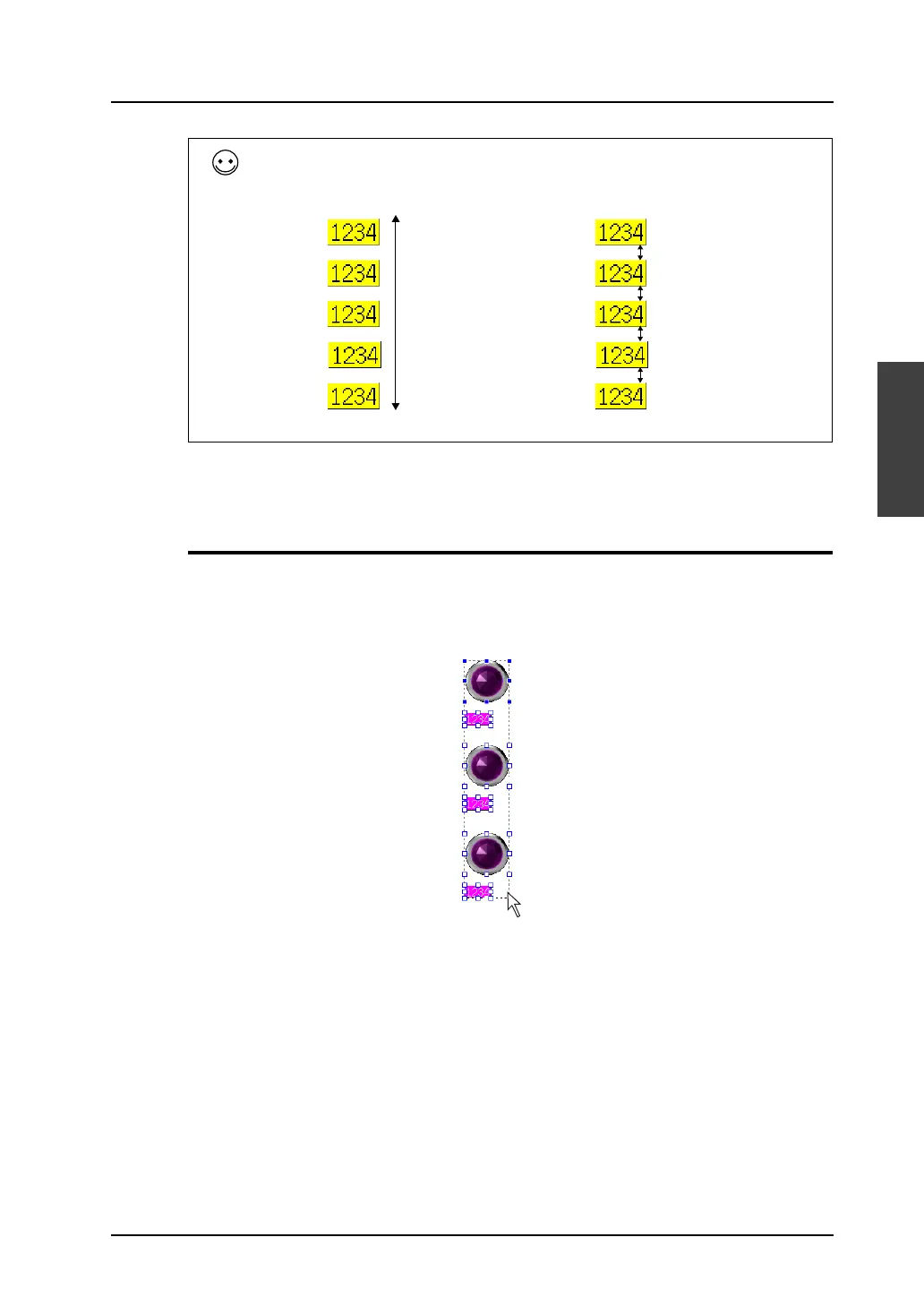
To arrange parts equally at the specified spacings, click [Vertical Align (Specified)]. (This specifies the
pitch size.)
[Vertical Align (Regular Spacing)] [Vertical Align (Specified)]
Arranged equally at an
equal spacing within
the selected area
Arranged equally at a
specified spacing



 To Next Page