8.2 Emulator
8-37
8
Useful Functions
Icon Menu
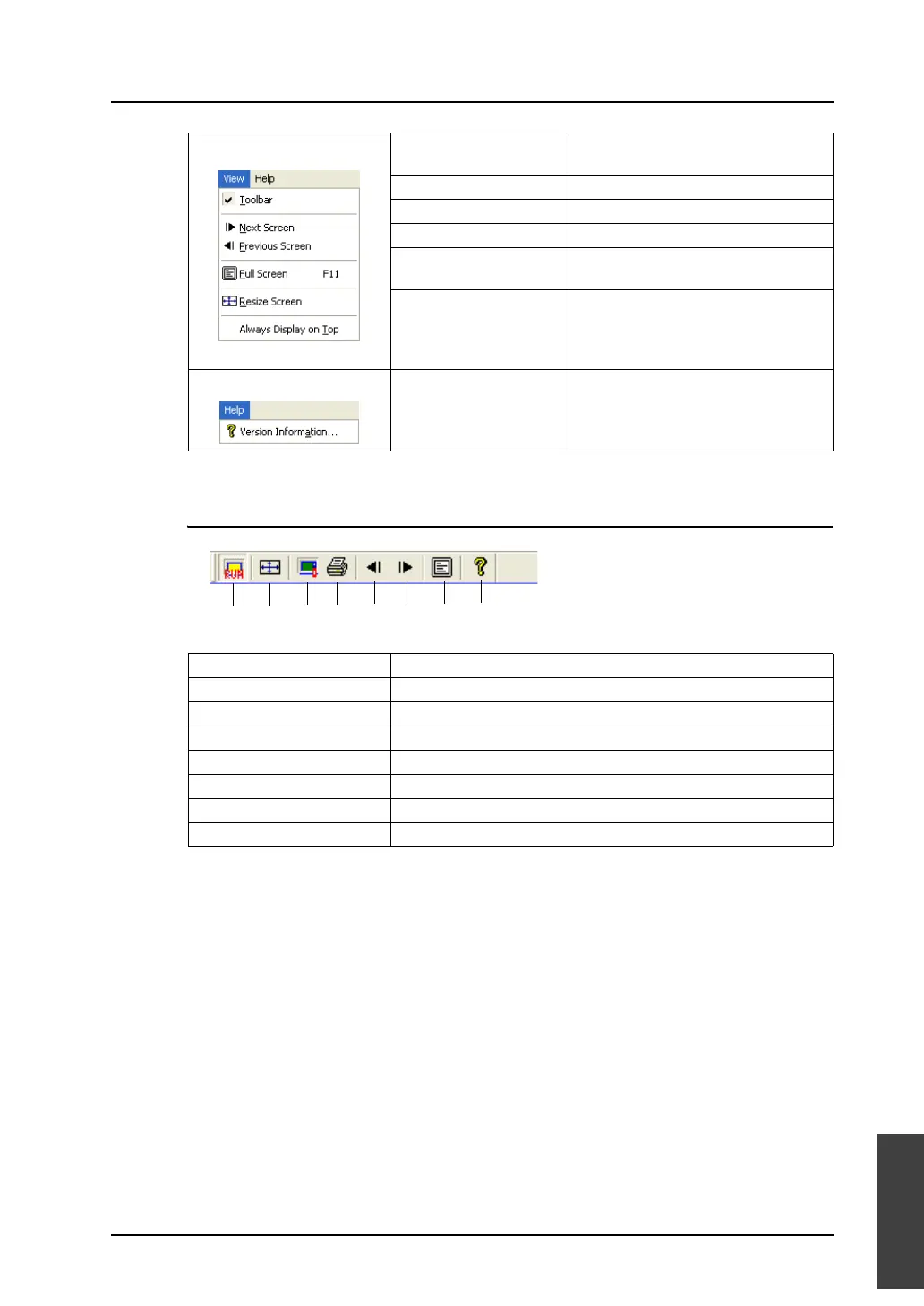
[View] menu Toolbar Displays the toolbar when this menu
item is checked.
Next Screen Displays the next screen.
Previous Screen Displays the previous screen.
Full Screen Maximizes the Emulator screen.
Resize Screen Resizes the Emulator screen to the
size set on V-SFT.
Always Display on Top Brings the Emulator screen to the top
all the time while multiple applications
are running.
[Help] menu Version Information Displays the version of Emulator.
1. RUN Switches the status of Emulator (RUN or STOP).
2. Resize Screen Resizes the Emulator screen to the size set on V-SFT.
3. Copy Image to Clipboard Copies Emulator screen image to the clipboard.
4. Hard Copy Prints Emulator screen image.
5. Previous Screen Displays the previous screen.
6. Next Screen Displays the next screen.
7. Full Screen Maximizes the Emulator screen.
8. Version Information Displays the version of Emulator.
1. 2. 3. 4. 5. 6. 7. 8.



 To Next Page