8.7 Other Functions in the [Tool] Menu
8-64
Error Check
The files can be checked for errors. If any error is found, its cause and remedies are displayed.
Operating Procedure
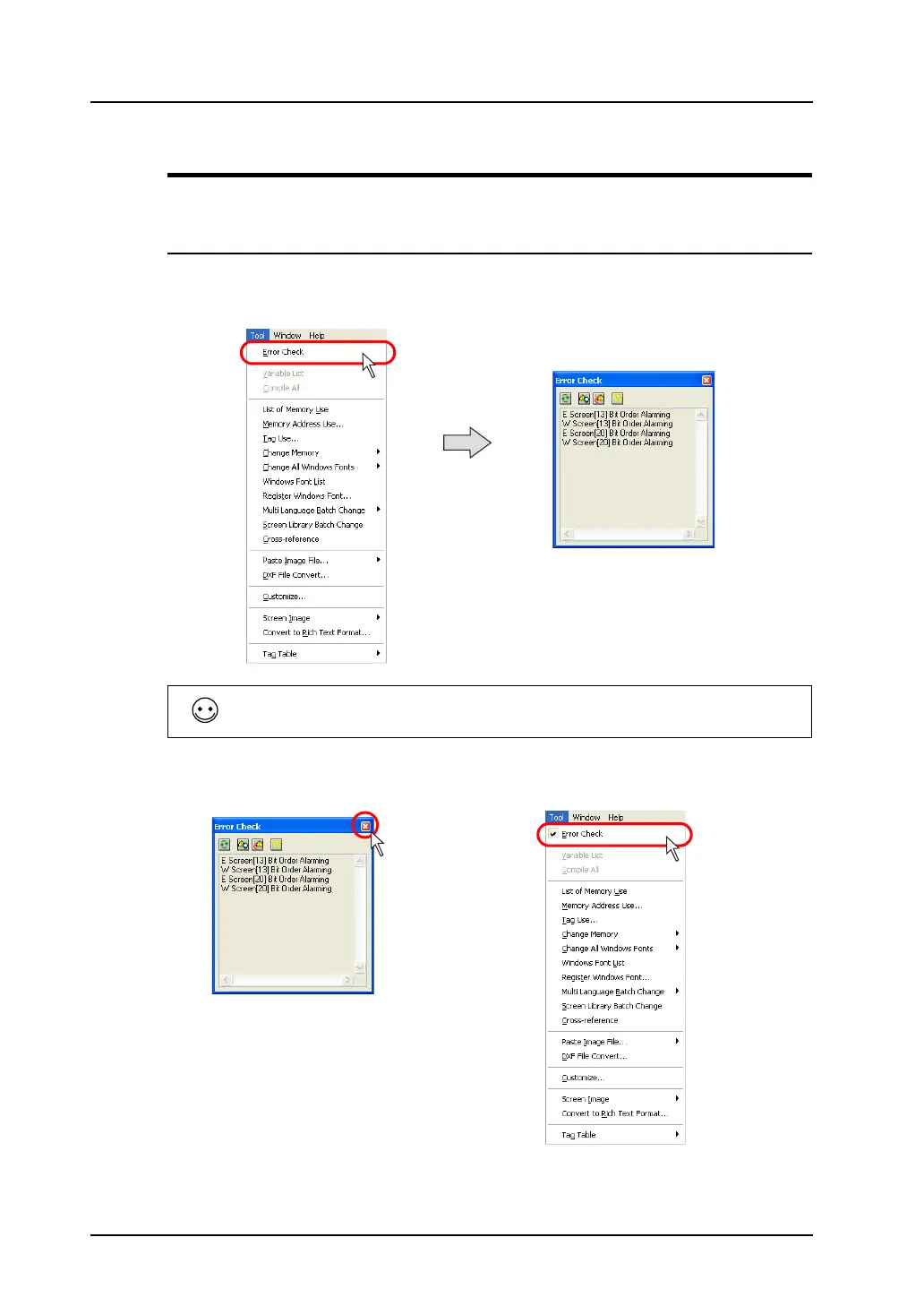
1. Select [Error Check] from the [Tool] menu.
2. The check result is indicated in the [Error Check] window.
3. To close this window, click the [×] (Close) button at the upper right, or the click the [Error Check] in
the [Tool] menu again to remove a check mark.
When no error is found, “No Error” is displayed.
OR



 To Next Page