4.3 Drawing Methods
4-54
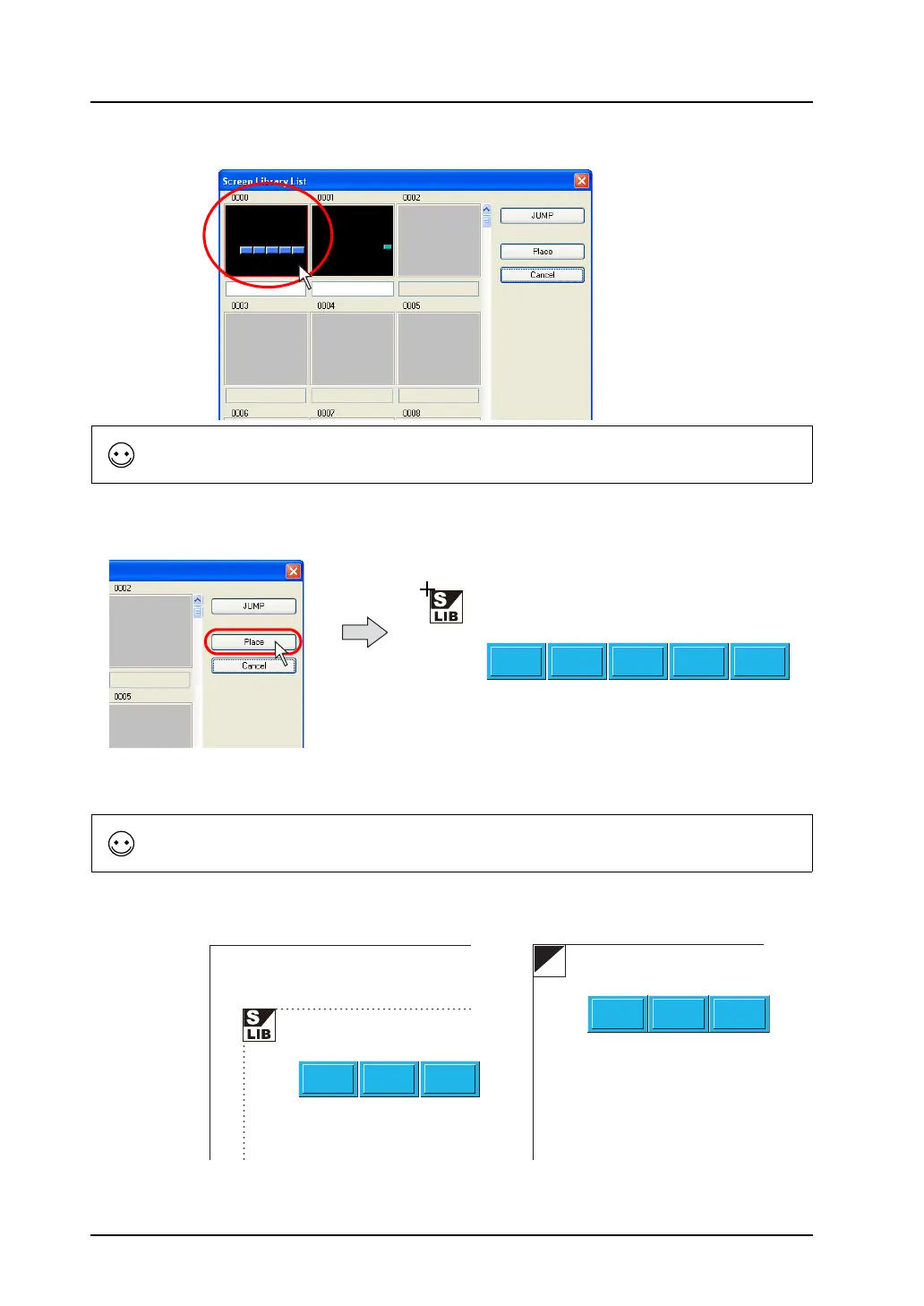
3. Click the desired library.
4. Click [Place].
The selected screen and the screen library icon is displayed along with the cursor.
5. Click the mouse in the desired position. The screen is placed with the [SLIB] mark at the clicked
position.
To call the desired library, click the [JUMP] button.
The reference position of placing a screen is the “offset” position on the screen library.
For more information on “offset,” refer to page 5-34.
OFF
“SLIB” position on the screen “OFF” position in screen library=



 To Next Page