8.7 Other Functions in the [Tool] Menu
8-66
Error Check Update The latest error information is displayed.
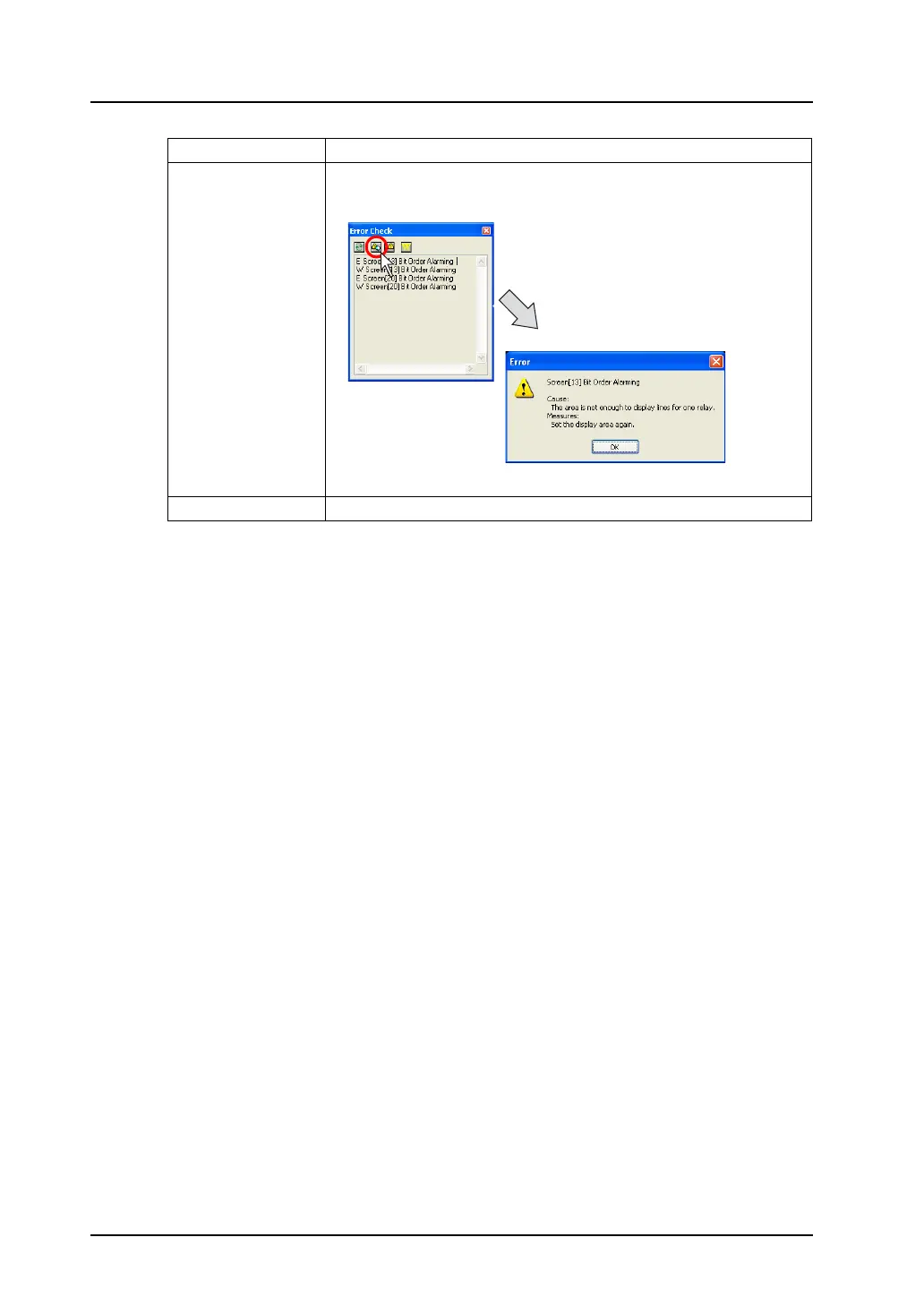
Error Details Clicking an error message in the list brings up a cursor. Then, click the
[Error Details] icon. The detail of the error is displayed.
Jump to Error Item It is possible to jump to the error occurring position.
Click the [Error Details] icon
while the cursor is displayed.



 To Next Page