3.8 Useful Functions for Screen Editing
3-110
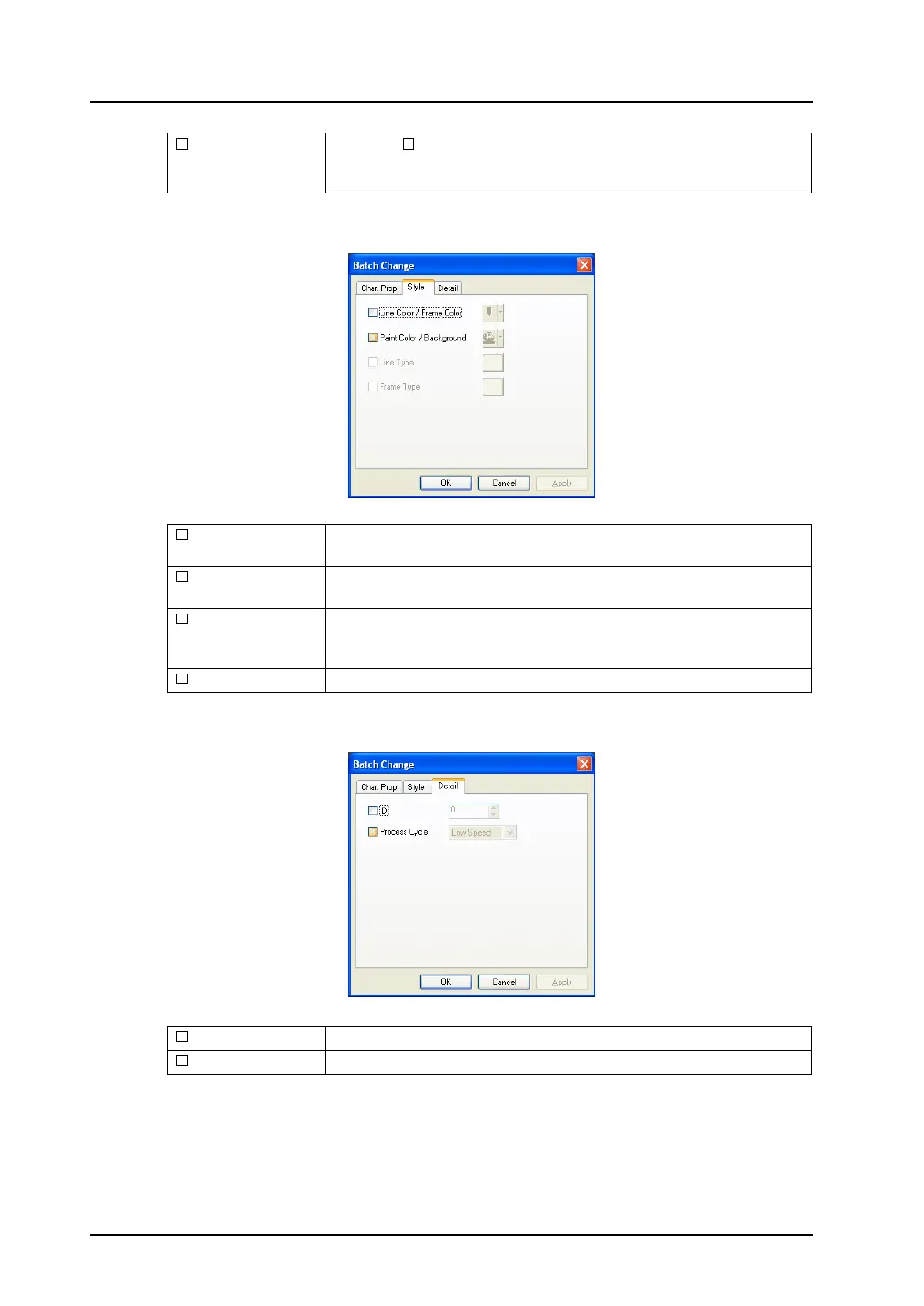
[Style] tab window
[Detail] tab window
Windows Font Checking [ Windows Font] enables changes to Windows fonts.
Windows font change can be made on a language-by-language basis by
switching the interface language on the screen.
Line Color/Frame
Color
Select the color of the graphic lines or frames.
Paint
Color/Background
Select the paint/background color of the graphics.
Line Type Select the line type of the graphics.
Depending on graphics, usable line types are limited. For more
information, refer to “Limitations on Line Styles” page 4-7.
Frame Type Select the frame type of the graphics.
ID Select the ID number of the graphics for batch change.
Process Cycle Select the process cycle of the graphics for batch change.



 To Next Page