8.3 Useful Tools for Creating a Manual
8-42
2. When the setting is completed, click [Execute].
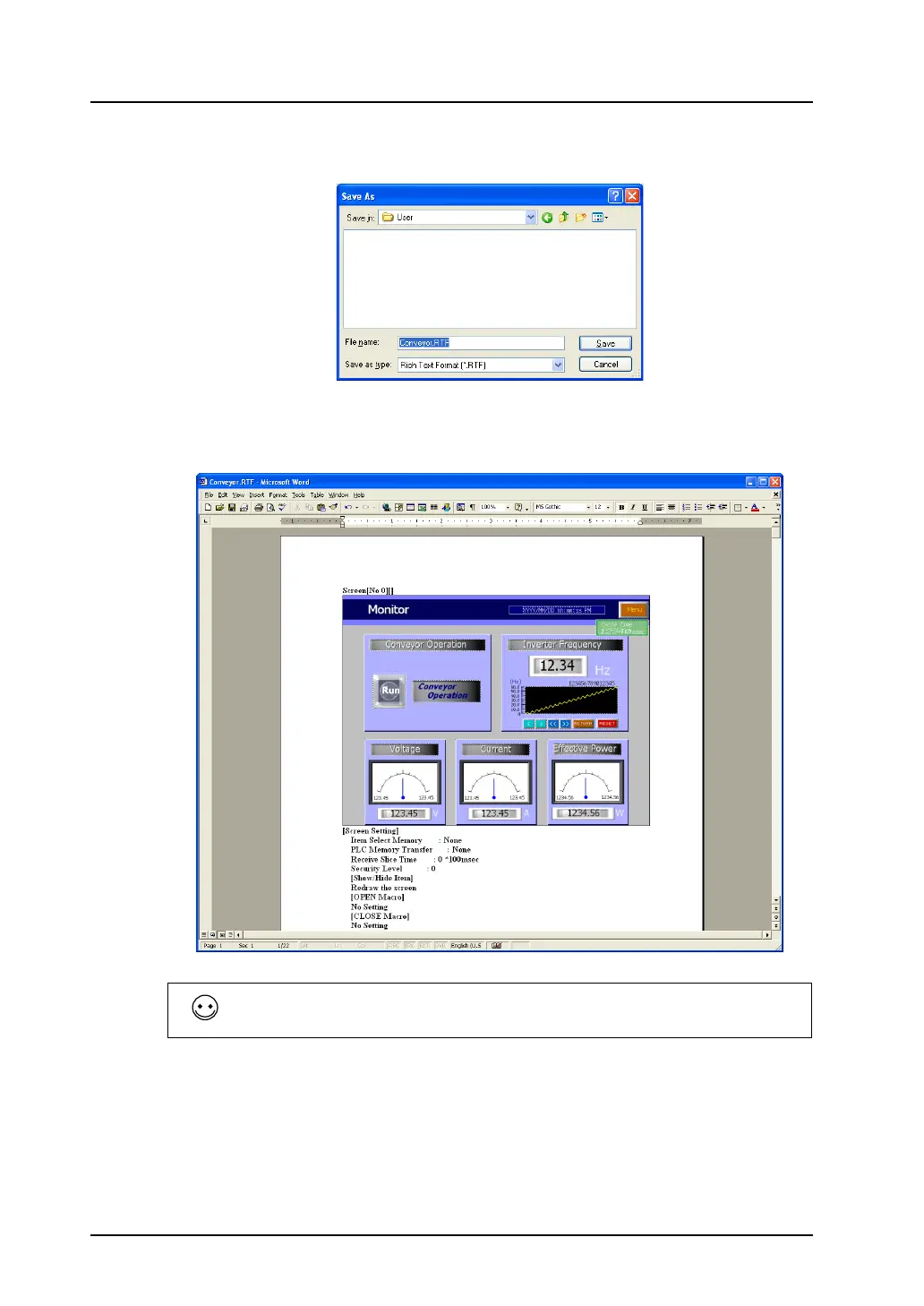
The following dialog is displayed:
3. Give a name to the file and save it to the desired place in Rich Text format.
4. The Rich Text file saved in step 3. can be opened in Word.
The file size of the Rich Text file made by the editor is much larger because it is not compressed. To
reduce the size, open the Rich Text file in Word, and save it as the normal document file (e.g. [.doc])
using the [Save As] command.



 To Next Page