3.3 Basic Operation
3-20
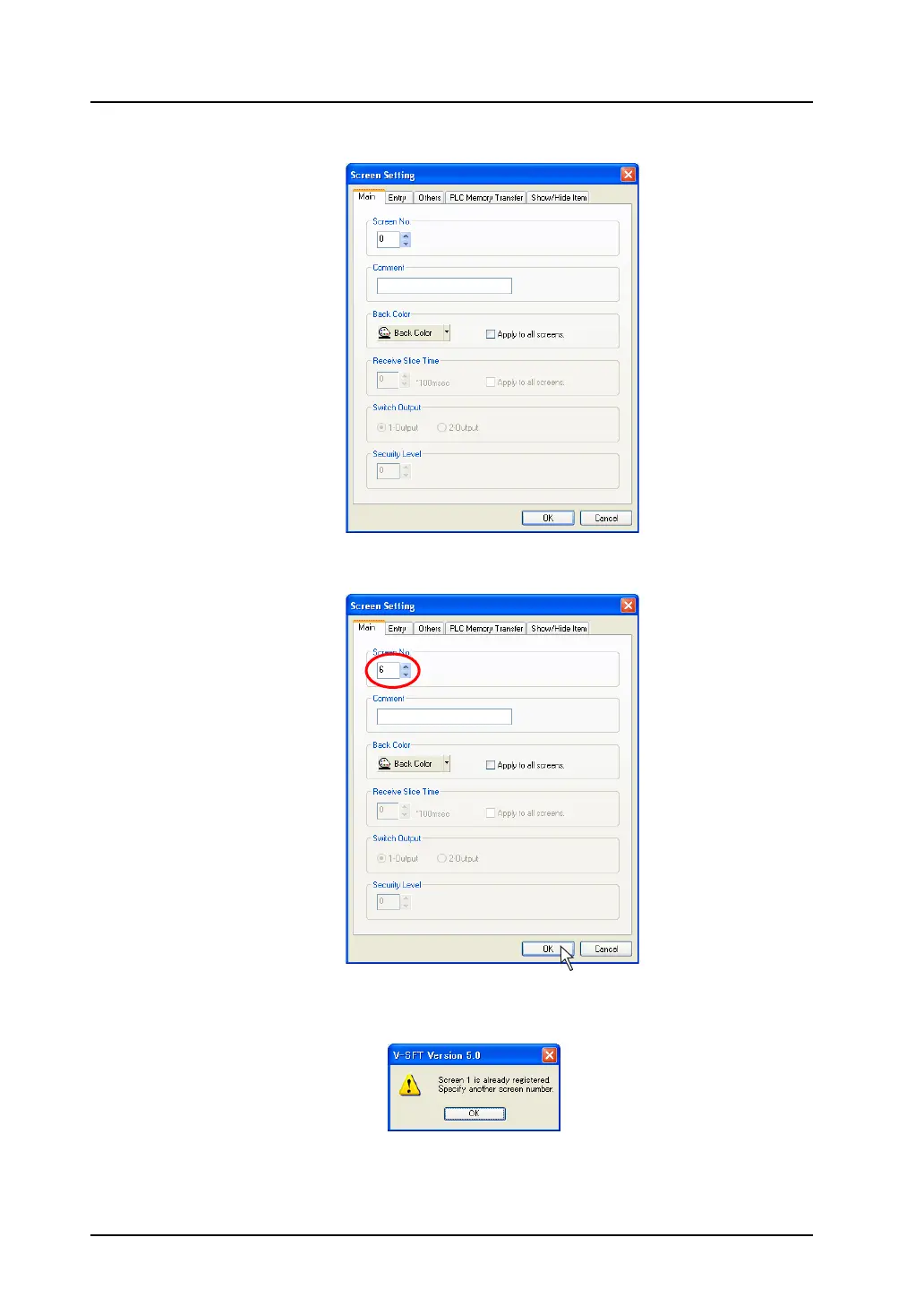
2. The [Screen Setting] dialog is displayed.
3. In the [Main] tab window, change the number for [Screen No.] to the unused number and click
[OK].
* You cannot specify a number that is already used.
If the number duplicates, the following alarm dialog appears.
Ex.) When specifying screen No. 1
when screen No. 1 already exists:



 To Next Page