3.4 Setting Menu
3-34
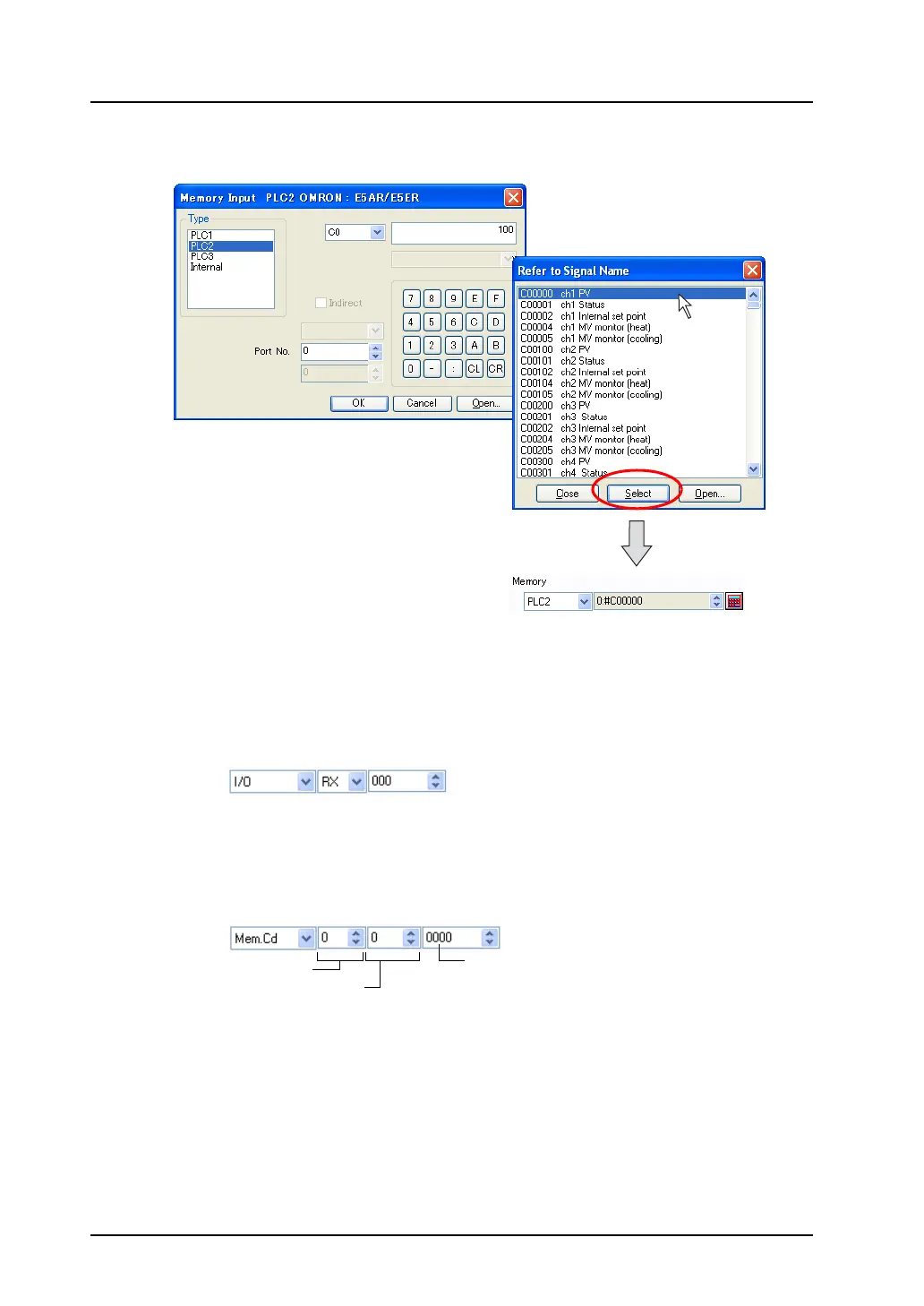
Select the desired address and click the [Select] button. The memory address is set and the former
setting dialog is displayed again.
[I/O Memory]
This memory is available when the I/O communications, such as CC-LINK, T-LINK or OPCN-1, etc., is
used.
[Memory Card]
This memory is available when [Type: Data File] is selected in the [Memory Card Setting] window
selected from the [System Setting] menu.
Specify the file number, record number and address in the record.
The selected address is displayed.
Click.
File number
Record number
Address



 To Next Page