6.4 Transfer Procedure (Using a Communication Cable)
6-17
6
Transfer with V8
6. Select [Serial Port] for [Communication Port].
7. For [Communication Port], select the port used for connecting V-CP on the computer.
(When using the USB-serial converter, select the COM port set for the USB port.)
8. Specify the baud rate for [Baud Rate].
[57600] bps is set as default. [115200] bps can be set depending on the computer.
Check the available rate, and specify its maximum.
9. When settings are completed, click [OK]. The former [Transfer] dialog is displayed again.
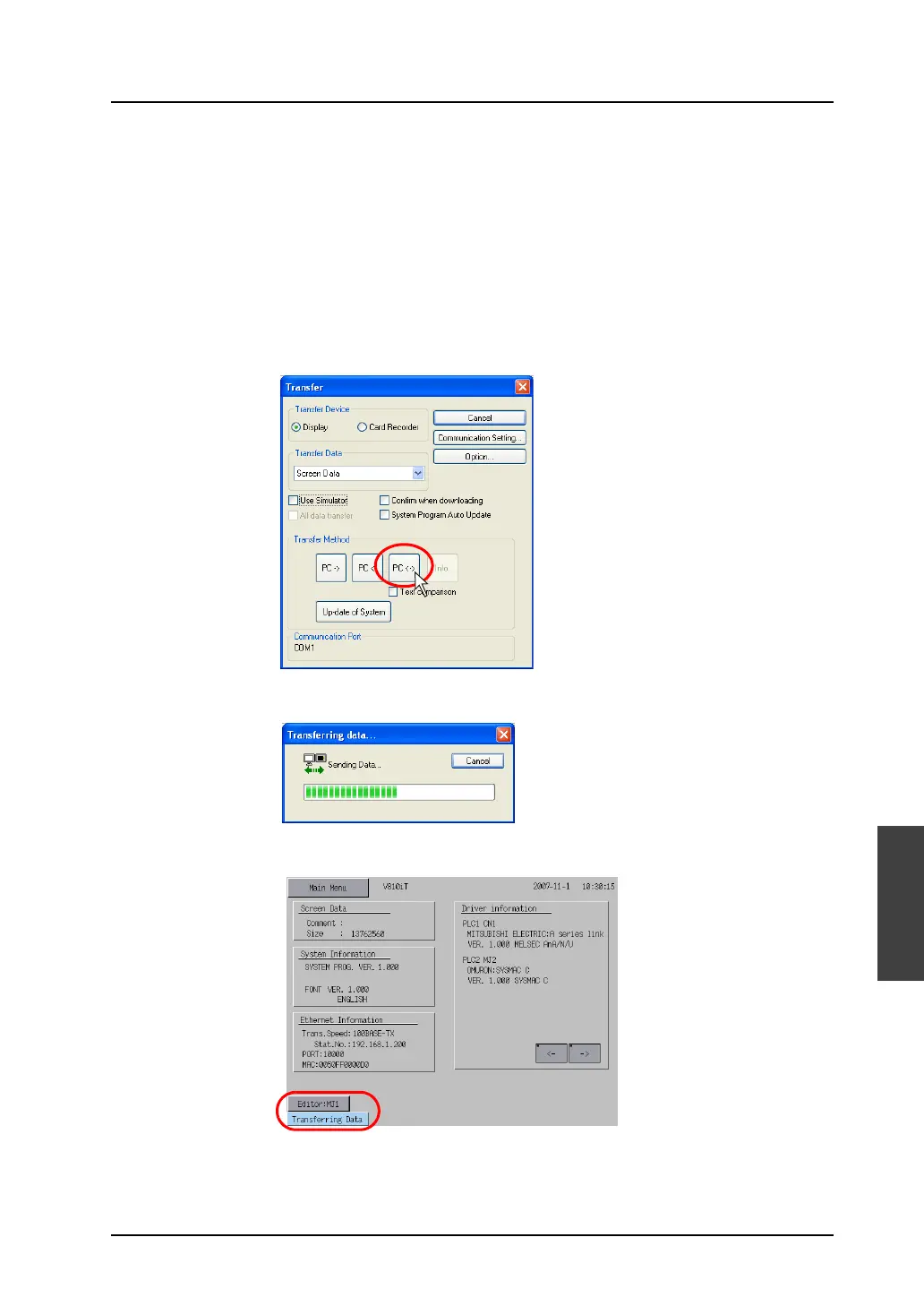
10. Click the [PC <->] button. Data comparison is started.
11. During comparison, the following dialog is displayed.
On MONITOUCH, the screen is changed to the Main Menu screen shown below.



 To Next Page