1.2 Uninstallation
1-9
1
Introduction
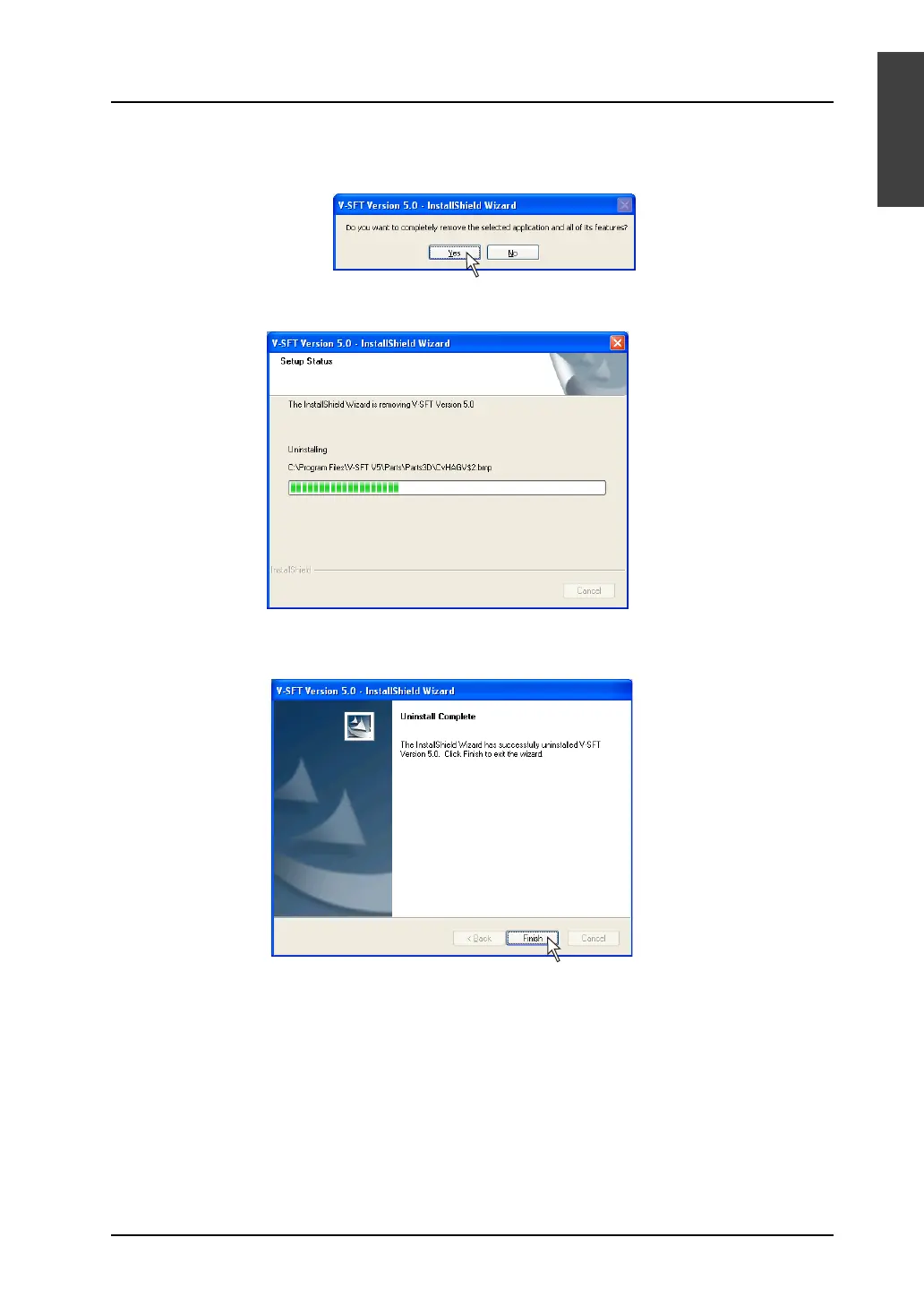
3. The following confirmation dialog is displayed.
Click the [Yes] button.
4. Uninstallation begins.
5. When uninstallation is completed, the following dialog is displayed.
Click the [Finish] button.
6. The [Add or Remove Programs] dialog is displayed again.
To finish uninstalling the software, click the [OK] button.
The uninstallation has been completed.



 To Next Page