6.6 Transfer Procedure (Using a Modem)
6-51
6
Transfer with V8
AT commands for the send (computer) side
*1 Do not use the XON/XOFF flow control.
*2 This command is required when you turn off the modem power after AT command setting.
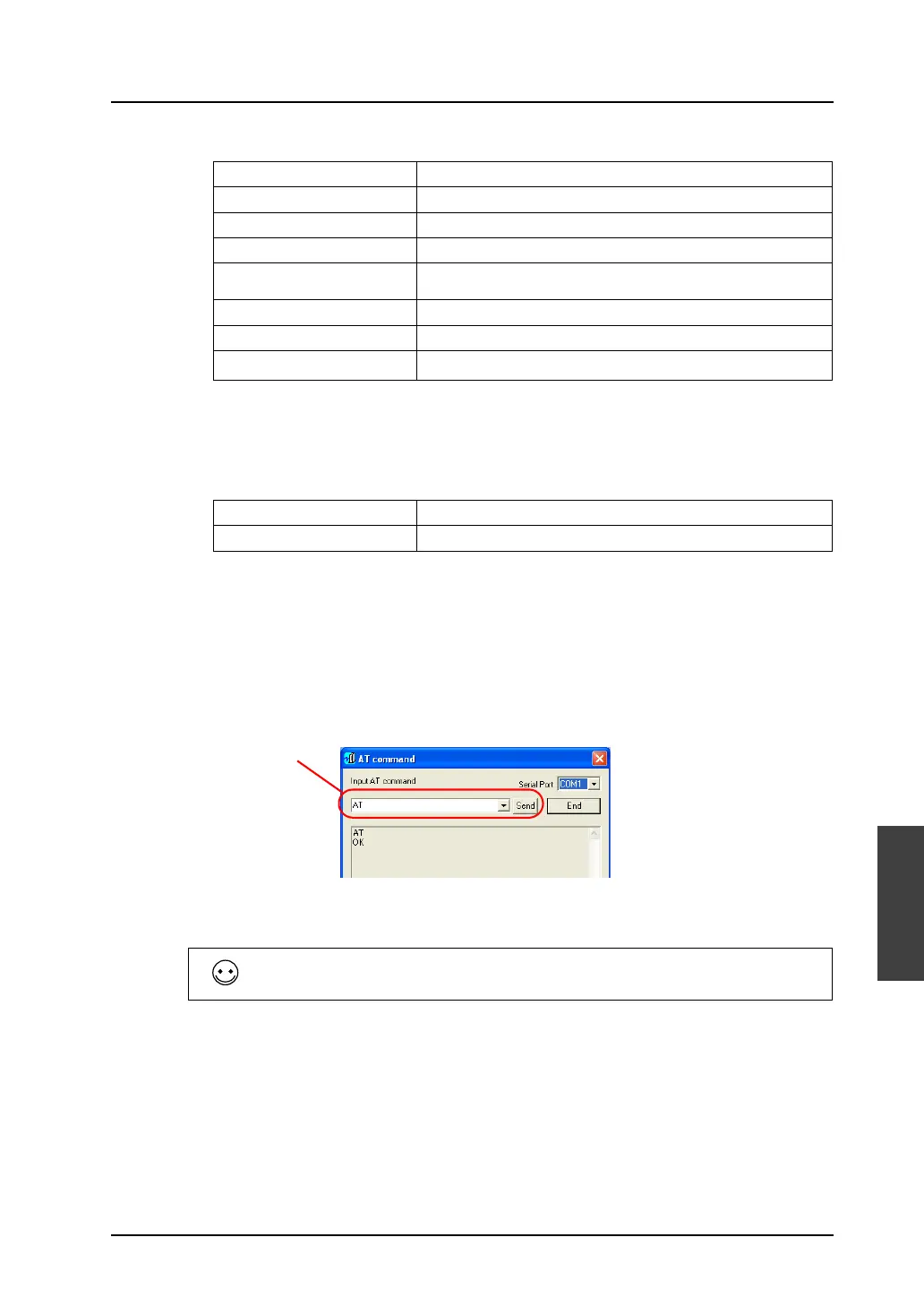
If the settings for your modem are the same as the above, select the commands below from the
pull-down menu and send the AT commands.
[OK] appears when the commands have been transferred correctly.
7. Turning the modem power off deletes the transferred commands. Therefore, select [AT&W0] from
the pull-down menu and send it.
[OK] appears when the commands have been transferred correctly.
8. If the settings for your modem differ from above, delete the written AT commands and directly
enter the AT commands described in your modem’s manual.
The AT command setting has been completed.
Option Contents
Result code presence/absence Q0 (presence)
Result code display format V1 (word format)
Echo back E1 (yes)
Communication standard
selection
B0 (ITU-T standard)
ER signal control &D2 (Line to be disconnected at ER ON → OFF)
Flow control
*1
& K0
Writing to non-volatile memory
*2
&W0 The current operation status to be written to “STORE PROFILE 0”
Receive (V series) side AT B0 E1 Q0 V1 & D0 & K0 S0 = 1
Send (computer) side AT B0 E1 Q0 V1 & D2 & K0
Enter the AT command
directly into this field.
If the V-SFT software is not available on the receive side, follow the steps below using
communication software such as HyperTerminal.)



 To Next Page