1.3 Starting
1-12
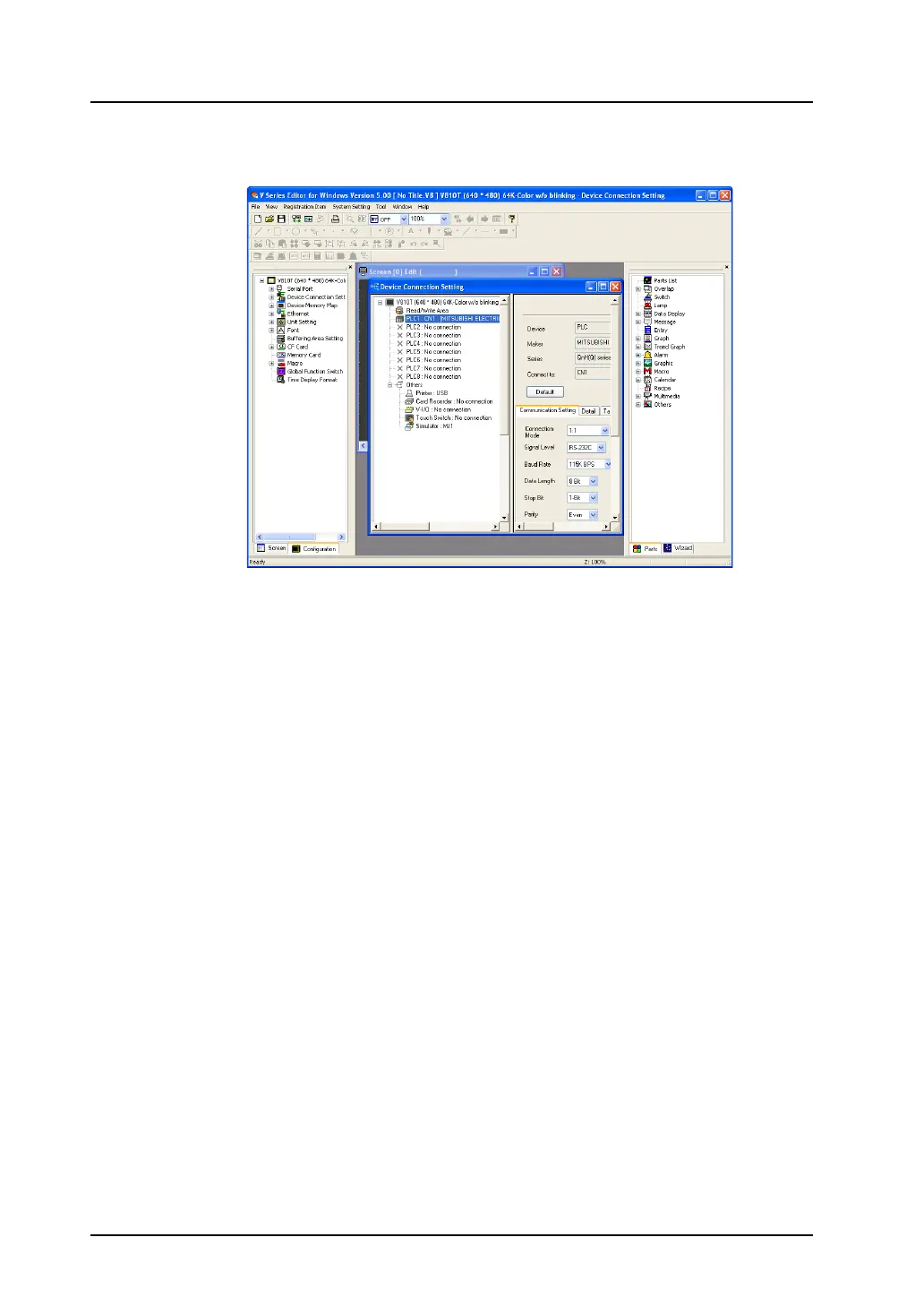
6. The [Device Connection Setting] dialog for the selected device and the [Screen [0] Edit] window of
the new file are cascaded.
7. Make the necessary settings in the [Device Connection Setting] dialog and close the dialog.
Only the [Screen [0] Edit] window is now open. Proceed to screen editing in the window.
For more information on the [Device Connection Setting] dialog, refer to the V8 Series Connection
Manual.
This step completes the procedure for opening a new file.



 To Next Page