8.1 Simulator
8-19
8
Useful Functions
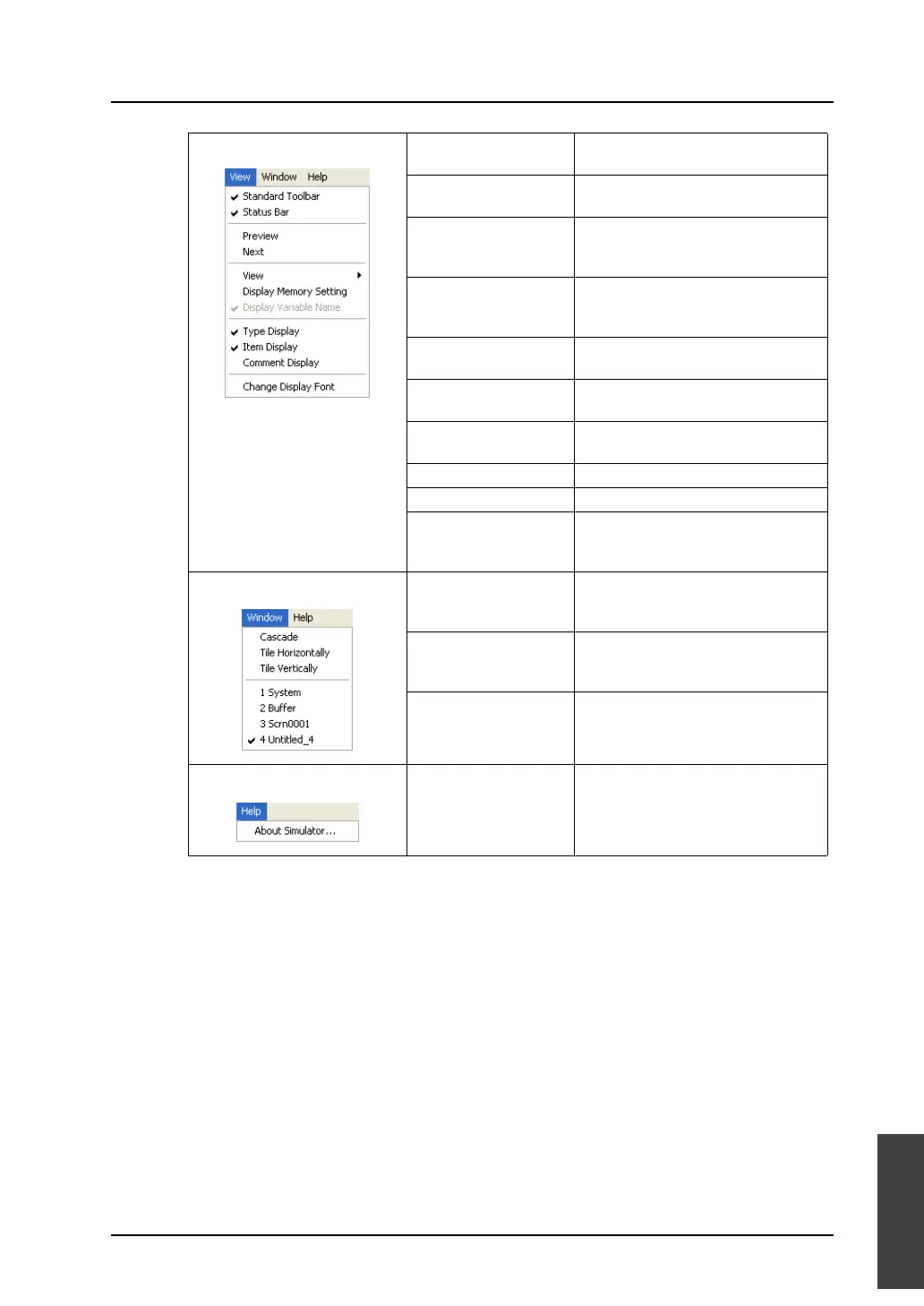
[View] menu Standard Toolbar Displays the toolbar when this menu
item is checked.
Status Bar Displays the status bar when this
menu item is checked.
Preview This menu item is active on the [Scrn
xxxx] sheet.
Displays the previous screen.
Next This menu item is active on the [Scrn
xxxx] sheet.
Displays the next screen.
View Allows you to select memory
addresses to be shown.
Display Memory Setting Allows you to select which addresses
of PLC1 - PLC8 are displayed.
Type Display Displays [Type] / [Data Length] /
[ASCII].
Item Display Displays item.
Comment Display Displays comment.
Change Display Font Allows you make font settings, such
as the size of the font displayed on
the sheet.
[Window] menu Cascade Cascades sheets.
Tile Horizontally Tiles sheets horizontally.
Tile Vertically Tiles sheets vertically.
[Help] menu About Simulator Displays the version of Simulator.



 To Next Page