1.3 Starting
1-14
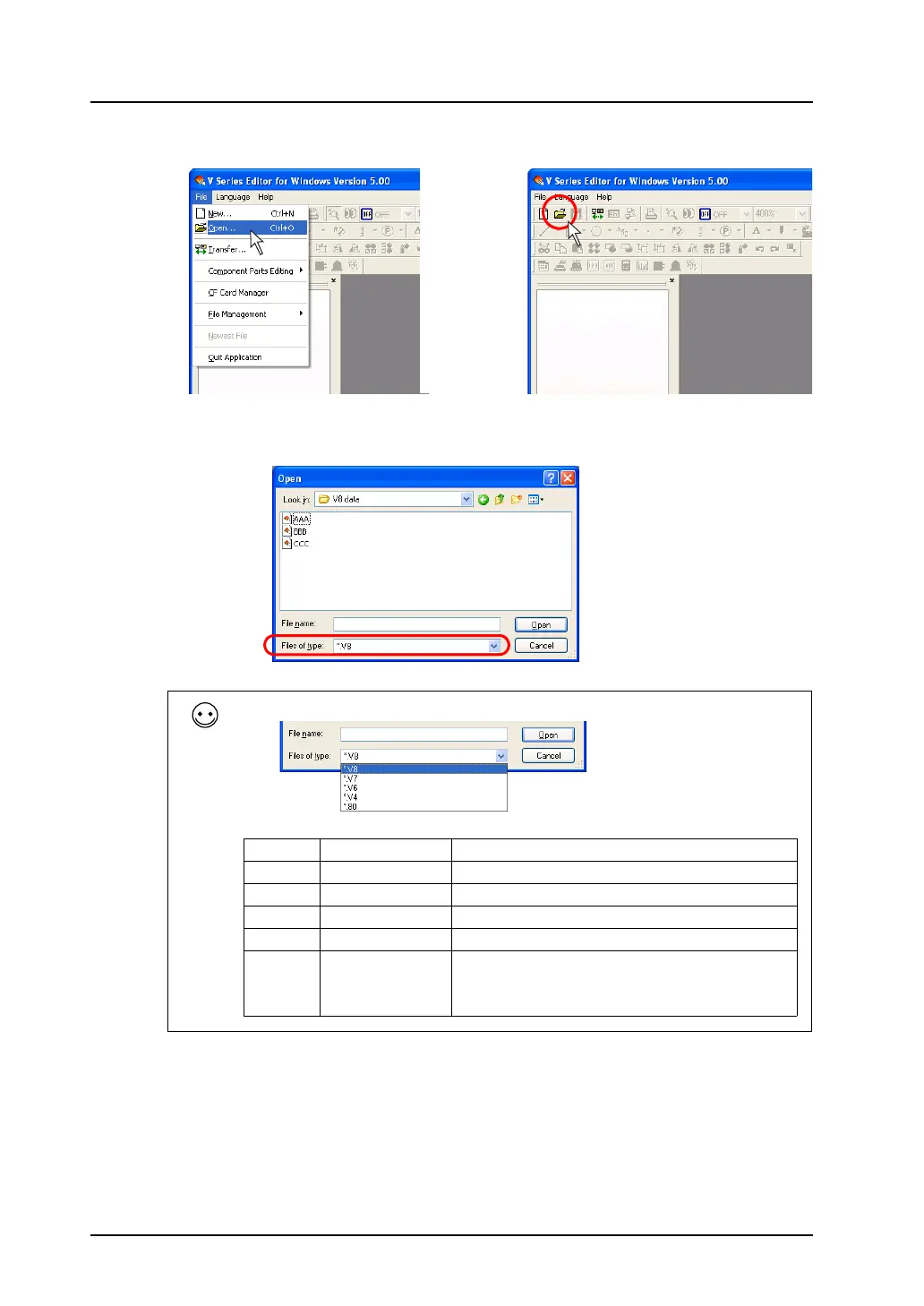
3. Click [Open] from the [File] menu or click the [Open] icon on the toolbar.
4. The [Open] dialog is displayed.
Select a file type from [Files of type], and select the desired file. Click [Open].
File type
OR
Extension Target Model Remarks
*.V8 V8 series
*.V7 V7 series
*.V6 V6 series
*.V4 V4 series
*.80 GD-80/81 series A file with the extension of “*.80” cannot be edited on the
V-SFT editor.
When the “*.80” file is opened on the editor, it is
automatically converted to the V series data.



 To Next Page