8.1 Simulator
8-29
8
Useful Functions
4. Click on [OK] to close the dialog.
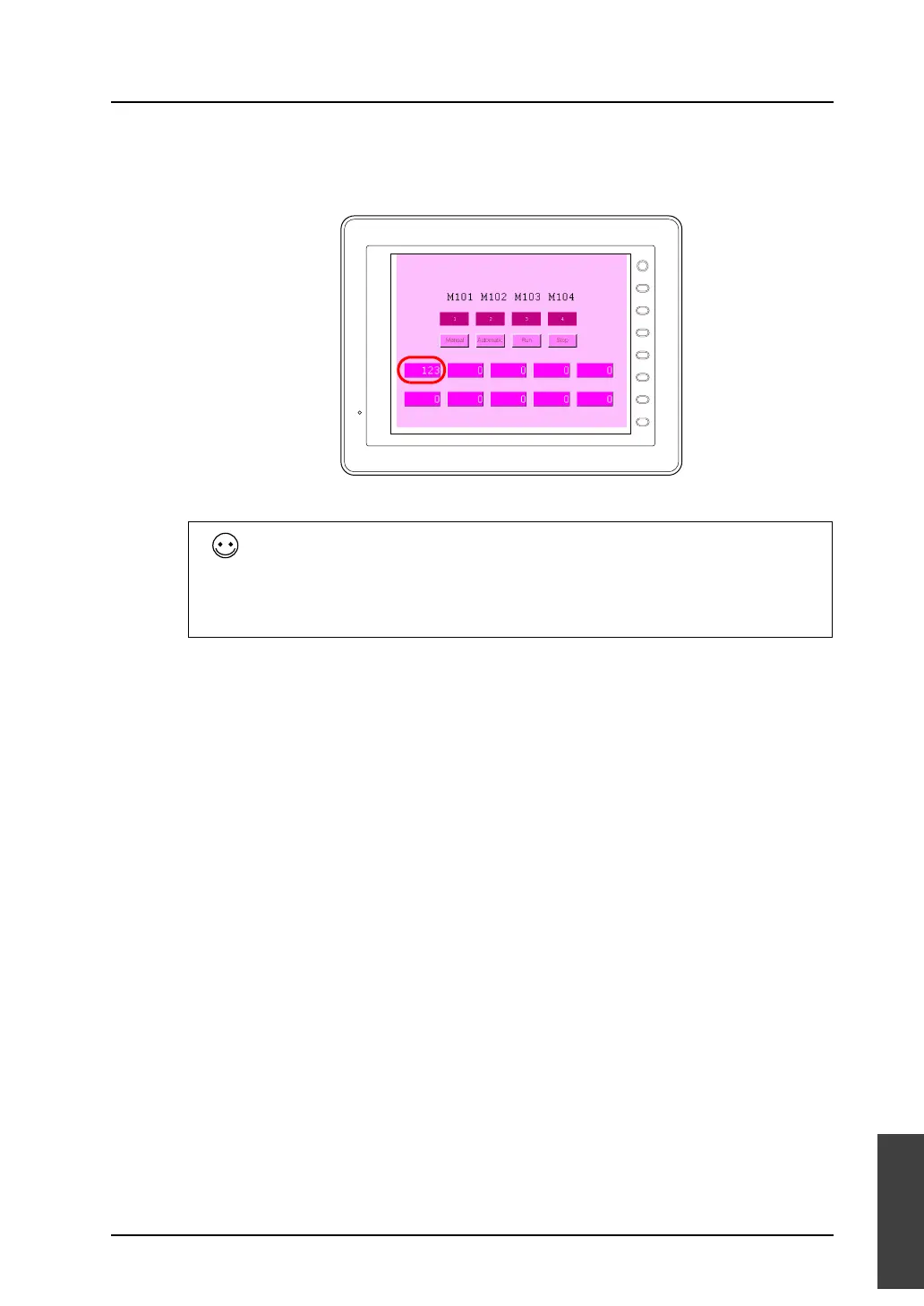
5. “123” is displayed on MONITOUCH.
Entering numerical values for multiple pieces of memory simultaneously
1. Select the memory that you will set numerical values for (multiple selections possible).
Select sequentially by holding down the Shift key and clicking the mouse.
Select randomly by holding down the Ctrl key and clicking the mouse.
2. Right-click on any of the lines that are selected, and then click [Change Setting Value].
3. Set the desired number and click [OK]. The numbers of all the selected lines will be changed
simultaneously.
F 1
F 2
F 3
F 4
F 5
F 6
F 7
SYSTEM



 To Next Page