8.7 Other Functions in the [Tool] Menu
8-68
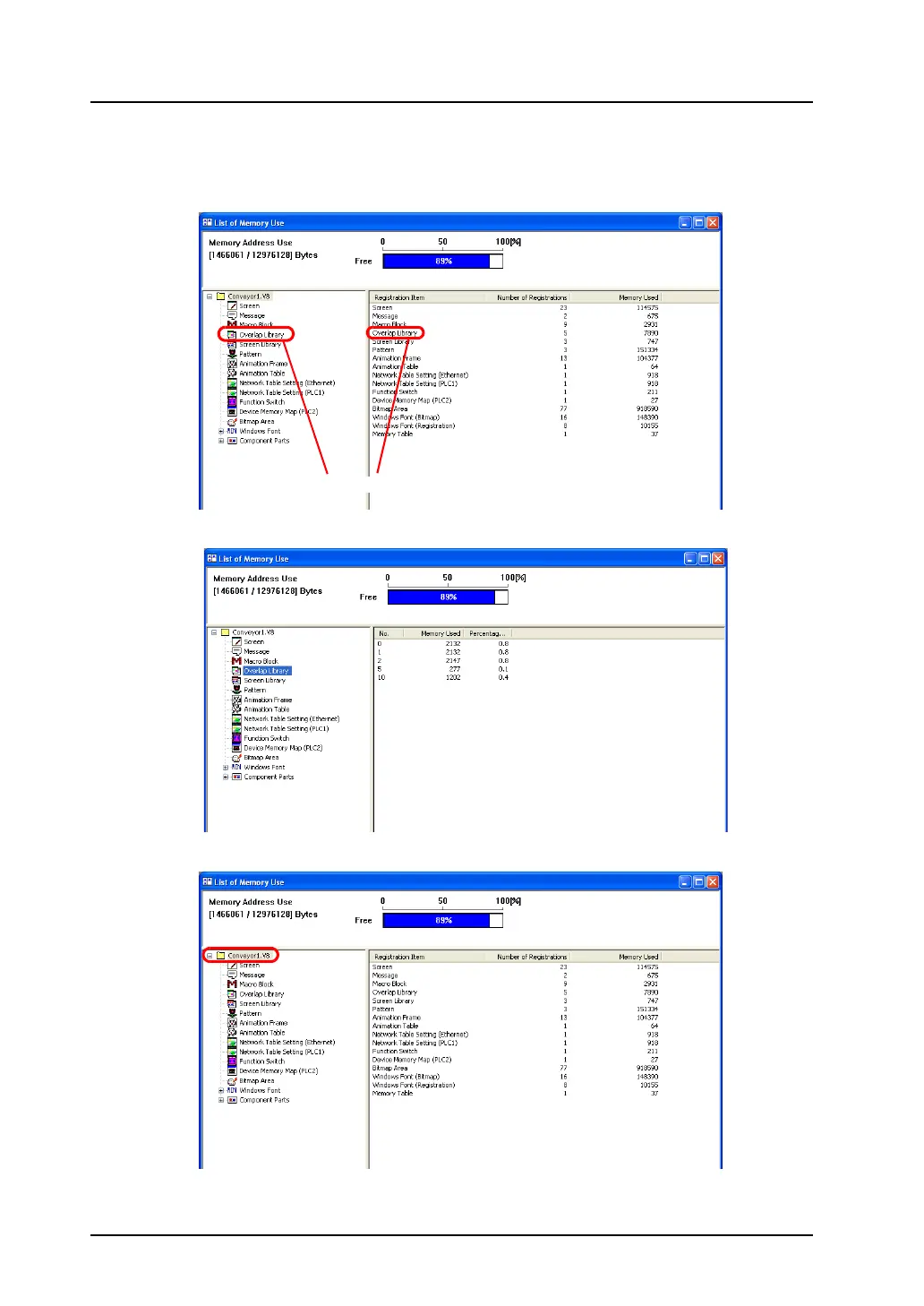
Bringing up the detailed list of edit items
1. Click the box of the desired item on the left of the [List of Memory Use] window, or double-click the
registered item on the right of the window.
2. The registered item list is displayed.
3. To restore the window, click the file name displayed at the top left corner.
Click or double-click.



 To Next Page