8.7 Other Functions in the [Tool] Menu
8-76
5. Click [OK].
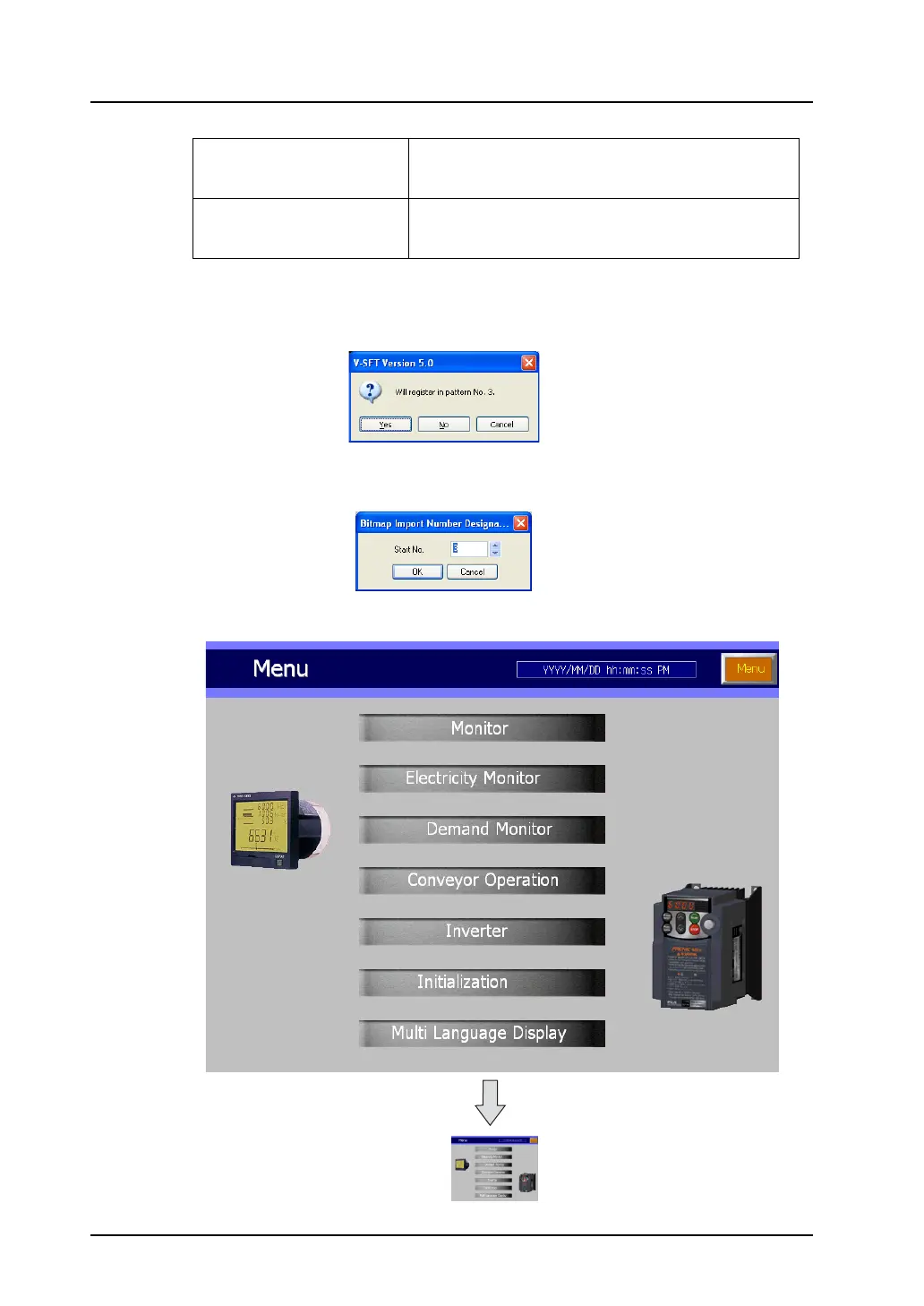
The message “Will Register in pattern No. x” appears.
When the destination in the message is OK, click [Yes]. When changing the destination, click [No].
Clicking [No] brings up the [Bitmap Import Number Designation] dialog. Specify the desired
number.
Ex.: If the following screen is converted to a pattern, it changes as shown below.
Width
Height
Specify the size of the pattern.
The maximum permissible size is equivalent to the screen
size.
Color
8-Color/16-Color/128-Color/32
K-Color/64K-Color
Select the number of colors usable for the pattern.
Pattern size [800 × 600]
Pattern size [120 × 90]



 To Next Page