8.8 File Management
8-87
8
Useful Functions
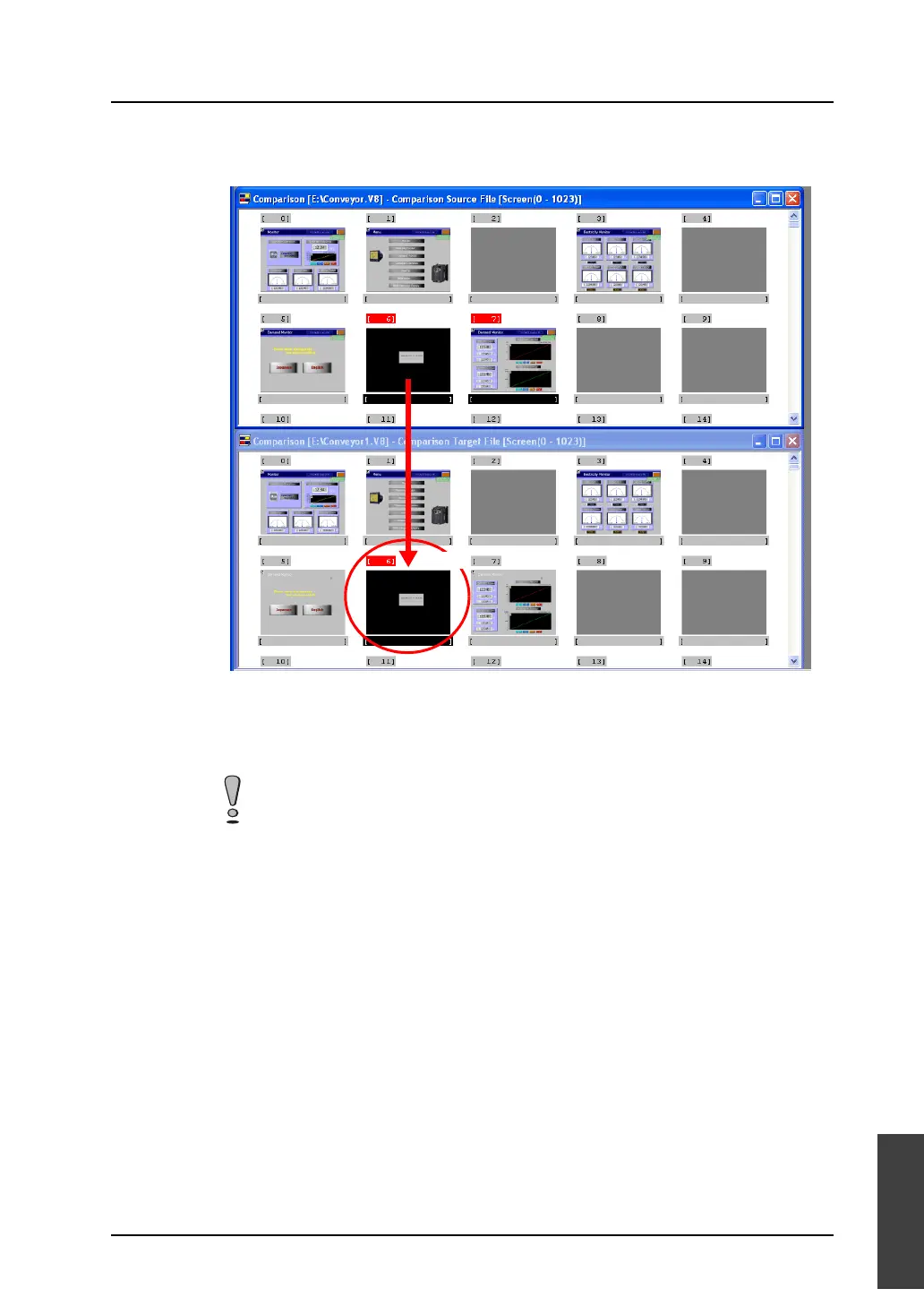
8. Drag one of the selected screens to the copy target box. All the selected screens are copied to the
target file window at one time by releasing the mouse.
9. When copying non-consecutive screens, click the screens one by one while holding down the
[CTRL] key.
10. Drag one of the selected screens to the copy target box. All the selected screens are copied to the
target file window at one time by releasing the mouse.
Even if non-consecutive screens are selected, their copies are placed sequentially in the
target file window.
Drag.



 To Next Page