Language Entry Method
A1-13
A1
Font
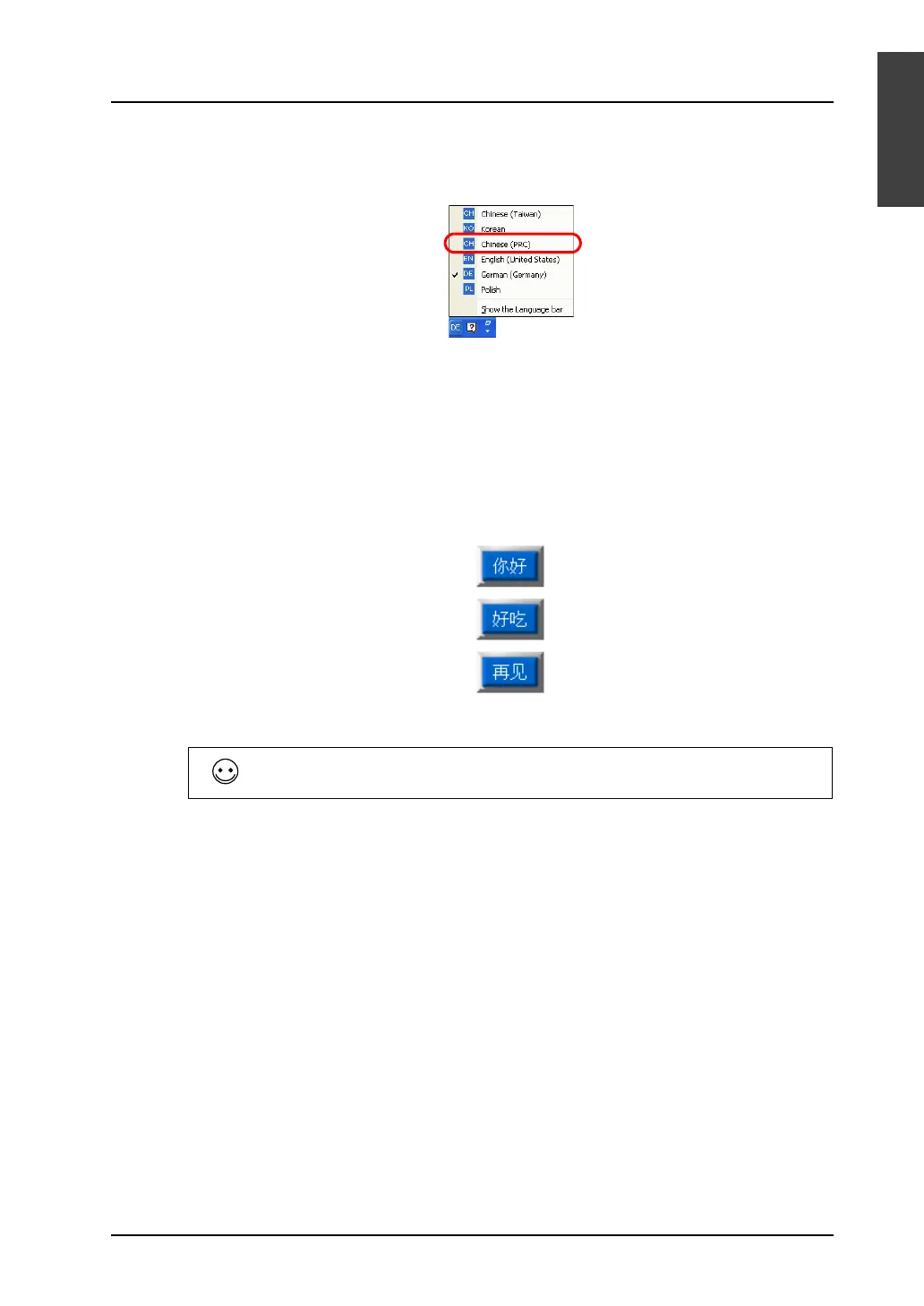
6. Click [OK]. The Chinese language is added (the indicator [CH Chinese (China)] is added to the
types of IME).
The [Regional and Language Options] dialog is displayed again.
7. Click [OK] to close the dialog.
Text entry procedure
1. Start up the V-SFT version 5. Click [System Setting] → [Font Setting]. In the [Font Setting] dialog,
select [Chinese (simplified)] under [Font].
2. When editing items or entering text, select [CH Chinese (China)] on the Windows XP’s IME bar.
3. Type Chinese characters and place them on the screen.
When typing in Chinese (traditional), follow the same procedural steps.
Chinese Writer (KODENSHA) is also available as IME software.



 To Next Page