Windows Font
A1-37
A1
Font
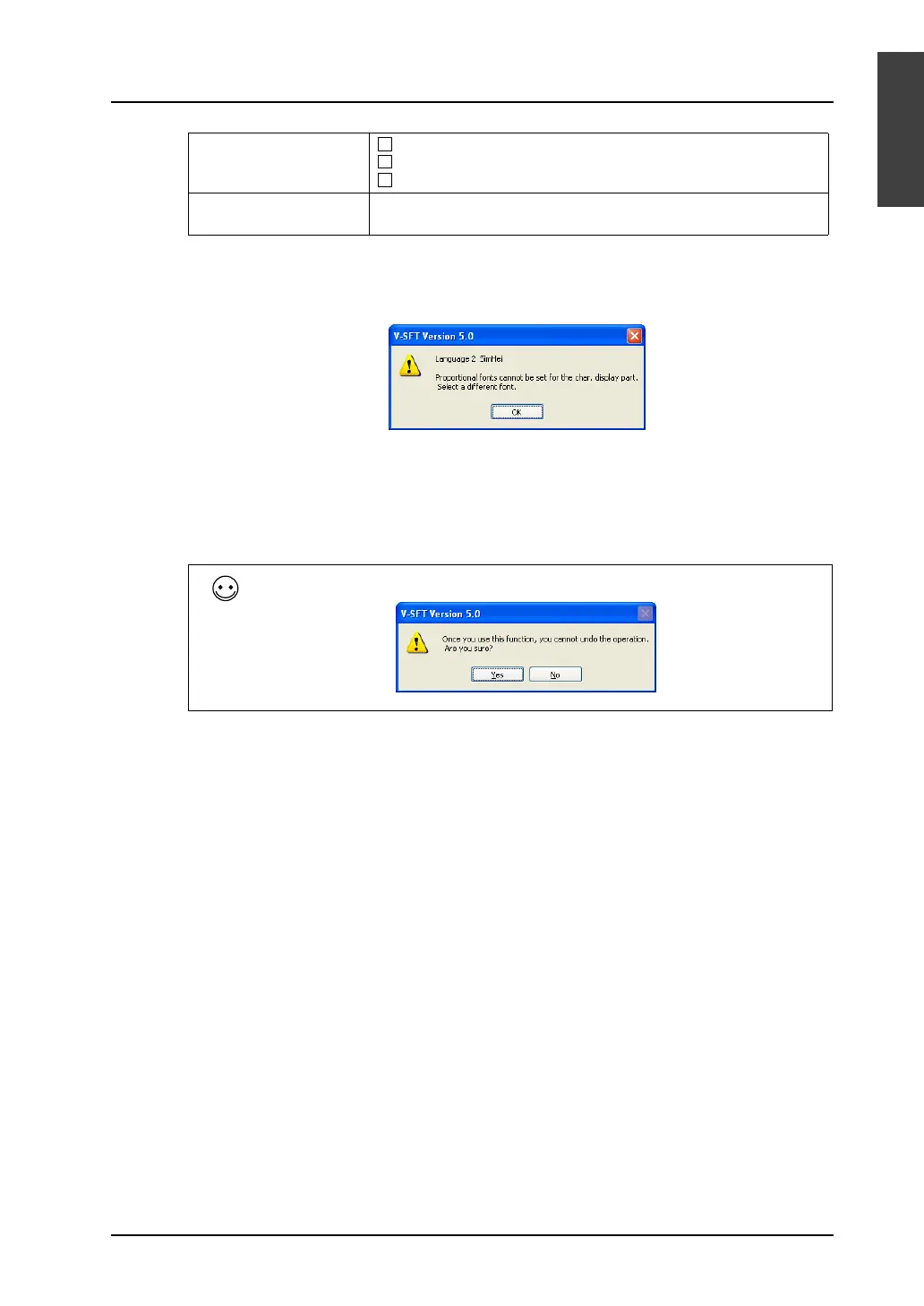
*1 Proportional fonts are not available with character display (page A1-31).
If you attempt to use such a font, the following error message appears.
Select a non-proportional font instead.
*2 In the case of message display, batch change applies to only the style of each item.
If you change Windows font settings for messages registered through the [Registration Item]
menu, manual setting is required.
4. Click [OK] at the end of the setting in the dialog.
5. Batch change has been completed.
Change Setting Change All Items
Change Items Including Windows Font Setting
Change Items Excluding Windows Font Setting
Font Setting Press the [Font] button. In the dialog to be displayed, select your
desired font.
Once a batch change is executed, it is not possible to undo the operation.



 To Next Page