Windows Font
A1-40
At the time of enlargement/reduction
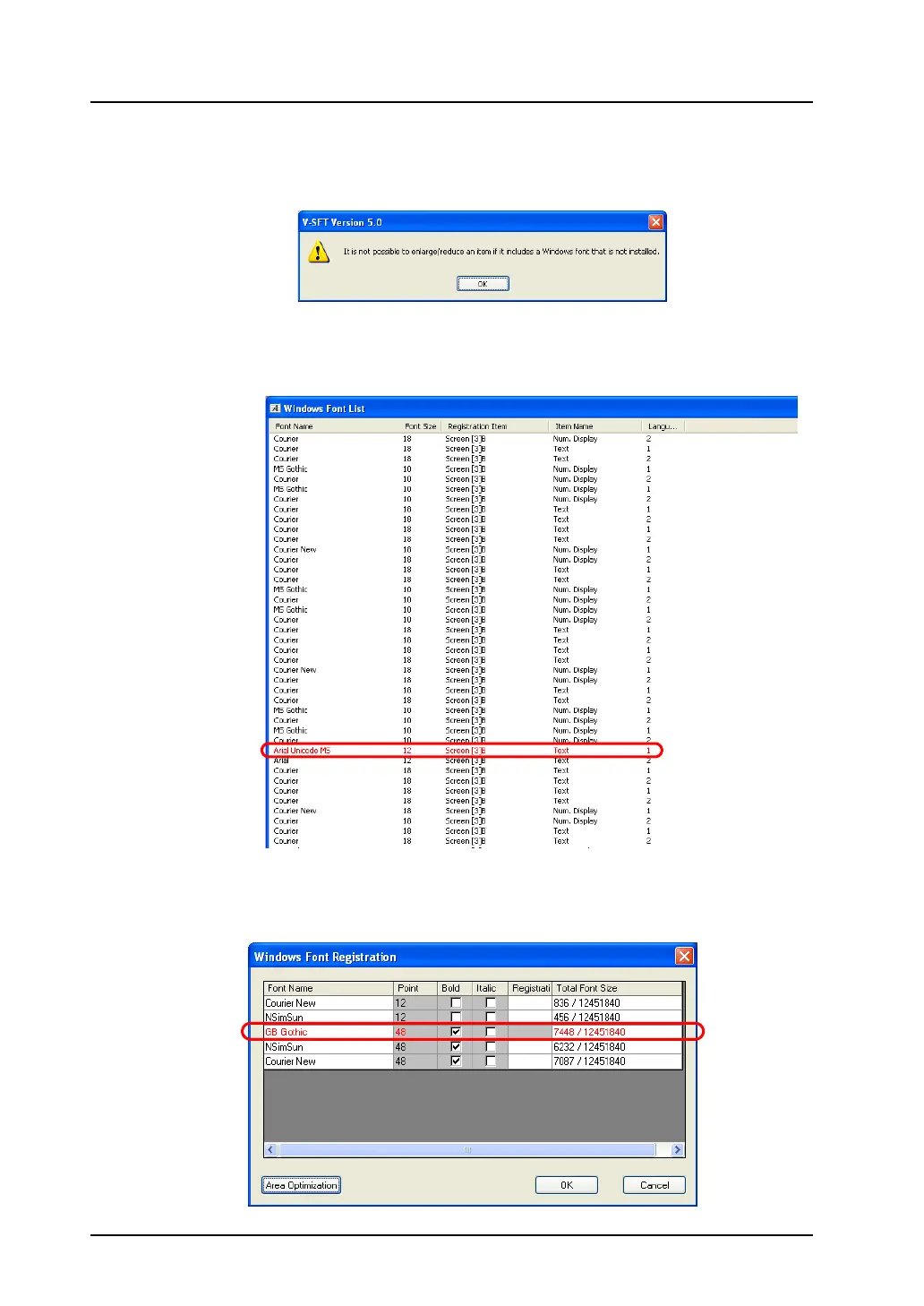
If you try to enlarge or reduce any item including a font that is not installed on your computer, the
following error message appears and the item is restored to the original size.
[Windows Font List] window
If any Windows font used in screen data is not installed on your computer, the location where the font
is set is shown in the [Windows Font List] window.
[Windows Font Registration] window
Windows fonts used in character display are listed in the [Windows Font Registration] dialog.
If any Windows font used in screen data is not installed on your computer, the font name is colored red
also in this window. Size change and additional registration are not allowed for the font.



 To Next Page