64k- or 32k-color Type
A2-10
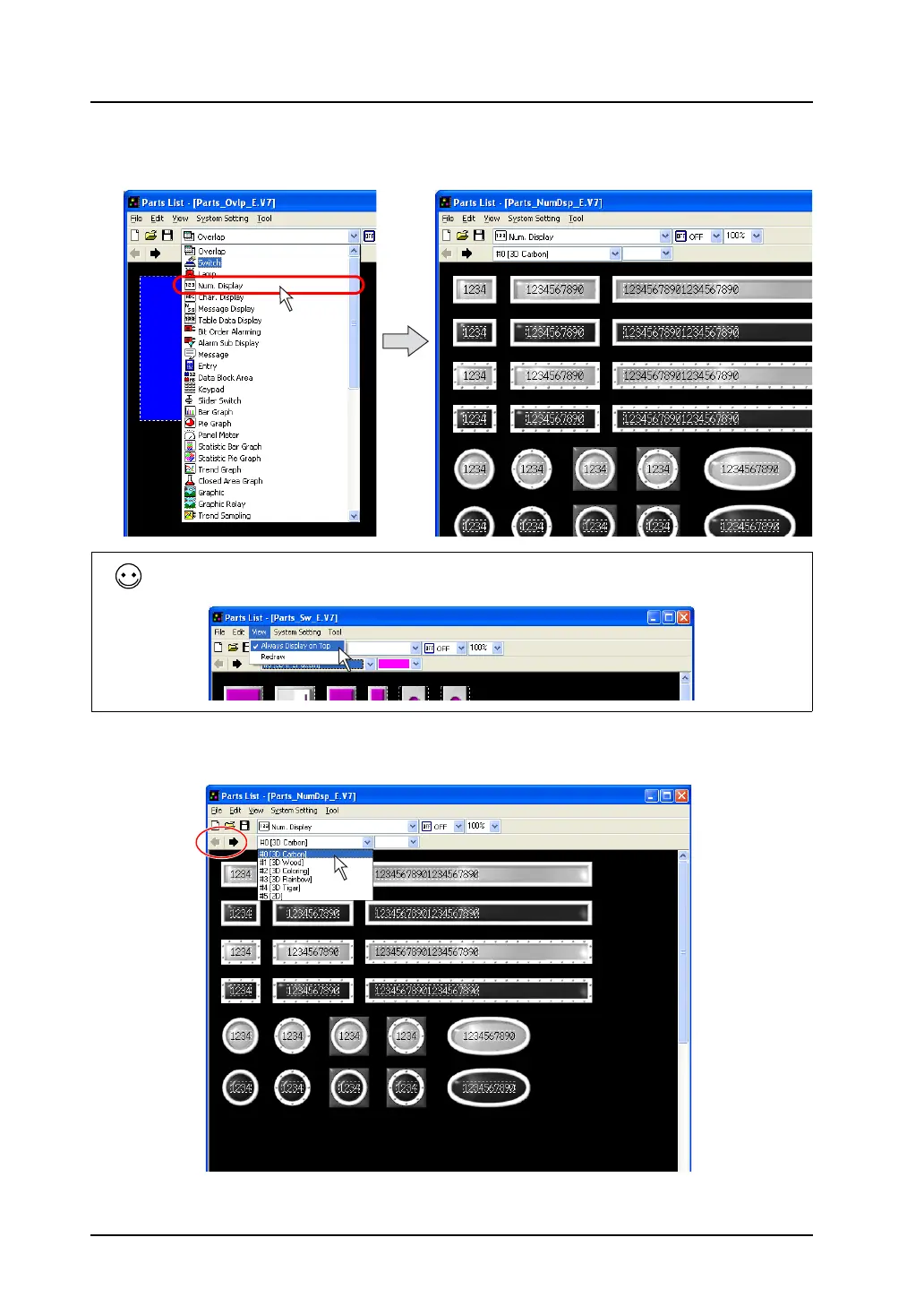
2. Select [Num. Display] from the pull-down menu. (When it has already been selected, go to step
3.)
3. Find the desired part in the numerical data display parts list. The list is changed with the arrow
icons or by selection from the pull-down menu
To hide the parts list behind the editing window, uncheck the [Always Display on Top] in the [View]
menu of the [Parts List] window.



 To Next Page