64k- or 32k-color Type
A2-13
A2
3D Parts
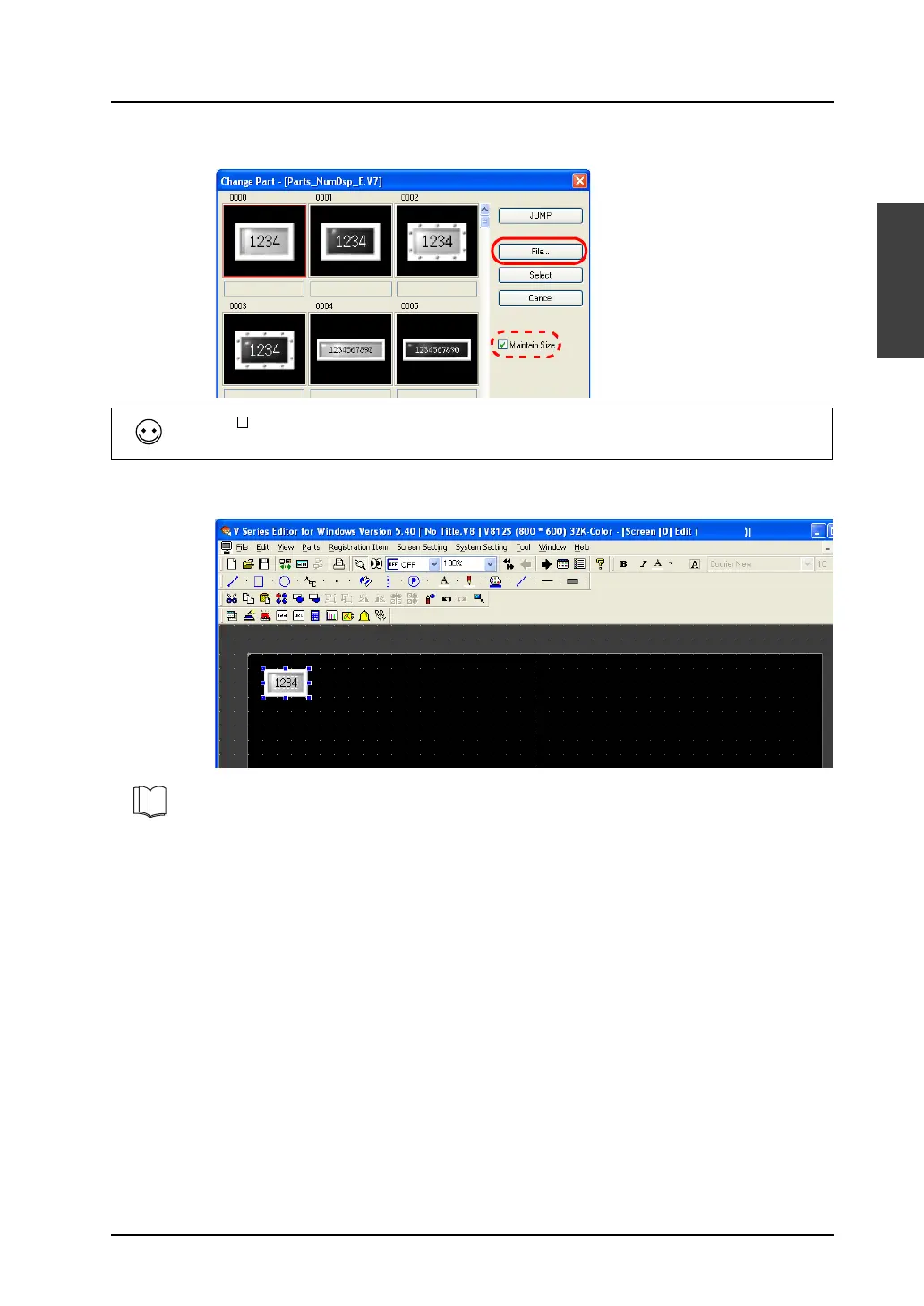
4. Select the desired part in the desired color and click [Select].
5. The numerical data display part on the screen is replaced with the part selected above.
[With [ Maintain Size] checked, the size and setting of the existing part remain the same even after
it is replaced with a newly selected part.
For more information on the features of parts, refer to the V8 Series Reference Manual.



 To Next Page