Layer 3 functions
9.8 Route maps (IPv4 / IPv6)
SCALANCE XM-400/XR-500 Command Line Interface (CLI)
626 Configuration Manual, 11/2015, C79000-G8976-C252-10
Call up the command with the following parameters:
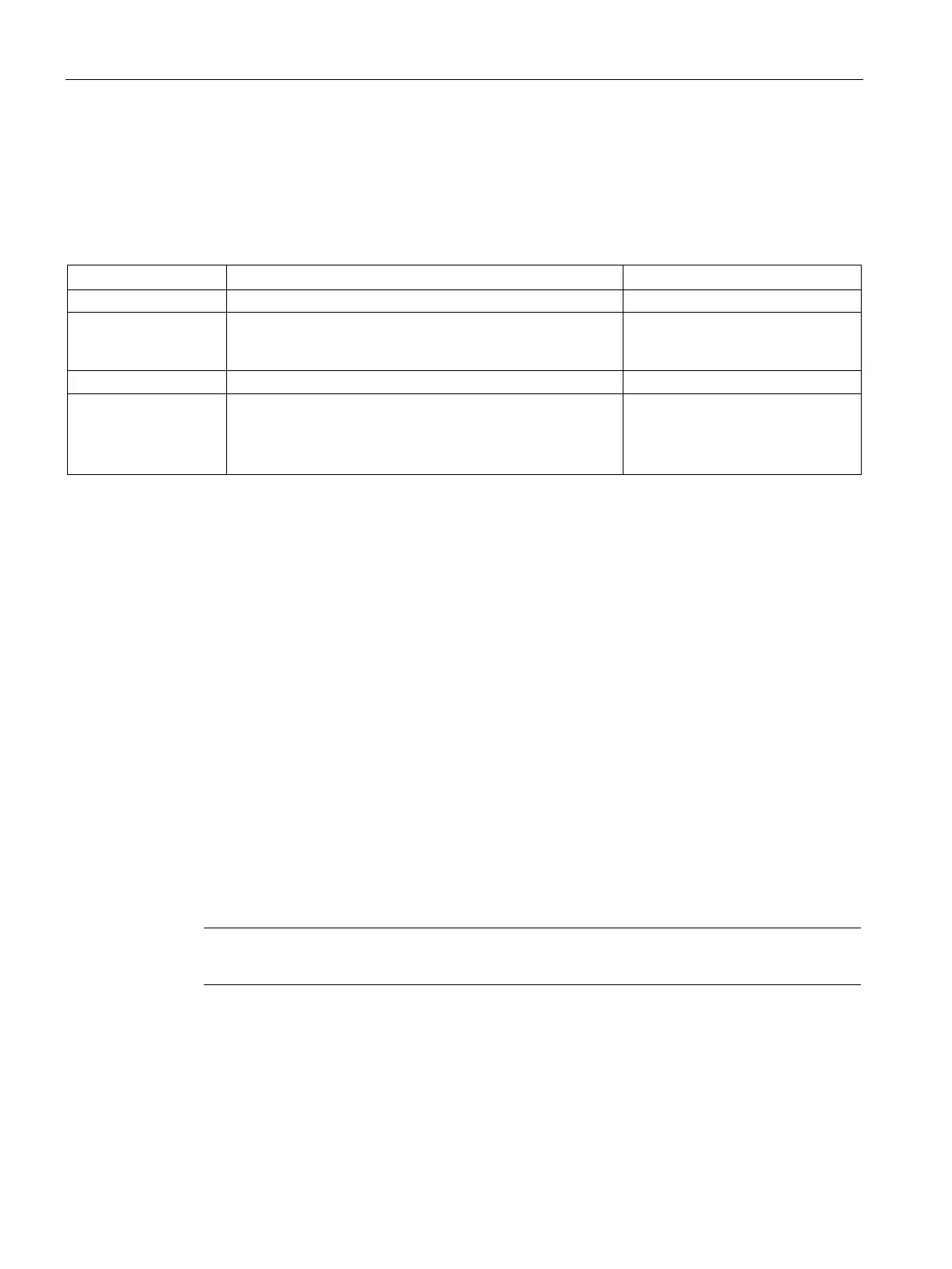
route-map <name(1-20)> [ {permit | deny }] [ <seqnum(1-10)> ]
The parameters have the following meaning:
The routing information is further processed according to the
settings you make for the commands set metric and set
.
-
The routing information is discarded.
Sequence number of the route map 1 … 10
If you do not specify a sequence
number, 1 is assigned automatical-
The route map has been created.
You are now in the Route maps configuration mode.
The command prompt is as follows:
cli(config-rmap-$$$)#
You delete a route map with the no route-map command.
You display the setting and other information with the
show route-map command.
With this command, you delete a route map.
Note
This command is available only with layer 3.
You are in the Global configuration mode.
The command prompt is as follows:
cli(config)#



 To Next Page
 Loading...