Layer 3 functions
9.8 Route maps (IPv4 / IPv6)
SCALANCE XM-400/XR-500 Command Line Interface (CLI)
Configuration Manual, 11/2015, C79000-G8976-C252-10
637
Call up the command with the following parameters:
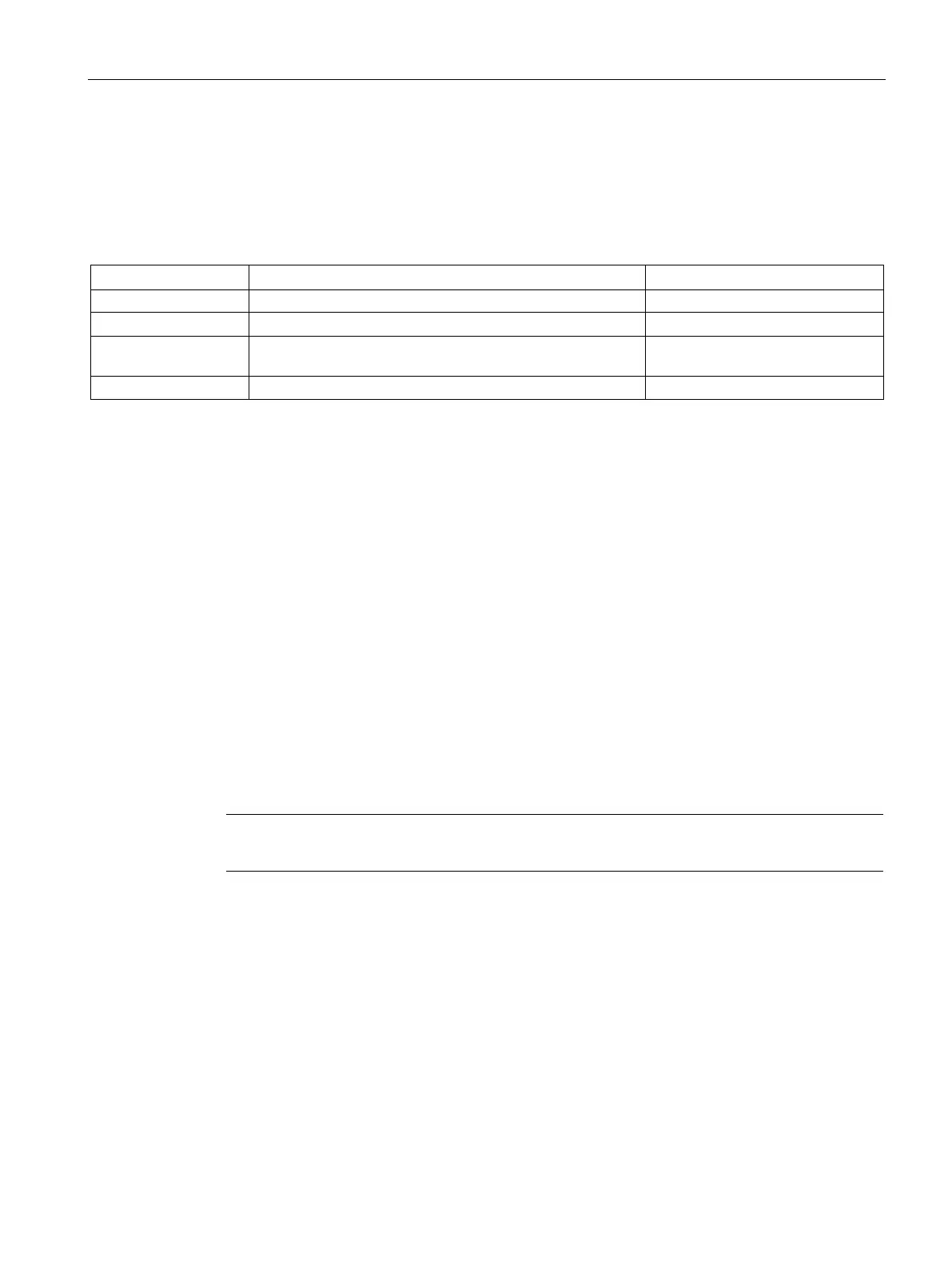
no match metric-type {inter-area | intra-area | type-1-external | type-2-external }
The parameters have the following meaning:
Routes learnt from different areas
Routes that originate from the same area -
Routes whose path costs (metric) are made up from the
external path costs and the patch costs to the ASBR
-
Routes with only external path costs (metric) -
The filter for the type of the metric is deleted.
You create a filter for the type of the metric with the match metric-type command.
You change to the Route maps configuration mode with the command
route-map.
You display the setting and other information with the
show route-map command.
match next-hop ip
Description
With this command, you specify whether or not the filtering for a route map will be based on
the router (IPv4) to which the routing information is sent next.
his command is available only with layer 3 (IPv4).
You are now in the Route maps configuration mode.
The command prompt is as follows:
cli(config-rmap-$$$)#



 To Next Page
 Loading...