3.4 Setting Menu
3-30
Simple type
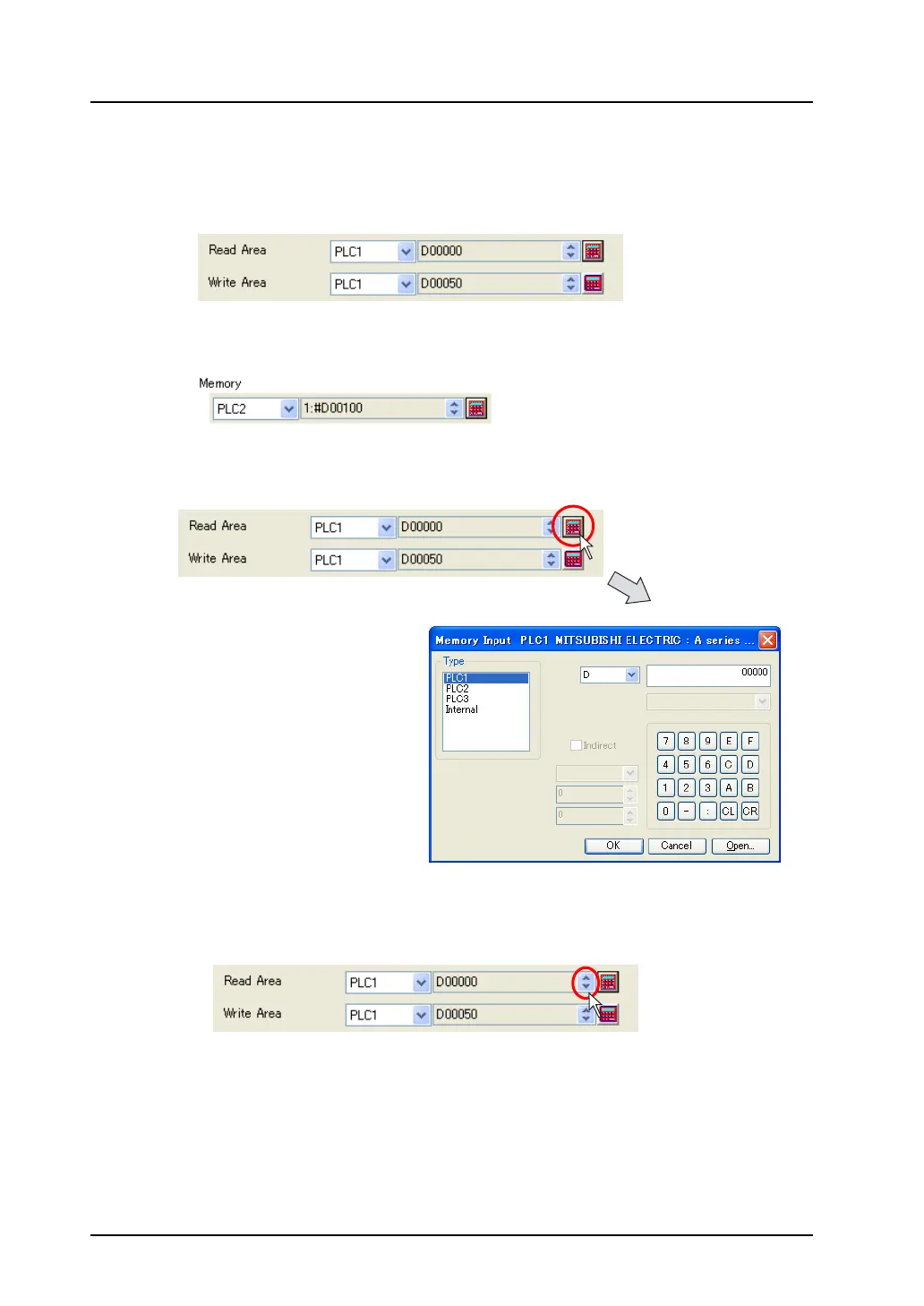
This type is used in the following setting.
• [System Setting] → [Device Connection Setting] dialog
[Read Area], [Write Area], [Calendar memory]
• When the temperature control memory is selected:
Click the calculator icon. The [Memory Input] dialog is displayed.
Specify the desired memory address here.
* You cannot enter the value directly in the numerical data field.
However, when the up/down arrow button is shown, you can select the value using the
arrow button.



 To Next Page