3.7 Parts Placement and Setting
3-66
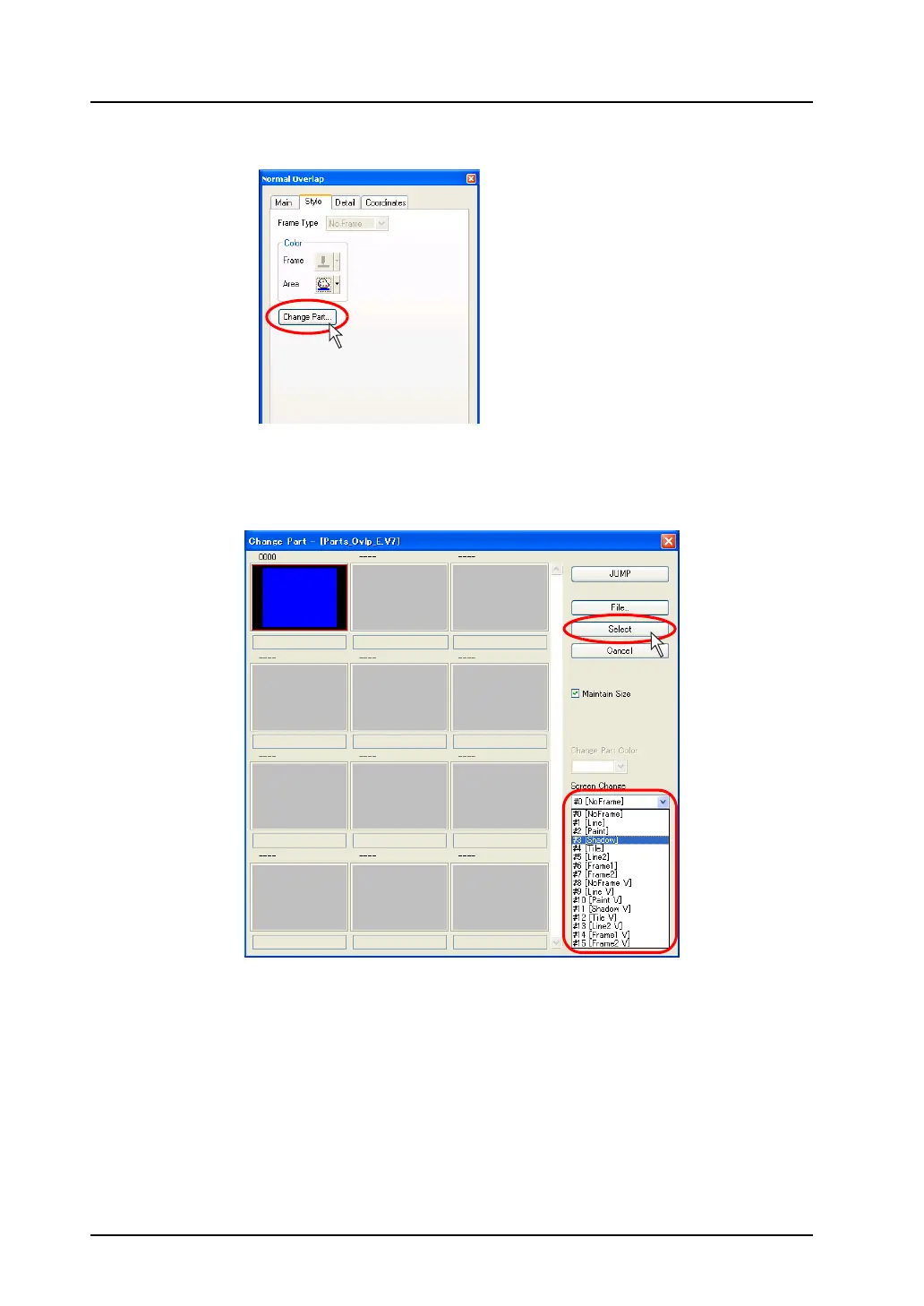
3. To change the part design, open the [Style] tab window in the item dialog, and click [Change Part].
4. The [Change Part] dialog is displayed.
From the pull-down menu of [Screen Change], select a display type as desired, and then click the
[Select] button.
The former [Style] tab window is displayed again. It is possible to change colors as well in the
[Style] tab window.
5. If another setting, such as display size, is necessary to be changed, change the setting from the
item dialog.



 To Next Page