3.7 Parts Placement and Setting
3-79
3
Screen Editing
Align Text The cells in a table are adjusted so that the largest data item fits into a cell.
Cut This command is used for editing lines or columns.
Copy This command is used for copying selected items. When it is clicked, [Paste]
becomes active.
Paste When multiple columns or lines are pasted, the cell designated as the target is placed
at the top of the pasted data. A data area larger than the table cannot be pasted.
Insert This command is used for editing lines or columns.
When lines are copied or cut (selected lines are highlighted), they are inserted above
the designated target. When columns are copied or cut, they are inserted on the left
of the designated target.
Delete This command is used for deleting on a line-by-line or column-by-column basis.
Make
Browser
File
This command is used for the web server function.
For more information, refer to “Chapter 19.5 Web Server” in the V8 Series Reference
Manual.
Detail
Setting
This command is used for bringing up the item dialog.
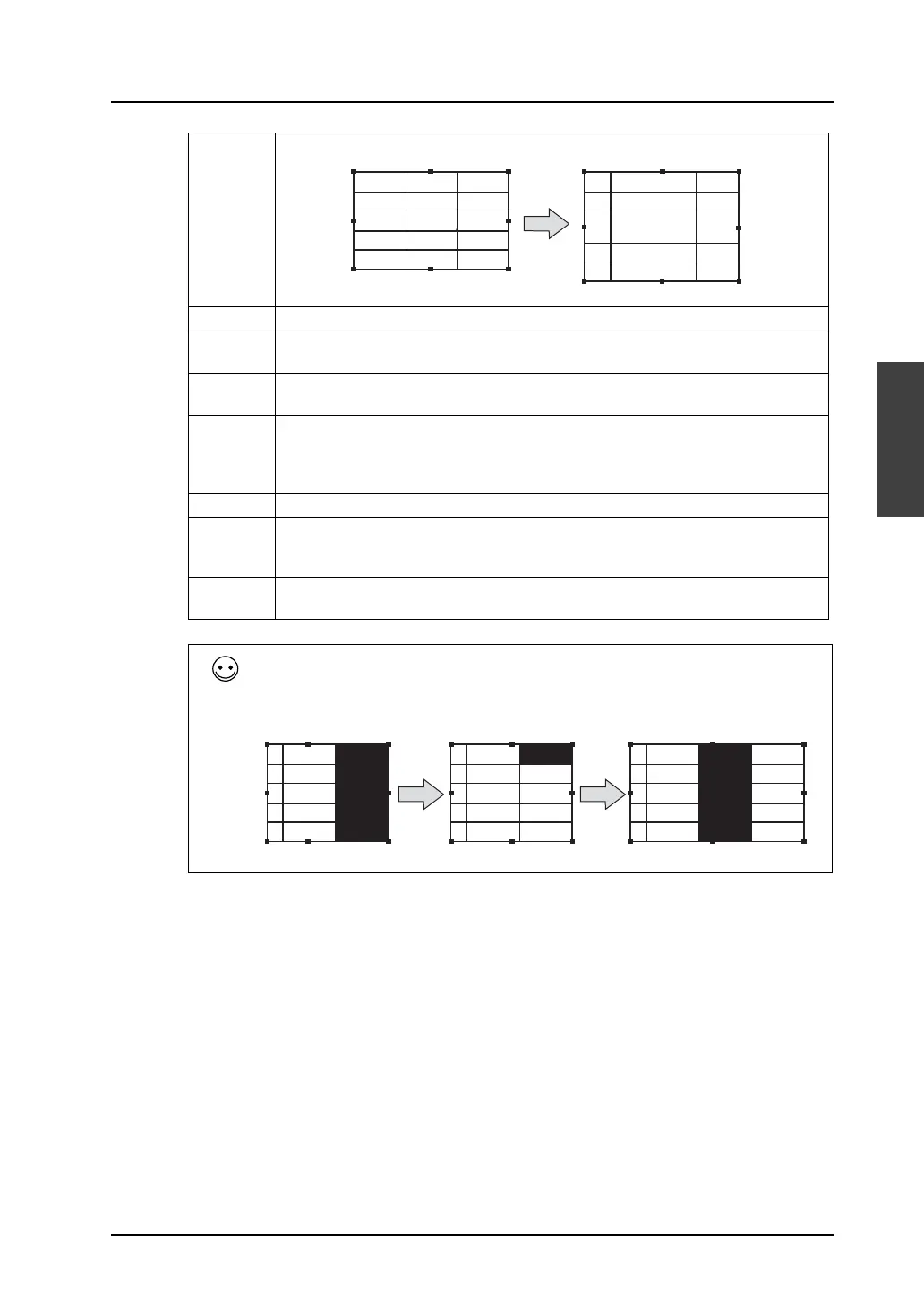
The [Cut], [Insert], and [Delete] commands are used for editing lines or columns.
E.g.: Insert
12345
No.
12345 12345
1
12345 12345
2
12345
3
12345 12345
4
12345 12345
12345
No.
12345 12345
1
12345 12345
2
12345
3
12345 12345
4
12345 12345
No.1 No.2
1 12345 12345
2 12345 12345
3 12345 12345
4 12345 12345
No.1 No.2
1 12345 12345
2 12345 12345
3 12345 12345
4 12345 12345
No.1 No.2
1 12345 12345
2 12345 12345
3 12345 12345
4 12345 12345
No.2
12345
12345
12345
12345
Copy Specify the target for insertion. Finished



 To Next Page