4.3 Drawing Methods
4-33
4
Drawing
1 Text field Enter text.
The maximum permissible number of characters per line depends
on the number of displayed dots.
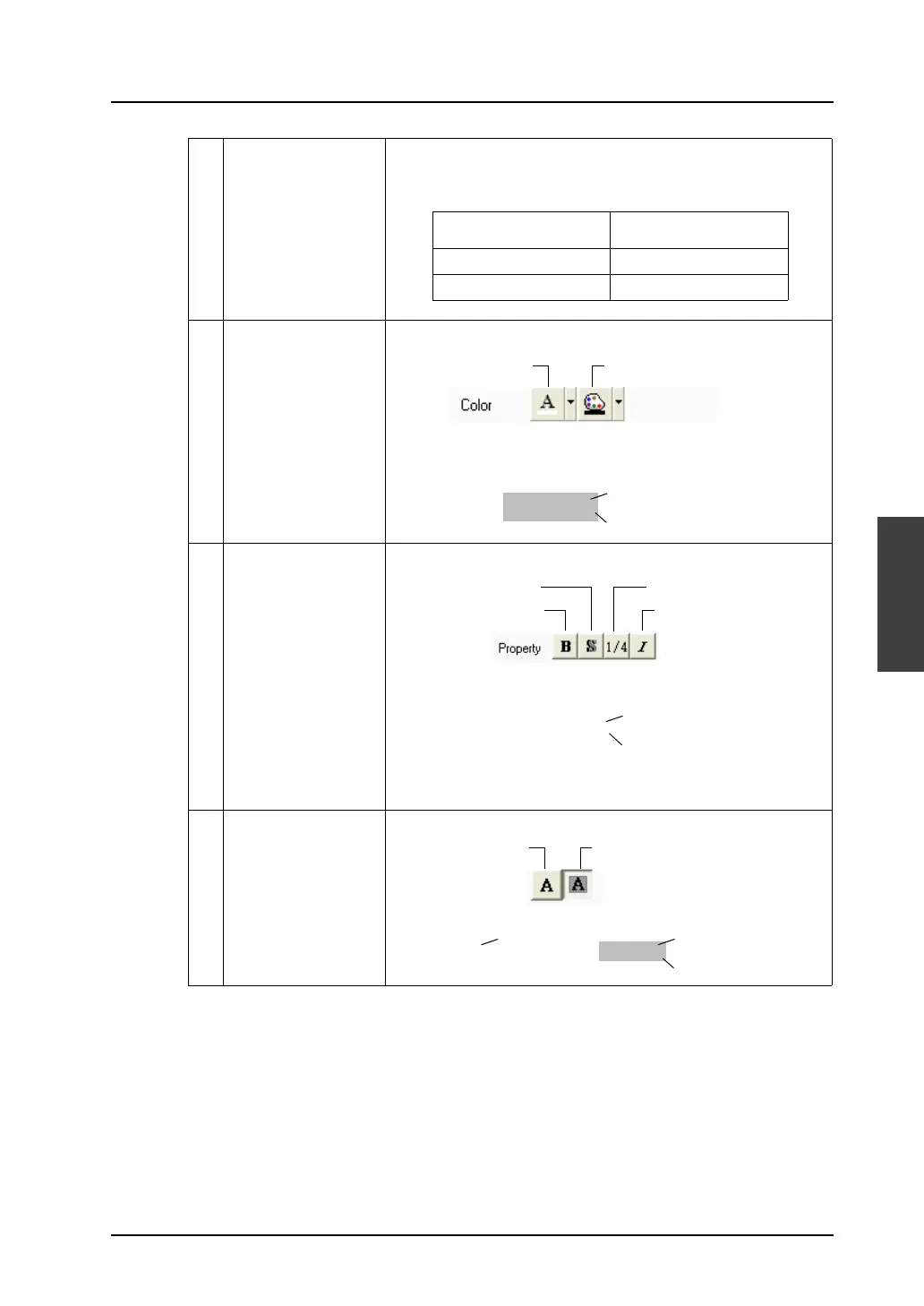
2 Color
(Char. Color/
Background)
Set the color for text.
When [Transparent] is not selected (refer to “Transparent” item), be
sure to set the background color.
3 Property Select the bold (*1), shadow, 1/4 (*2) or italic typeface for text.
*1 [Bold] is valid only when [X: 1] is selected for [Enlarge].
*2 [1/4] is valid only for 1-byte alphanumeric characters.
4 Transparent Select whether or not to make text background transparent.
No. of displayed dots
Max. number of characters
(1-byte)
640
× 480
80
800
× 600
100
BackgroundChar. Color
ABCD
Background
Char. Color
ItalicBold
Shadow
ABCD
Background
Foreground
[Shadow]
ABCD
1/4
ABCD
Background
Foreground
[Not Transparent]
ABCD
Foreground
[Transparent]
Not TransparentTransparent



 To Next Page