4.3 Drawing Methods
4-35
4
Drawing
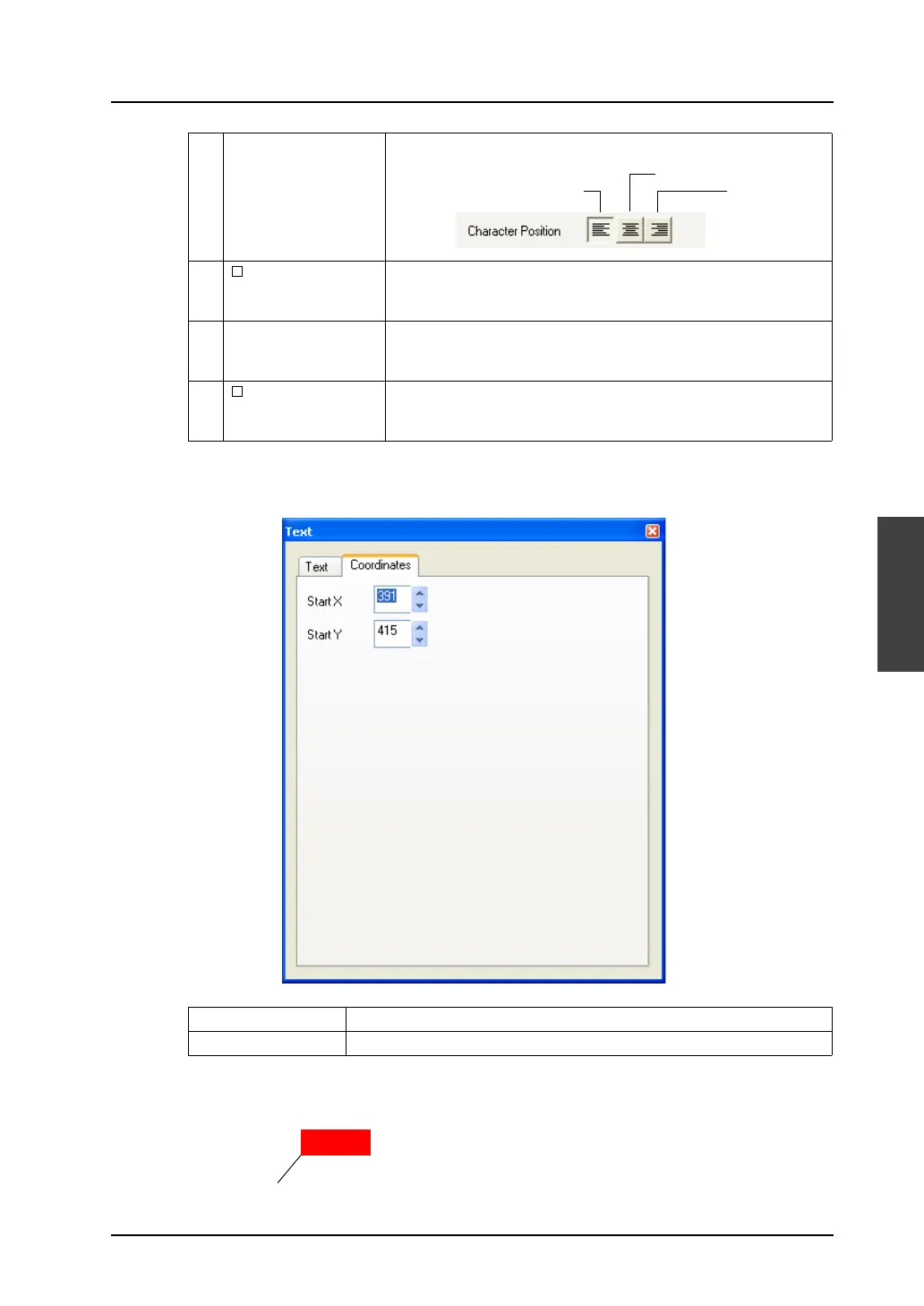
[Coordinates] tab window
* Start point X/Y for text
8 Character Position
(Flush
Left/Centering/Flush
Right)
Select a position with which characters are aligned.
9 Windows Font Check this box when using Windows font.
For more information on the Windows fonts, refer to “Windows Font”
(page A1-29 in “Appendix 1 Font”.
10 Display Language This setting is effective when you create multi-language screen data.
For more information, refer to “Appendix 3 Display Language” in the
V8 Series Reference Manual.
11 Free Text Position This setting is effective when multi-language screens are edited.
Text position can be moved arbitrarily for the language selected as
[Display Language].
Start X Specify the X coordinate at the lower left corner of the item in dots.
Start Y Specify the Y coordinate at the lower left corner of the item in dots.
Flush RightFlush Left
Centering
MENU
Start point (X: 391, Y: 415)



 To Next Page