5.6 Graphic Library
5-23
5
Registration
Data display setting procedure
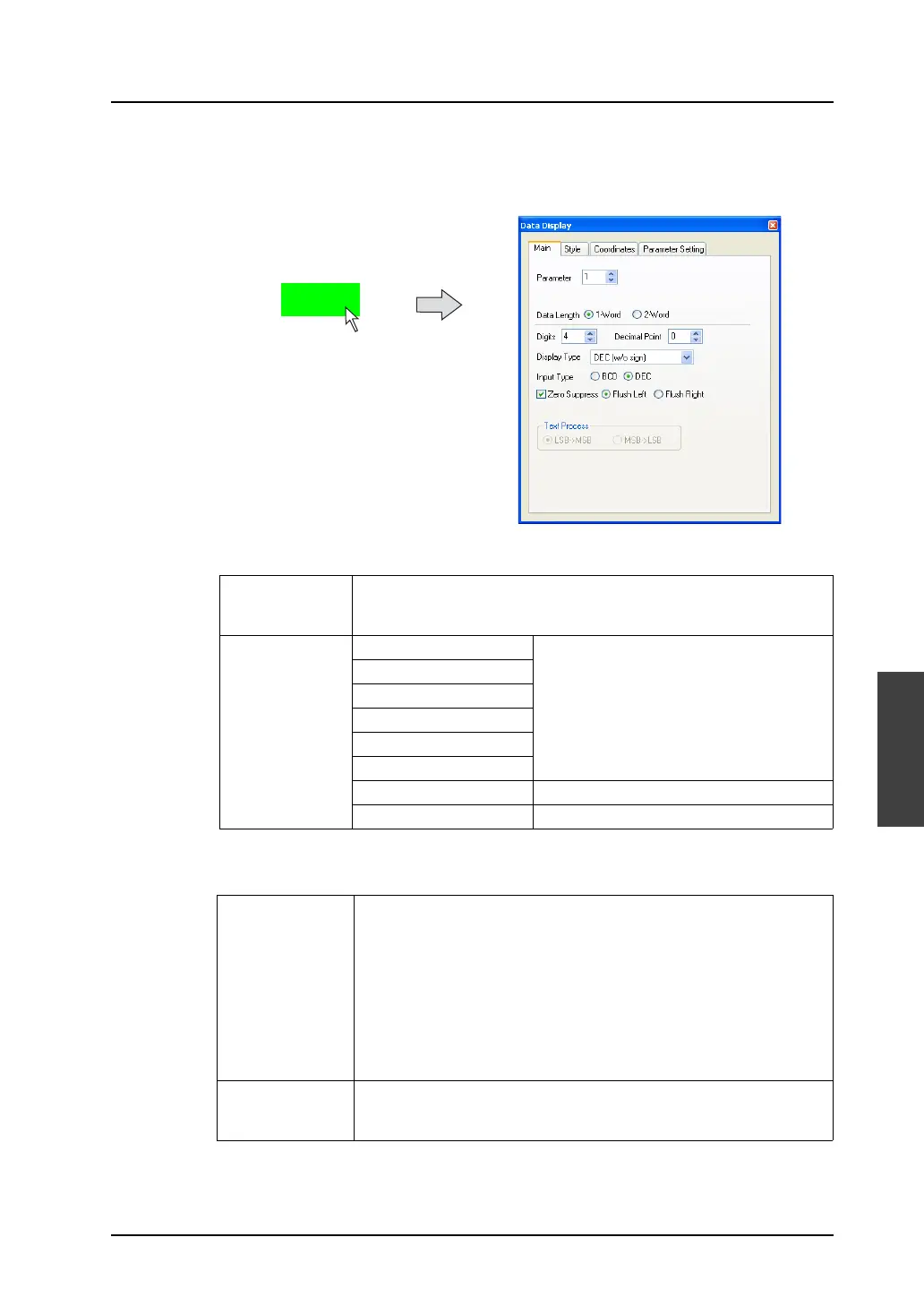
Click (or double-click) the placed data display.
The [Data Display] dialog is displayed.
• [Main] tab window
• [Parameter Setting] tab window
This tab window is used to make settings for showing data variations and moving the data display.
Parameter Allows you to define the parameter memory.
For more information on numbers, refer to “Chapter 11 Graphic” in the V8
Series Reference Manual.
Display Type DEC (w/o sign)
DEC (w/ −sign)
DEC (w/ +−sign)
HEX
OCT
BIN (binary)
CHAR Character display
MSG Message display
Action When moving or changing the data display, the new one is placed over
the previous one, or the previous one is cleared before the new one is
placed on the screen. Select either manner.
[Replace]
The new graphic is placed over the previous one.
Therefore, the previous one remains on the screen.
[Animation]
Only the new graphic is placed on the screen.
Set
(For each option)
When you go to a setting item and click its [Set] button, the [Parameter]
dialog is displayed.
For more information, refer to page 5-17.
Click or double-click.
1234



 To Next Page