5.10 Pattern
5-48
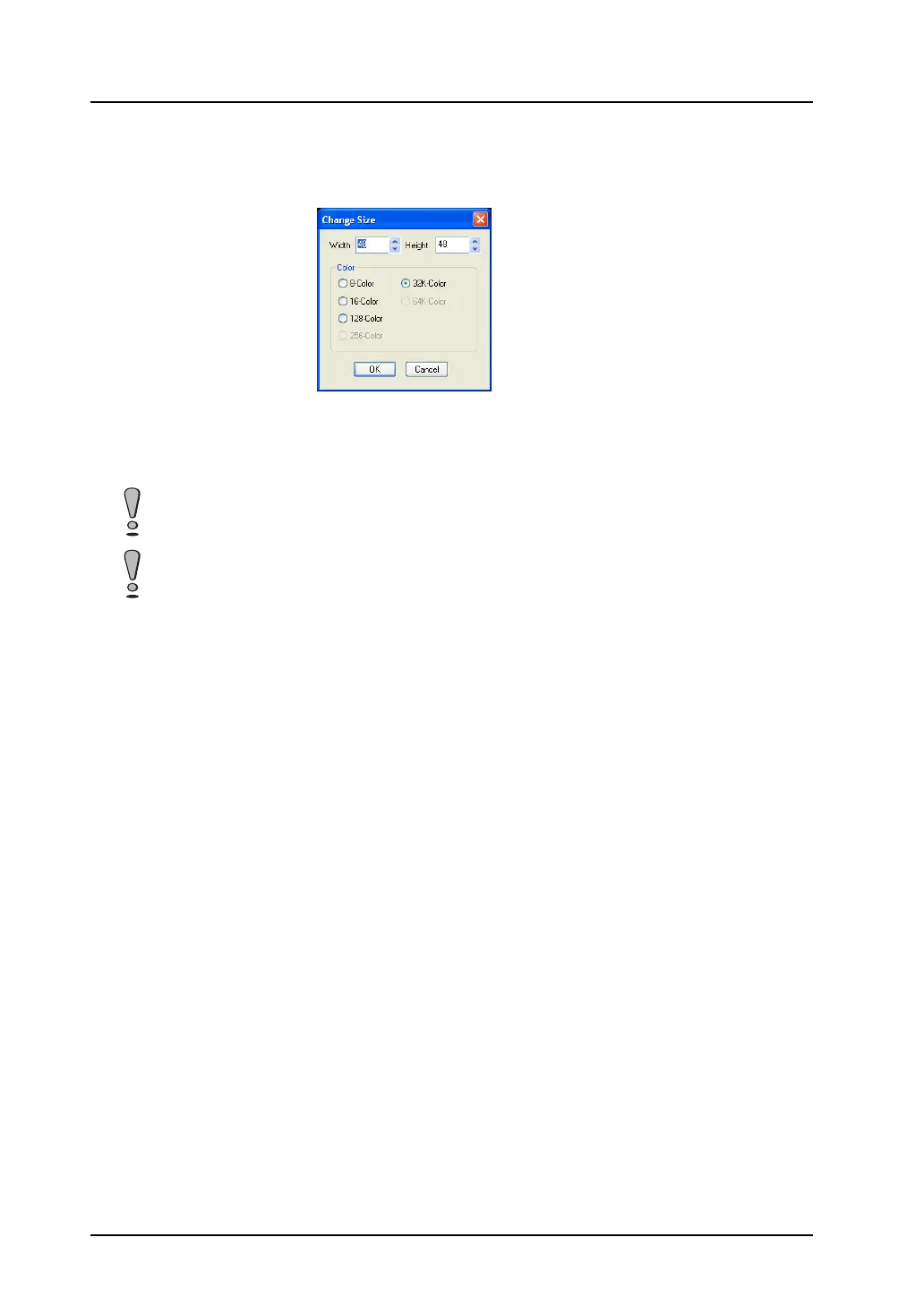
Change Size
This command is used to change a pattern size.
Clicking this command brings up the [Change Size] dialog.
The available setting ranges are as follows:
Width (X): 1 - 1024
Height (Y): 1 - 768
Color: 8-color/16-color/128-color/32k-color/64k-color
The above-mentioned setting ranges take effect on the condition that the data size of one pattern is
1 MB or smaller.
If a size change is made during pattern editing or when a pattern has been completed, the created
pattern data is deleted.



 To Next Page