1.1 Installation
1-3
1
Introduction
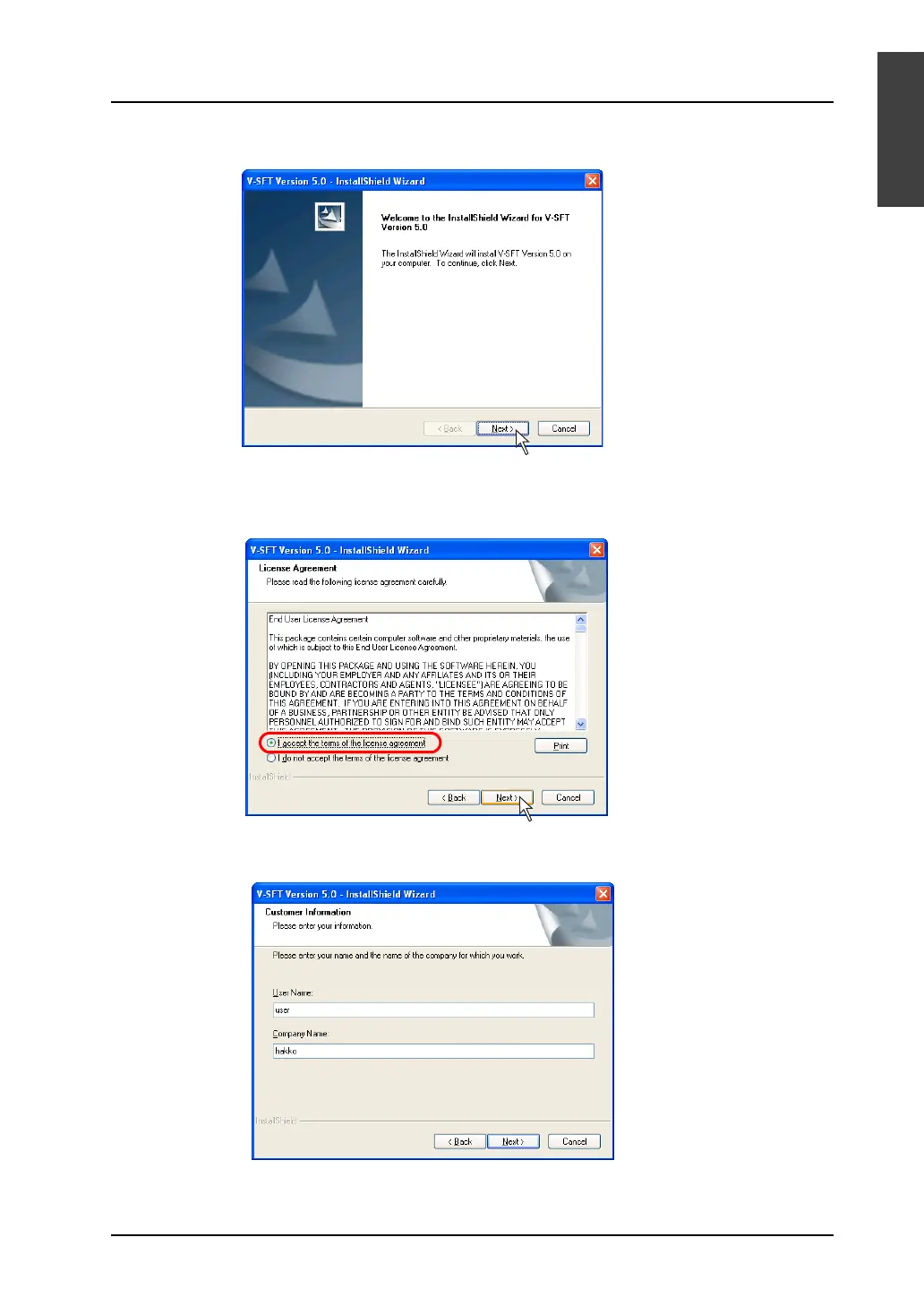
4. The following dialog is displayed: Click the [Next] button.
5. The [License Agreement] dialog is displayed.
Read the contents thoroughly. If you agree to the License Agreement, select [I accept the terms of
the license agreement.] and click the [Next] button.
6. The [Customer Information] dialog is displayed.
Enter a user name and company name, and click the [Next] button.



 To Next Page