1.1 Installation
1-4
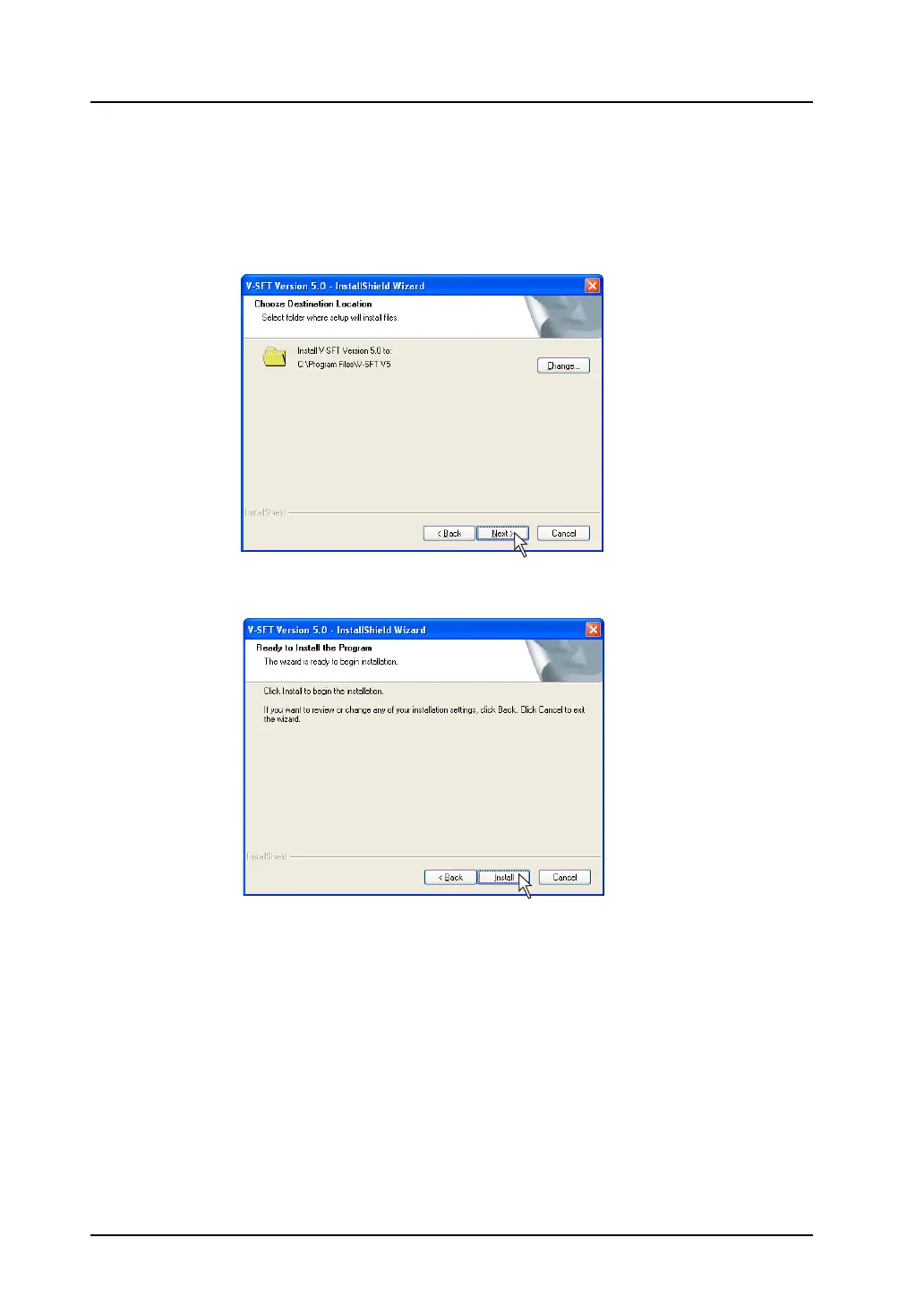
7. The [Choose Destination Location] dialog is displayed.
If the designated folder is correct, click the [Next] button. To change the folder, click the [Change]
button and select the desired folder. Then click the [Next] button.
The default location of where to install V-SFT depends on the OS in use.
• For Windows XP/2000/98/Me/NT C:\Program Files\V-SFT V5
• For Windows Vista (32-bit, 64-bit)/7 (32-bit, 64-bit) C:\MONITOUCH\V-SFT V5
8. The “Ready to Install the Program” dialog is displayed.
Click the [Install] button.



 To Next Page