1.1 Installation
1-5
1
Introduction
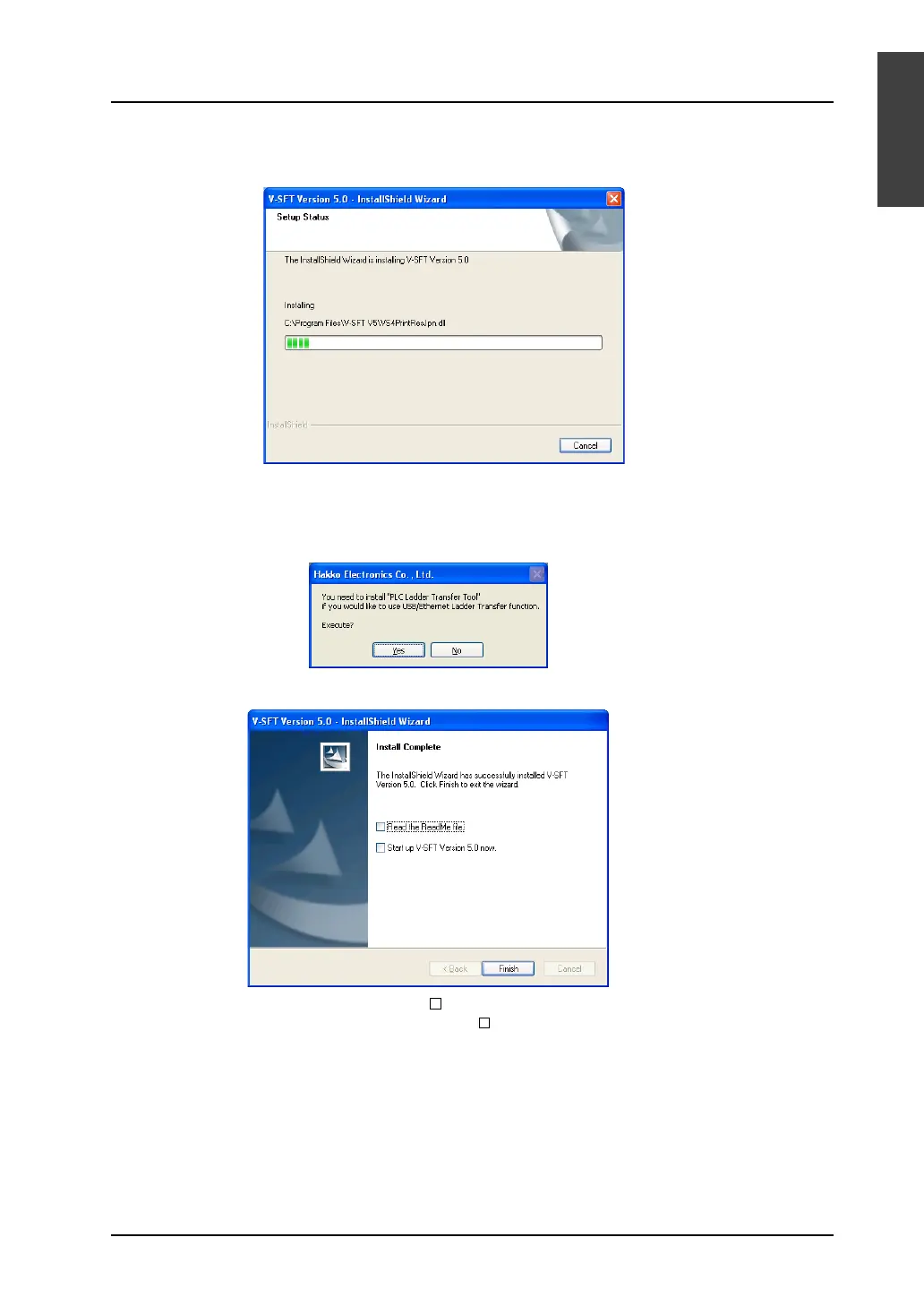
9. Installation is automatically started.
To cancel installation, click the [Cancel] button.
10. When installation is completed, the following dialog is displayed.
If you intend to use ladder transfer via USB or Ethernet, click [Yes]. For more information, refer to
the V8 Series Reference: Additional Functions.
If not, click [No].
11. When installation is completed, the following dialog is displayed.
To read the “ReadMe” file, check [ Read the ReadMe file.].
To start-up the editor immediately, check [ Start up V-SFT Version 5.0 now.].
Installation wizard is closed by pressing the [Finish] button.
The installation has been completed.



 To Next Page